Use Sign PDF to add electronic signatures to contracts, NDAs, forms, and approvals directly in Chrome—no printing, scanning, or risky uploads to third-party sites.
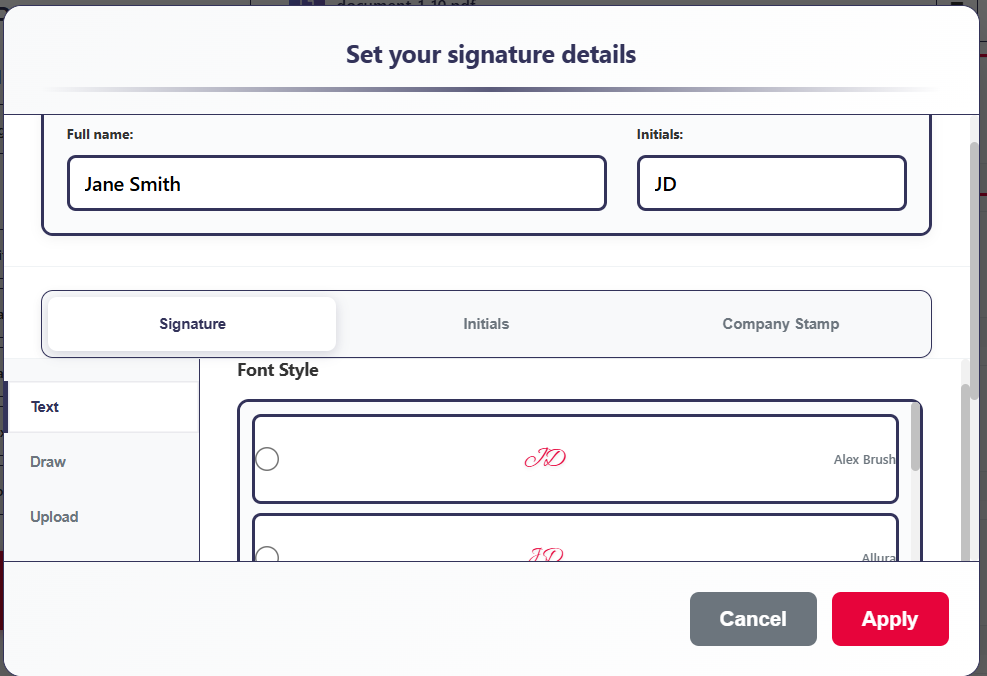
Draw, type, or upload your signatureTime-stamped signing audit overlayLocal-only signing · no file uploads
Stop printing, scanning, and chasing signatures.
Getting a simple signature on a document shouldn’t take days. Yet many people still wrestle with printers, scanners,
or clunky portals every time they need to sign PDF files.
Problem
Signing PDFs is slow and inconsistent
You download the file, print it, sign, scan, and re-upload—or hunt for an online free PDF signer that looks
halfway trustworthy. It breaks your flow every single time.
Agitation
Online tools raise privacy & trust questions
Many “how to sign a PDF” tutorials send you to sites that upload your documents, add watermarks,
or force you into subscriptions you don’t need—risky for contracts and client work.
Solution
Sign PDF right where you work
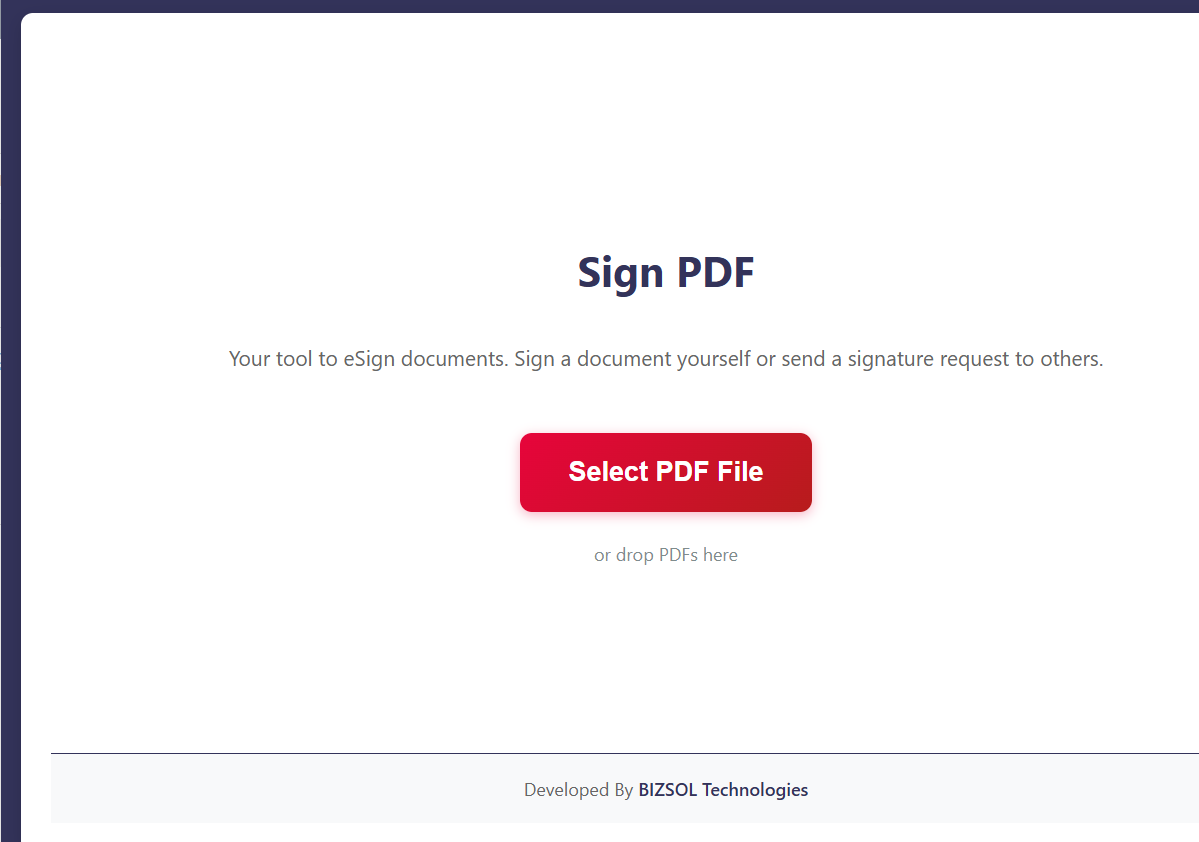
Sign PDF is a Chrome extension that lets you electronically sign documents directly in your browser.
Draw, type, or upload your signature, drop it on the page, and export a signed PDF in seconds—no uploads, no friction.
Who Sign PDF is perfect for
Designed for individuals and small teams who need fast, repeatable e-signature workflows without enterprise complexity.
Solo founders & consultants
Close client deals and sign service agreements the moment they hit your inbox—without leaving your browser.
Small business owners & managers
Quickly sign vendor contracts, HR forms, and approvals without adding another heavy e-signature software subscription.
Freelancers & remote professionals
Use a simple, secure way to electronically sign documents from anywhere, on any device running Chrome.
Features that make it effortless to sign PDF files
Everything you need to add signatures to PDFs securely, without leaving your browser or switching tools.
Draw, type, or upload signatures
Create a natural-looking signature with your mouse or trackpad, type your name in a signature font, or upload a scanned signature image.
Reusable signature library
Save one or more signatures in your local browser profile so you can sign future PDFs with just a couple of clicks.
Drag-and-drop placement
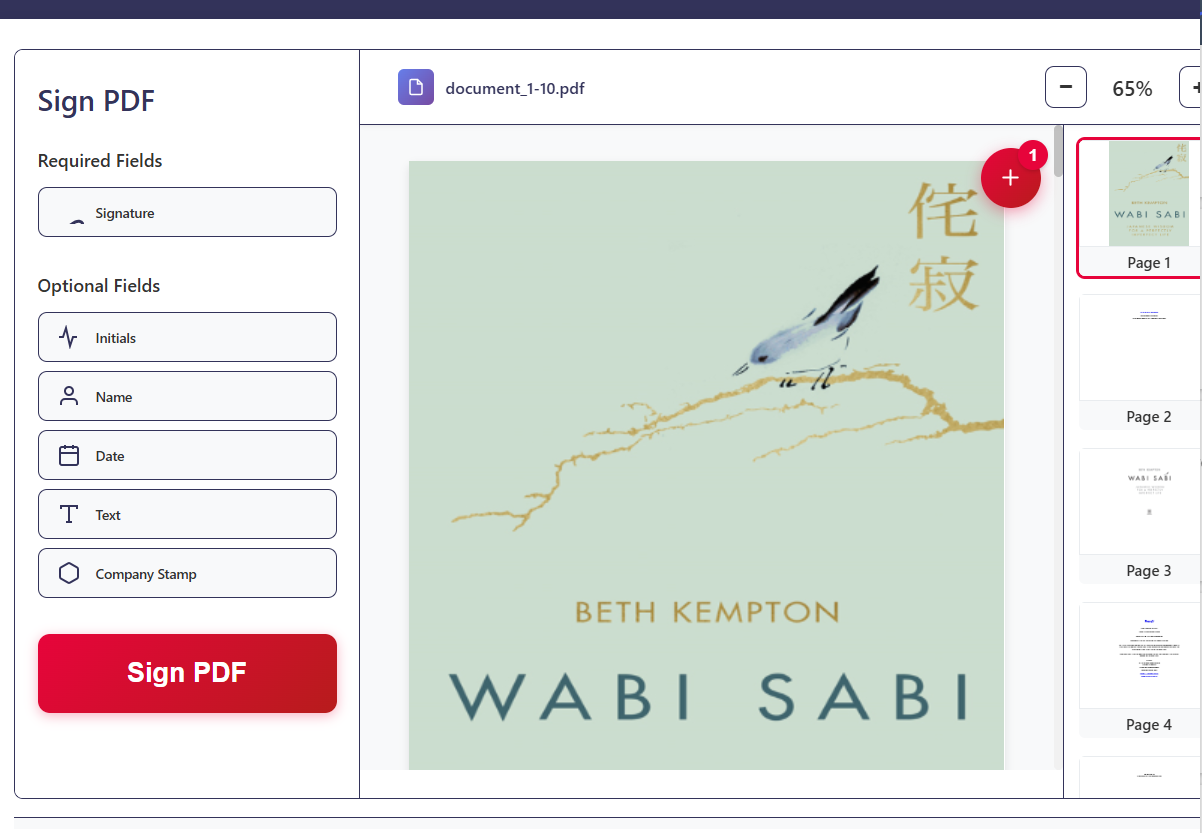
Click anywhere on a page to add a signature, then drag to reposition and resize for perfect alignment on lines and signature boxes.
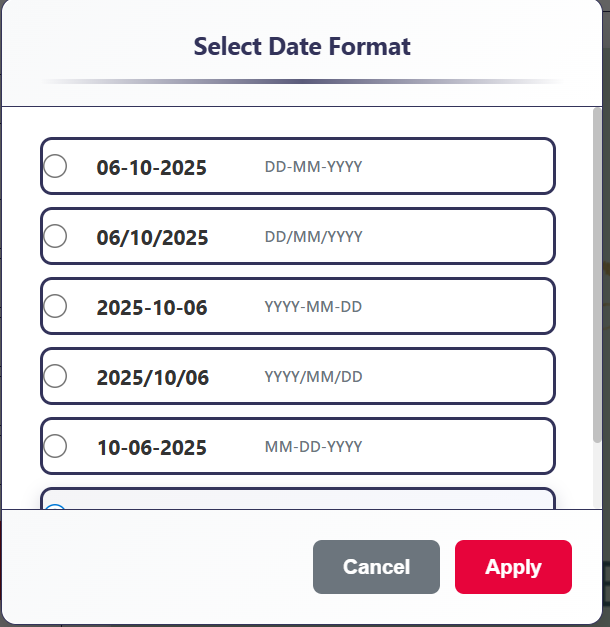
Date, initials & text fields
Add dates, initials, and small text fields (like job title or company) alongside your signature for complete sign-off.
Local-only processing
Unlike many free PDF signer sites, Sign PDF processes your documents locally—no servers, no uploads, more control.
Signing overlay & stamp
Insert a subtle, readable signing overlay with signer name and timestamp to support auditable e-signature workflows.
Multi-page & multi-signer support
Place signatures on multiple pages and for multiple people before exporting the final document as a single signed PDF.
One-time license, lifetime updates
Pay once and use Sign PDF indefinitely on a single Chrome profile—no subscriptions, no per-envelope pricing.
Simple, focused UI
A clean interface that keeps the focus on your document—not on configuration screens or complicated dashboards.
Why choose Sign PDF over typical e-signature software
A lightweight, privacy-conscious alternative to bloated platforms and risky online tools.
One-time $9 price with lifetime updates—no per-envelope or per-user fees.
Local-only processing: PDFs never leave your device during signing.
Friendly, focused interface built for individuals instead of enterprise admins.
Works with your existing tools—email, cloud storage, and CRMs—without forced lock-in.
Ideal for everyday “sign PDF” needs where speed, control, and simplicity matter.
How Sign PDF works in four quick steps
From unsigned to signed in under a minute, right inside your browser.
Install the Sign PDF Chrome extension and activate your license key after purchase.
Open your PDF in Chrome and launch Sign PDF from the extensions toolbar.
Create or choose a saved signature, then click on the page to place it. Add dates or initials if needed.
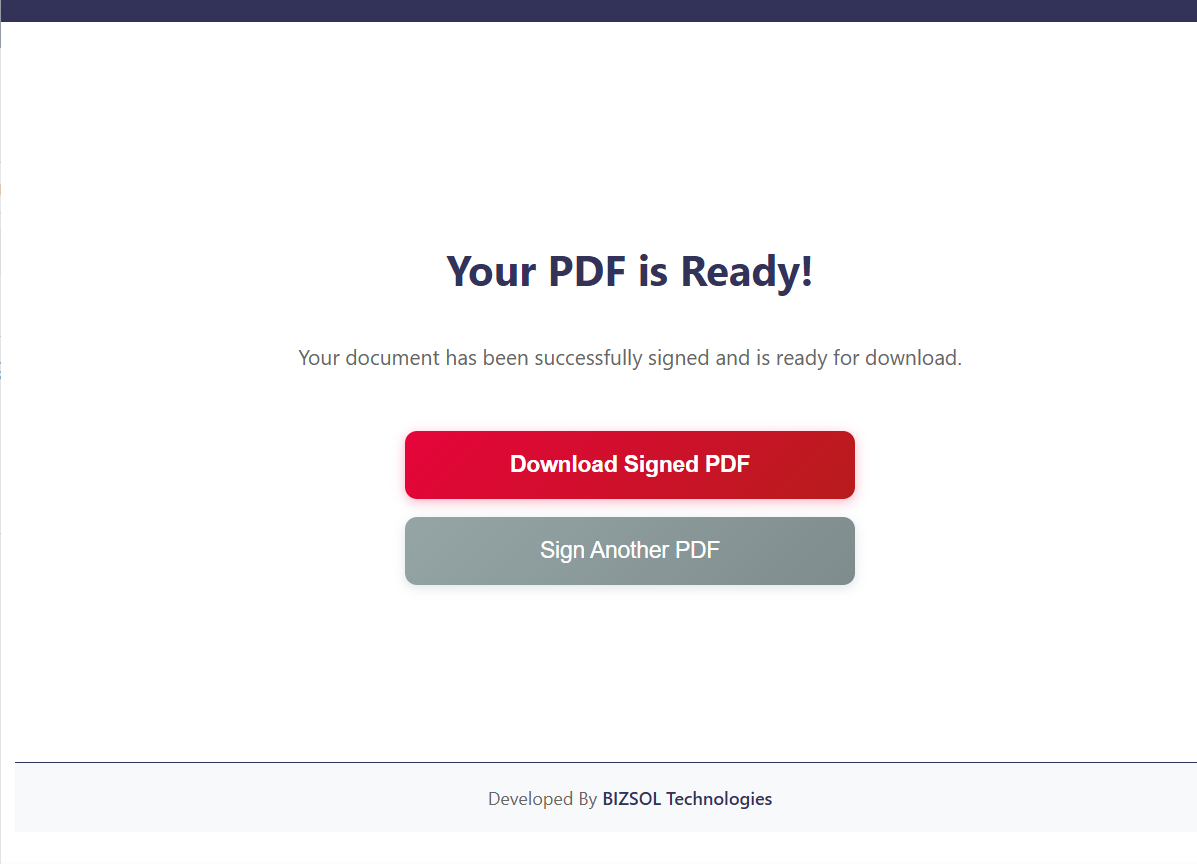
Export the signed PDF and download it—ready to send, store, or upload to your existing systems.
See Sign PDF in action
A simple, secure way to add signatures to important documents without leaving Chrome.
Real-world use cases & outcomes
How professionals use Sign PDF to move work forward faster.
Client contracts & proposals
Quickly sign project scopes, proposals, and SOWs without needing separate e-signature software—accelerating deal cycles.
HR forms & onboarding
Sign offer letters, policy acknowledgements, and internal forms right from your browser, especially for small teams.
Approvals & internal documents
Use Sign PDF to add initials and signatures to invoices, purchase approvals, and internal memos in seconds.
Pricing, license & guarantee
Straightforward pricing for people who sign PDFs regularly—but don’t want another recurring bill.
Sign PDF – Single Seat License
A single-seat license for one Chrome profile. Ideal for consultants, freelancers, and small business owners
who want full control over their signing workflow.
Try Sign PDF for 14 days. If it doesn’t simplify how you sign PDF documents or replace
your current e-signature software for everyday use, email us and we’ll refund your purchase.
Privacy-first design, backed by responsive, human support.
Privacy-first architecture
All signatures are applied locally inside your browser. This makes Sign PDF a safer alternative to many
online e-signature software and “free PDF signer” tools for everyday signing needs.
Typical response time: within 1–2 business days for most support requests.
Frequently asked questions
Answers to common questions about purchasing, installing, and using Sign PDF.
Is Sign PDF a subscription?
No. It’s a one-time $9 purchase for a single seat. You get lifetime updates with no recurring fees.
Can others sign a PDF I’ve prepared in Sign PDF?
Yes. You can place signature blocks and text labels, export the PDF, and then share it with other parties
to sign using their preferred tools if needed.
Will you store my signature in the cloud?
No. Saved signatures are stored locally in your browser profile. They are not synced to our servers.
Can I use Sign PDF to sign on mobile?
Sign PDF is built for desktop Chrome and Chromium-based browsers. For mobile signing, you can transfer the
PDF to a desktop environment that has the extension installed.
Are signatures legally binding?
Electronic signatures are widely accepted in many jurisdictions, but requirements vary. Sign PDF supports
common e-signature workflows, but we recommend consulting your legal counsel for jurisdiction-specific guidance.
Can I transfer my license to another profile?
Your license is tied to one Chrome profile. You can move it by deactivating on one profile and activating
on another. For multi-user teams, additional seats or team licenses are available.
What if the extension doesn’t work with my setup?
First, check our docs at
bizsoltech.com/plugins/sign-pdf/.
If you still have issues, contact support and we’ll help you troubleshoot—or refund you if we can’t resolve it.
How do I request a refund?
Within 14 days of purchase, email
support@bizsoltech.com with your order details and we’ll
process a refund if Sign PDF isn’t a fit.
Where can I see updates and new features?
We publish release notes and feature updates on the docs page and our main plugin directory at
bizsoltech.com/plugins.
Ready to sign PDF documents without the hassle?
Add Sign PDF to Chrome today and turn “Can you sign this?” from a chore into a one-minute task—secure, smooth,
and fully in your control.