Use Rotate PDF to fix sideways scans, upside-down contracts, and misaligned pages without leaving your browser.
Rotate, preview, and save the new layout permanently in just a few clicks.
Straighten scans & contracts in secondsNo uploads · private & local onlyRotate pdf and save the new layout
Stop sending PDFs where half the pages are sideways.
If you work with scans, contracts, or multi-page reports, mis-rotated pages are more than annoying—they slow down reviews,
frustrate clients, and make you look less professional.
Problem
Sideways PDFs waste time and focus
Recipients keep tilting their head, rotating their screen, or printing pages just to read them.
Every misaligned page makes your document harder to trust and use.
Agitation
Online rotate pdf tools feel clunky & risky
Many rotate pdf online sites force uploads, show ads, or compress your files.
Not ideal for confidential contracts, invoices, or HR records that must stay private.
Solution
Rotate PDF inside Chrome, then save for good
Rotate PDF lets you select pages, rotate them 90°/180°/270°, preview the result, and export a clean,
permanently rotated PDF—without leaving your browser or uploading anything.
Who Rotate PDF is perfect for
Built for individuals and small teams who share PDFs daily and want every page to look clean and intentional.
Solo founders & consultants
Fix sideways pages in proposals, project plans, and scan-heavy documents before sending them to clients or investors.
Small business owners & admins
Clean up scanned invoices, signed contracts, and receipts so your accountant, lawyer, or team can review them easily.
Students, educators & freelancers
Rotate pdf pages in notes, assignments, and design proofs so feedback stays focused on the content—not layout issues.
Features built for clean, fast rotate pdf workflows
Everything you need to rotate pdf pages and save the new orientation—without touching heavy desktop tools.
Rotate whole file or specific pages
Rotate the entire PDF or select only the misaligned pages—ideal for mixed-scan documents.
90° / 180° / 270° rotations
Fix sideways, upside-down, or over-rotated pages in seconds.
Instant in-browser preview
See how rotated pages will look before exporting. Adjust until every page is perfect.
Local-only processing
All work is done in your browser. No uploads, no external servers.
One-click rotate controls
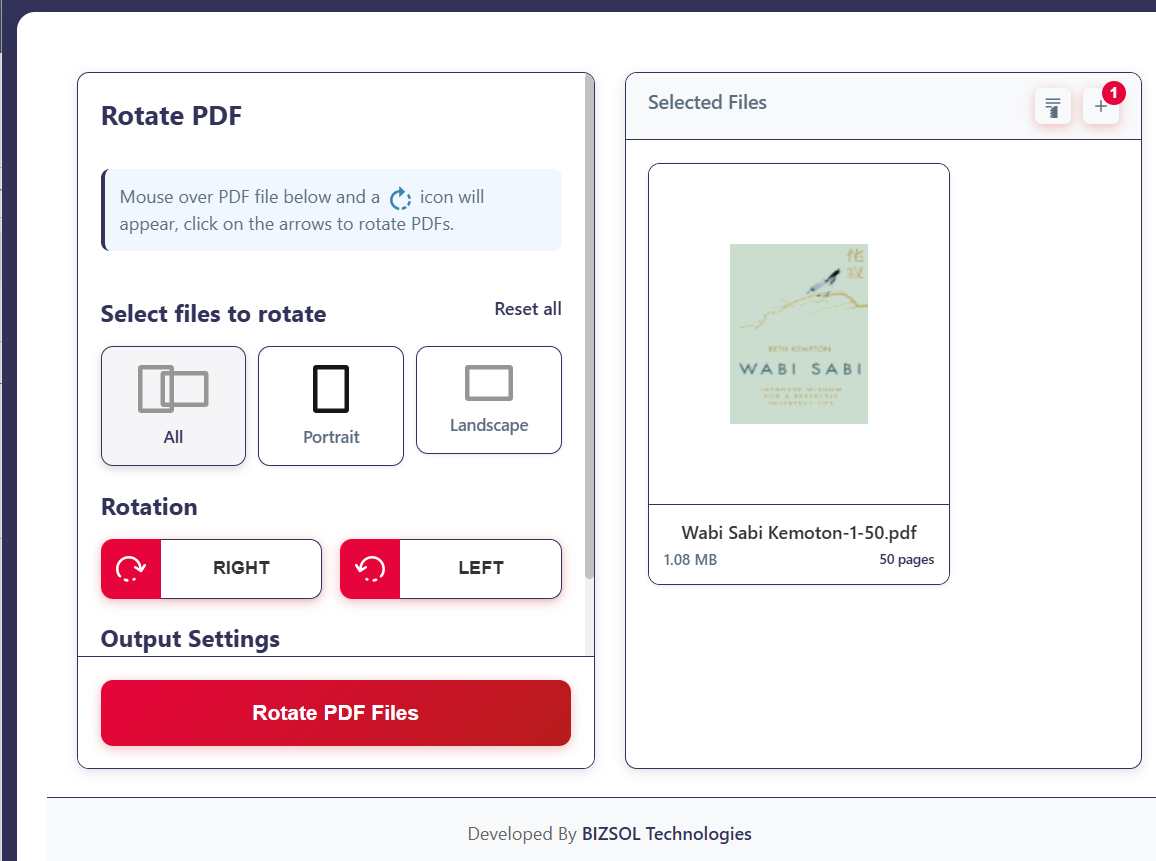
Rotate-left / rotate-right buttons per page thumbnail to scan and fix quickly.
Permanent, high-quality save
Export a rotated copy without unwanted compression or watermarks.
Works with everyday PDFs
Great for PDFs from scanners, Office, Google Docs, or design tools—no special formats.
One-time license
Pay $9 once for a single seat, plus lifetime updates.
Lightweight Chrome extension
A focused tool (not a bloated suite) that keeps your browser responsive.
Why choose this Rotate PDF add-on
A focused, privacy-first way to rotate pdf file layouts without slowing down your workflow.
One-time $9 price with lifetime updates—no recurring rotate pdf online subscription.
Privacy-first: your PDFs never leave your machine while you rotate pdf pages.
Built specifically as a Chrome extension that feels native to your browser.
Minimal UI so anyone can fix sideways PDFs in seconds—no training needed.
Pairs perfectly with your existing scan, e-sign, and PDF tools.
How Rotate PDF works in four simple steps
Go from messy, sideways pages to a clean, reader-friendly PDF in under a minute.
Install the Rotate PDF Chrome extension and activate your license key after purchase.
Open your PDF in Chrome and launch the extension from your toolbar.
Select the pages you want to rotate, choose the rotation angle, and preview the new layout.
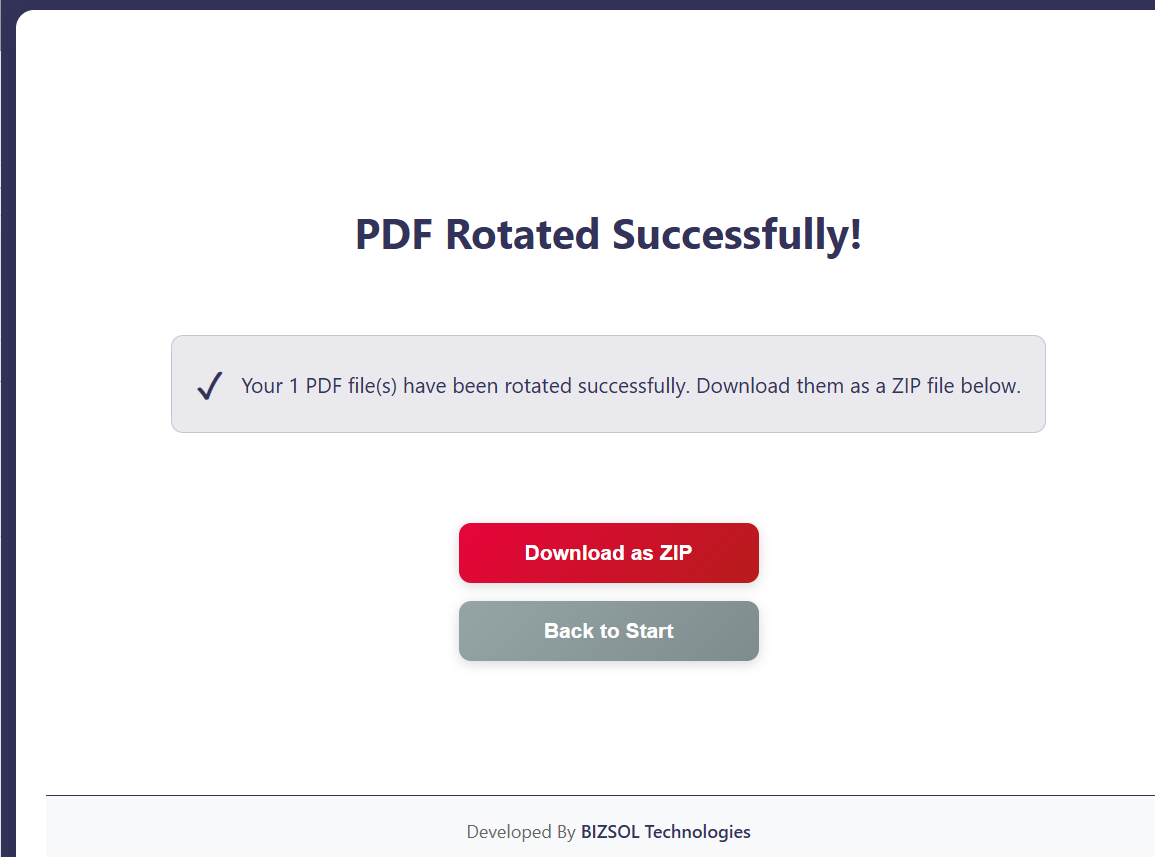
Click to rotate pdf and save, then download the updated file ready to send or archive.
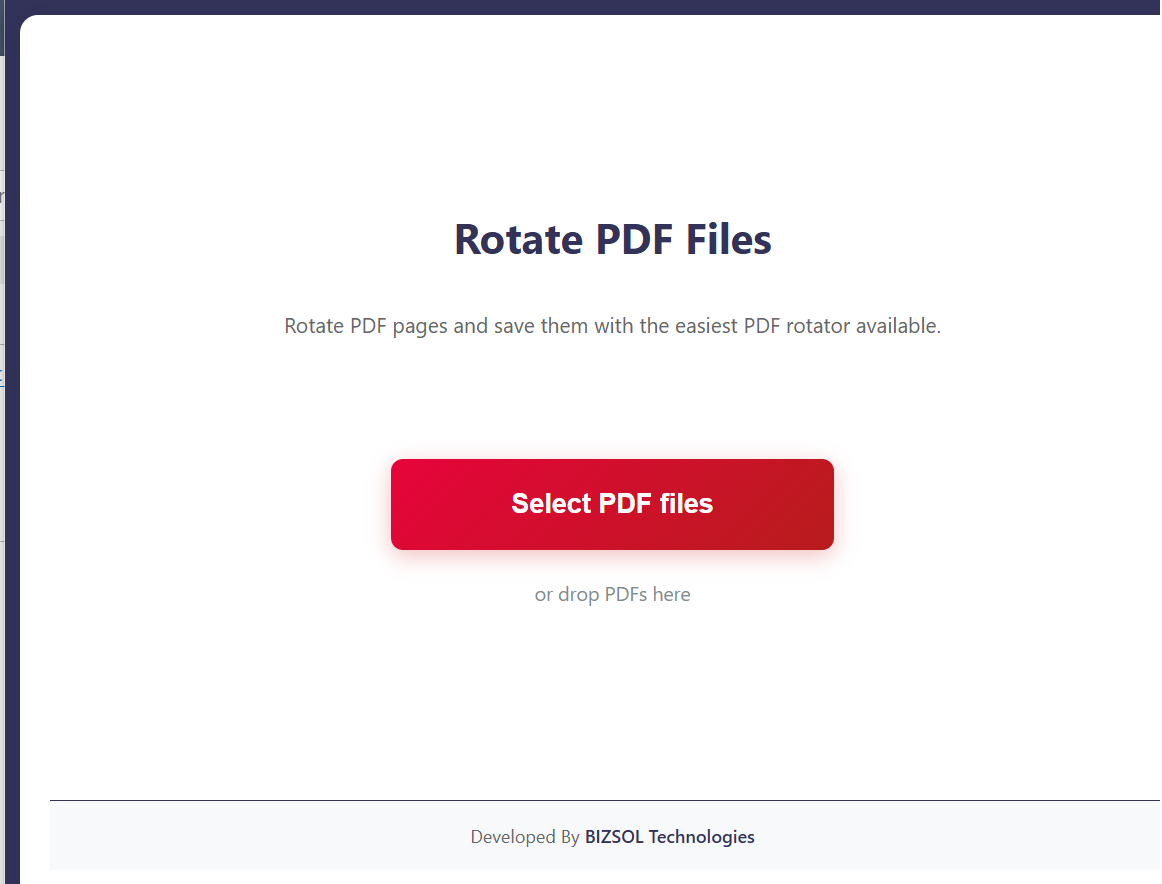
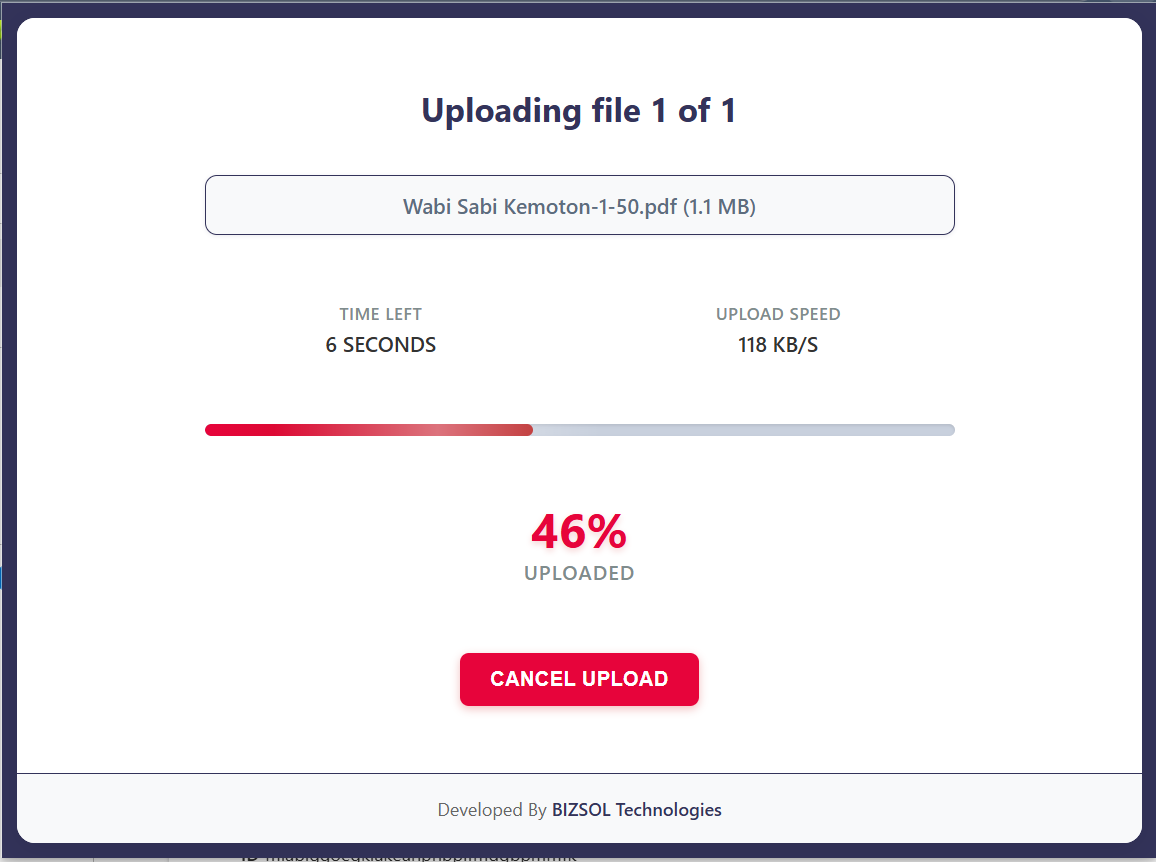
See Rotate PDF in action
A clean interface focused on one job: straightening every page in your document.
Real-world use cases & outcomes
Everyday scenarios where Rotate PDF saves you time and frustration.
Signed contracts & forms
Rotate scanned signature pages so stakeholders can read and verify without printing.
Finance & HR scans
Clean up tax docs, payslips, and employee files so teams can process them faster.
Study notes & training packs
Rotate pages in handwritten notes and worksheets so learners focus on content.
Pricing, license & guarantee
Simple, one-time pricing for anyone who regularly needs to rotate pdf file layouts.
Rotate PDF – Single Seat License
A single-seat license for one Chrome profile. Pay once and use it whenever a sideways document shows up.
Privacy-first by design and backed by responsive support.
Local, secure processing
Files are processed locally in your browser—no server uploads. That makes Rotate PDF safer than most
generic rotate pdf online tools you find in search results.