Watermark PDF documents in seconds—right inside Chrome.
Watermark PDF helps you add text or logo watermarks to any PDF without leaving your browser.
Protect drafts, client files, and internal documents with a streamlined watermark workflow.
Protect sensitive PDFsText + logo watermarksApply to all pages
Stop sending unprotected PDFs that get copied and shared.
If you work with client deliverables, drafts, or internal documents, every unmarked PDF is a risk to your work and your brand.
Problem
Plain PDFs are easy to misuse
Contracts, proposals, and training material get forwarded, duplicated, and reused—often without credit or permission.
Agitation
Online tools are clunky and risky
Many “add watermark to PDF online” tools require uploads, show ads, and feel wrong for confidential files.
You waste time hopping between websites just to stamp one document.
Solution
Watermarks in Chrome, export in one click
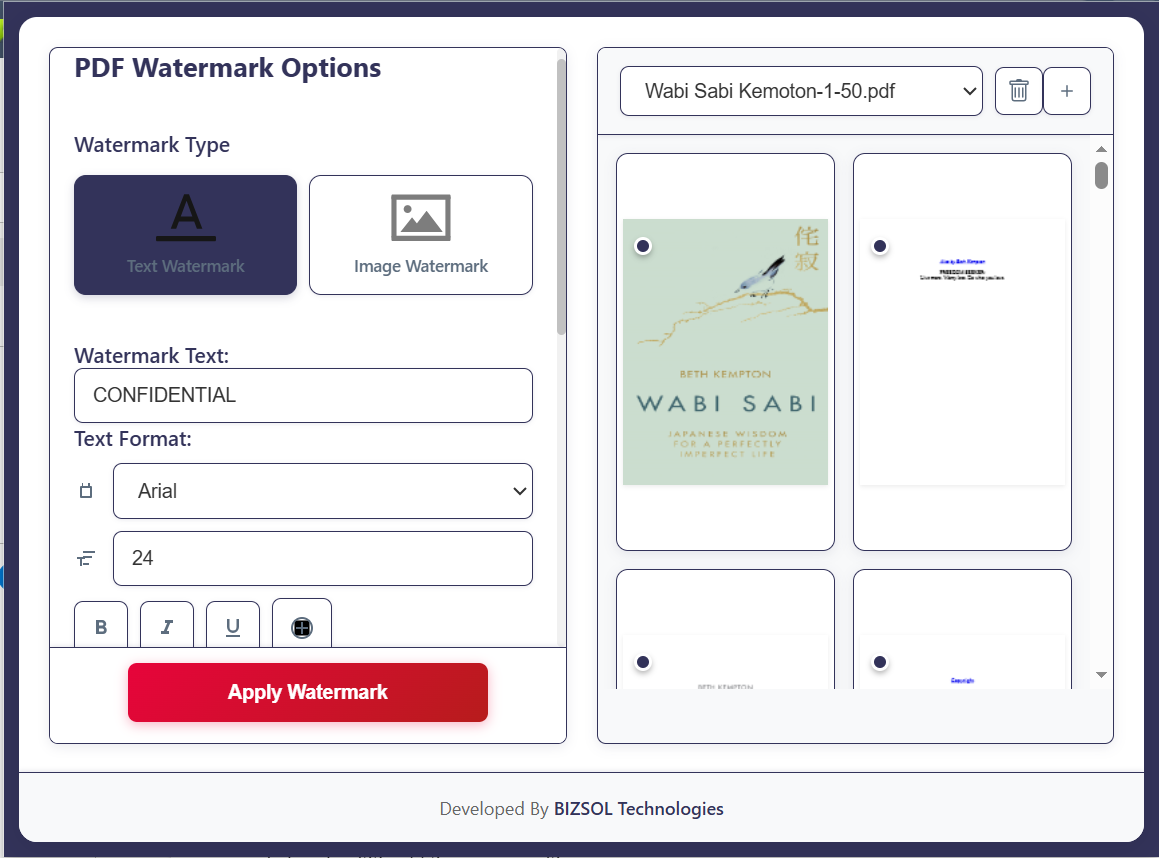
Design a watermark once, preview it instantly, apply it to all or selected pages, and export—without leaving your browser workflow.
Who Watermark PDF is perfect for
Designed for individuals and small teams who need fast, consistent document protection in their everyday workflow.
Solo founders & consultants
Protect proposals, strategy decks, and reports before sharing them with prospects and stakeholders.
Agencies & freelancers
Stamp drafts, mockups, and previews with “Sample” or your logo so they are not reused without approval.
HR, legal & finance teams
Mark internal PDFs as “Confidential” or “Internal Use Only” to reduce accidental forwarding and leakage.
Features built for serious watermark workflows
Everything you need to design, preview, and apply professional watermarks—without complex PDF software.
Text & logo watermarks
Add “Confidential” text or upload your brand logo. Use either—or combine both.
All pages or selected pages
Apply watermarks to every page or only specific pages/page ranges.
Opacity & angle control
Set transparency and rotation so the watermark is clear without overpowering content.
Position presets
Center, diagonal, header, footer, or custom positions with consistent alignment.
Font, color & size options
Match your brand guidelines with full control over text styling.
Live preview
Preview changes instantly before exporting your final watermarked PDF.
Template presets
Save watermark layouts like “Draft”, “Client Copy”, or “Internal” and reuse anytime.
Local processing
Designed to avoid server-side processing for safer day-to-day workflows.
Lightweight & fast
Focused Chrome extension UI—quick to load and simple to use.
Why choose Watermark PDF
A focused tool for people who work with PDFs every day and care about privacy, speed, and brand consistency.
One-time $9 price with lifetime updates—no subscriptions.
Privacy-first posture: designed to avoid server uploads for watermarking.
Purpose-built for watermarks, not a bloated all-in-one PDF suite.
Template-based workflows to standardize watermarks across teams/clients.
Clean UI that anyone can use—no training required.
How it works
Go from a plain document to a branded, protected PDF in under a minute.
Install the Watermark PDF Chrome extension and activate your license key after purchase.
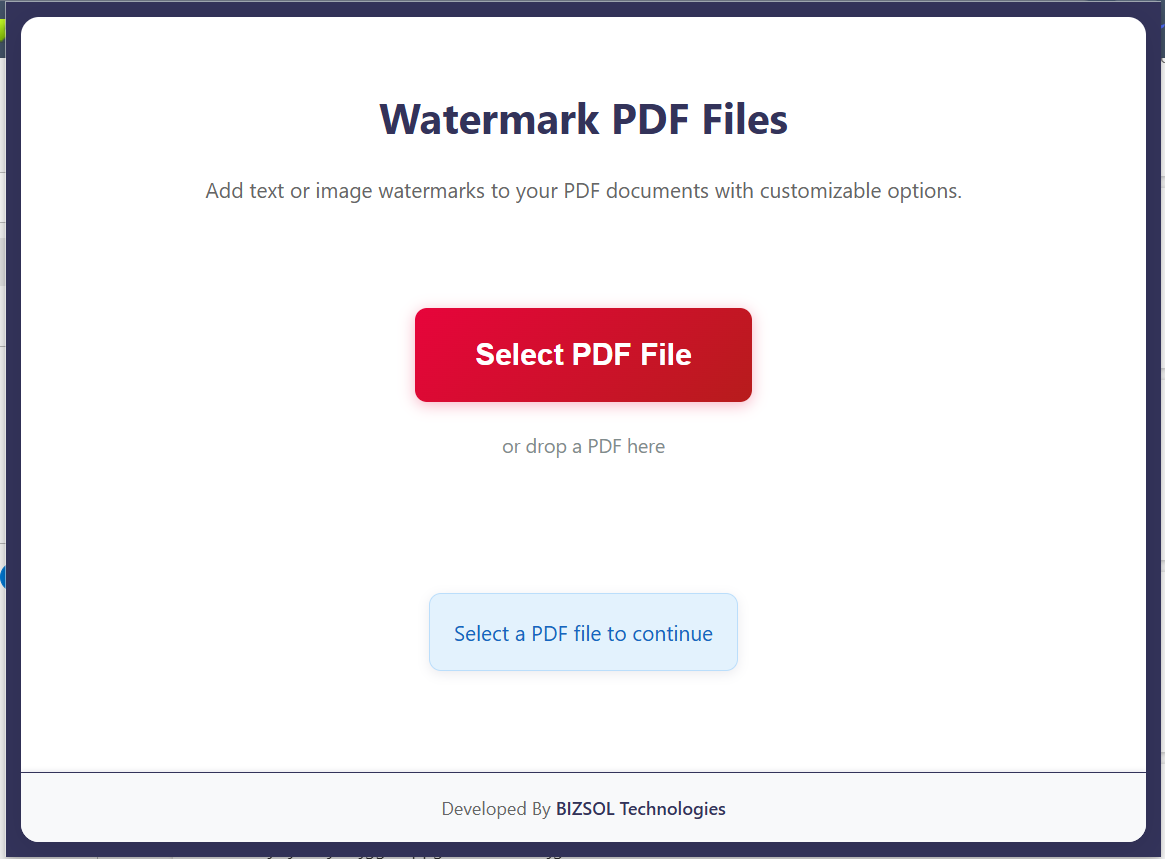
Open the extension and drag-and-drop your PDF into the editor.