TimeZone – Single Seat License
One-time purchase for one user, with lifetime updates.
- $9 one-time payment
- Lifetime updates
- Use on your own Chrome profile
 TimeZone
TimeZone helps you convert time zones instantly, compare multiple cities, and share meeting times clearly—so you book the right slot the first time.
Scheduling across time zones should be simple—but DST shifts and “what day is it there?” confusion cause missed calls and lost trust. TimeZone makes global scheduling fast and reliable inside Chrome.
Switching tabs, searching conversions, and double-checking offsets wastes time every week.
A 1-hour mismatch can ruin meetings—especially when countries change DST rules at different times.
Convert time zones instantly, compare multiple cities, and copy clean time options you can send confidently.
Perfect for individuals and business owners who coordinate with clients, teams, or partners across regions.
Propose meeting options that work for both sides—without back-and-forth.
Convert and share time slots clearly in emails, WhatsApp, Slack, or proposals.
Schedule interviews across regions and avoid “wrong day / wrong hour” mistakes.
Everything you need for a fast meeting time zone planner and reliable conversion workflow.
Enter a time once and see the equivalent time everywhere you care about.
Compare multiple locations like a world clock for Chrome—side-by-side.
Automatically accounts for Daylight Saving Time changes across regions.
Use it as a UTC to local time converter for logs, releases, and deadlines.
Save frequent cities so you can convert in seconds, every time.
Copy “City A time / City B time” formats that reduce confusion instantly.
See offsets and differences to avoid accidental mismatches.
Open, convert, copy—done. Built for daily use.
Ideal for international meeting scheduling across US/EU/UK/GCC/APAC.
Less tab-hopping. Fewer scheduling mistakes. Faster decisions.
A quick workflow you’ll repeat in seconds.
A quick look at the TimeZone converter flow inside Chrome.
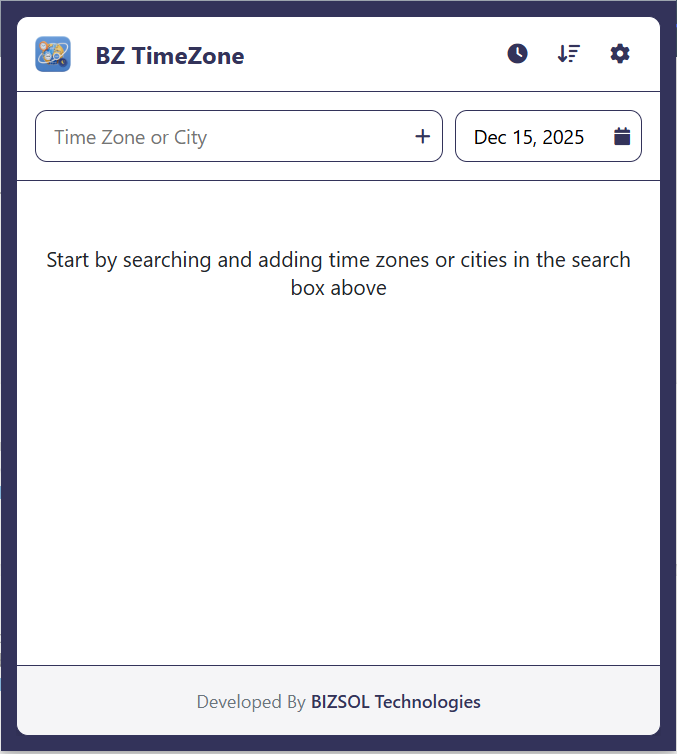
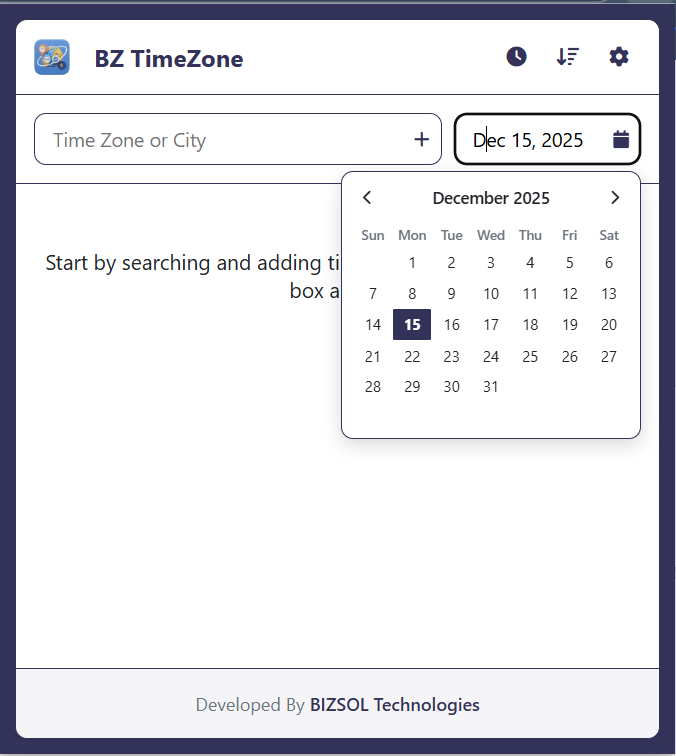
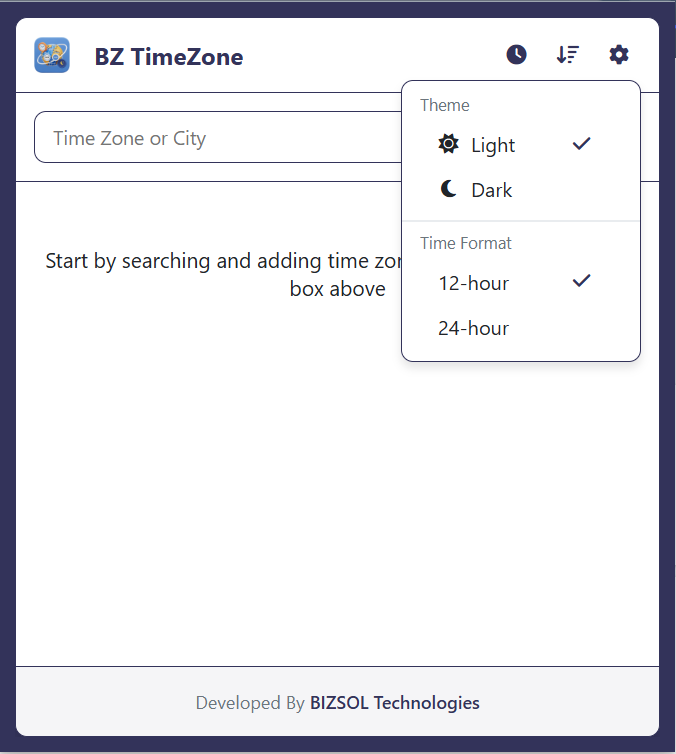
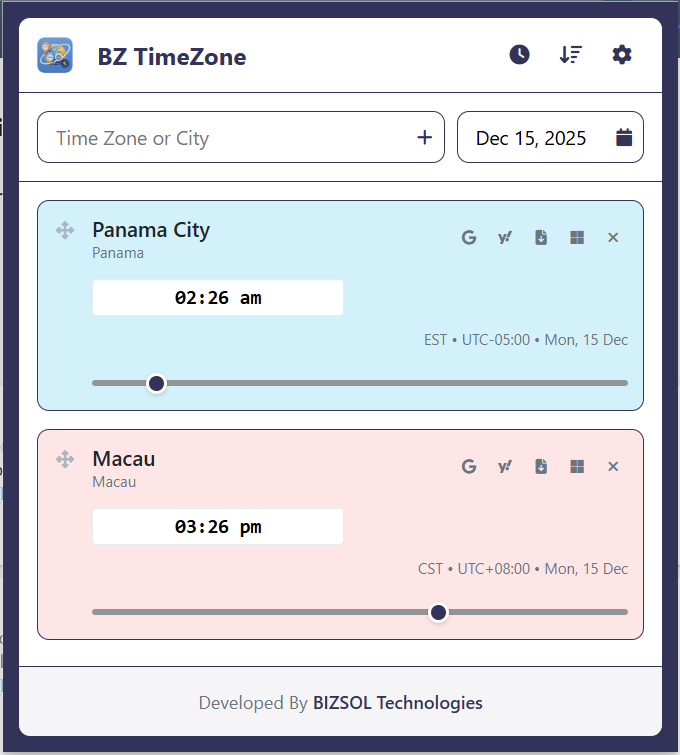
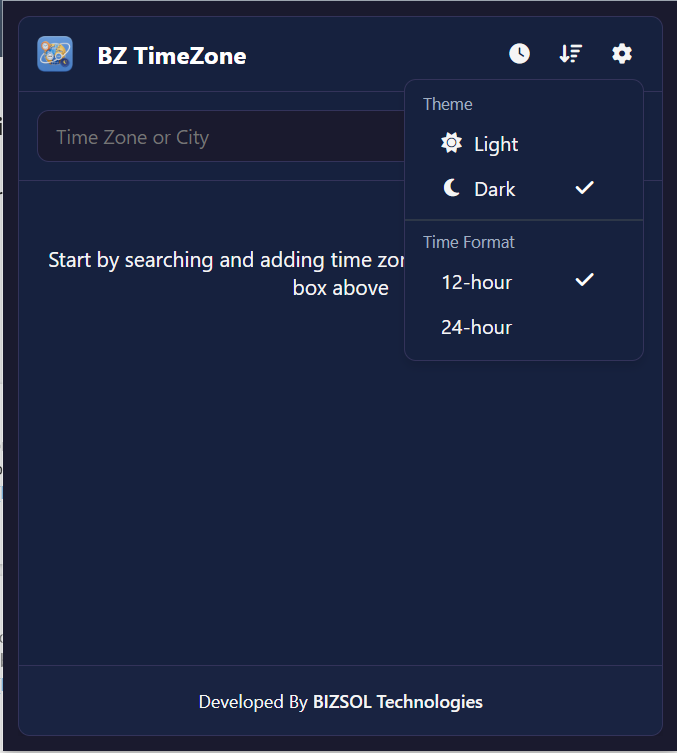
Where a fast time zone difference calculator saves time and prevents mistakes.
Send accurate slots in one message and book faster.
Convert timestamps to your local time instantly—no surprises.
Avoid “wrong day” mistakes by sharing clear, consistent times.
One clear plan for individuals and single users.
One-time purchase for one user, with lifetime updates.
If it doesn’t fit your workflow, email support and we’ll refund within the guarantee window.
Support: support@bizsoltech.com · Docs: bizsoltech.com/plugins/timezone/
Built for practical scheduling and backed by responsive help.
Designed for utility and clarity. TimeZone doesn’t inject ads, and it only runs when you open the extension to convert or compare times.
Email: support@bizsoltech.com
Docs: bizsoltech.com/plugins/timezone/
Typical response time: within 1 business day.
Short answers to common questions before you buy.
Yes. It applies standard time zone rules automatically based on location and date.
No—$9 one-time per seat, with lifetime updates.
No. It’s designed for utility and only runs when you open the extension to convert time zones.
Yes. It’s built as a multi city time converter so you can compare everyone’s local time quickly.
Yes—use it as a UTC to local time converter for deadlines, logs, or global timestamps.
Chrome v120+ on Windows/macOS/Linux (and most Chromium-based browsers that support extensions).
One seat is for one user. You can use it on your own devices where you’re the primary user.
14-day money-back guarantee. Email support with your order details to request a refund.
Convert time zones instantly, avoid DST mistakes, and share clear meeting slots—without leaving Chrome.