When you need to Split PDF pages, speed and control matter.

One large PDF can contain many “mini-documents.” Split PDF lets you extract only the pages you need—fast—so clients and teammates get the right pages every time.

Problem

Big PDFs create small headaches

You receive a 40-page statement or report, but you only need pages 3–5 for someone else. Copying, printing, or re-exporting wastes time.

Agitation

Online splitters add risk and friction

Upload-based tools can be slow, limited, or inappropriate for confidential docs. You shouldn’t have to gamble privacy just to extract PDF pages.

Solution

Split locally in Chrome—export clean files

Pick pages or enter ranges (1–3, 7, 10–12) and export new PDFs in seconds. Your original stays untouched.

Who Split PDF is built for

Designed for individuals, business owners, and single users in any field—especially when documents are frequent and time is limited.

Solo founders & freelancers

Send only the relevant proposal pages, contracts, or appendices—clean, focused, and client-ready.

Finance, admin & operations

Separate invoices, statements, and receipts into the exact page bundles you need for approvals and archiving.

HR, legal & compliance teams

Split policy pages, signed pages, and onboarding docs without relying on random “split pdf tool” websites.

Features that make PDF splitting effortless

A focused Chrome extension that helps you split PDF pages and ranges with confidence—without bloat.

Drag & drop import

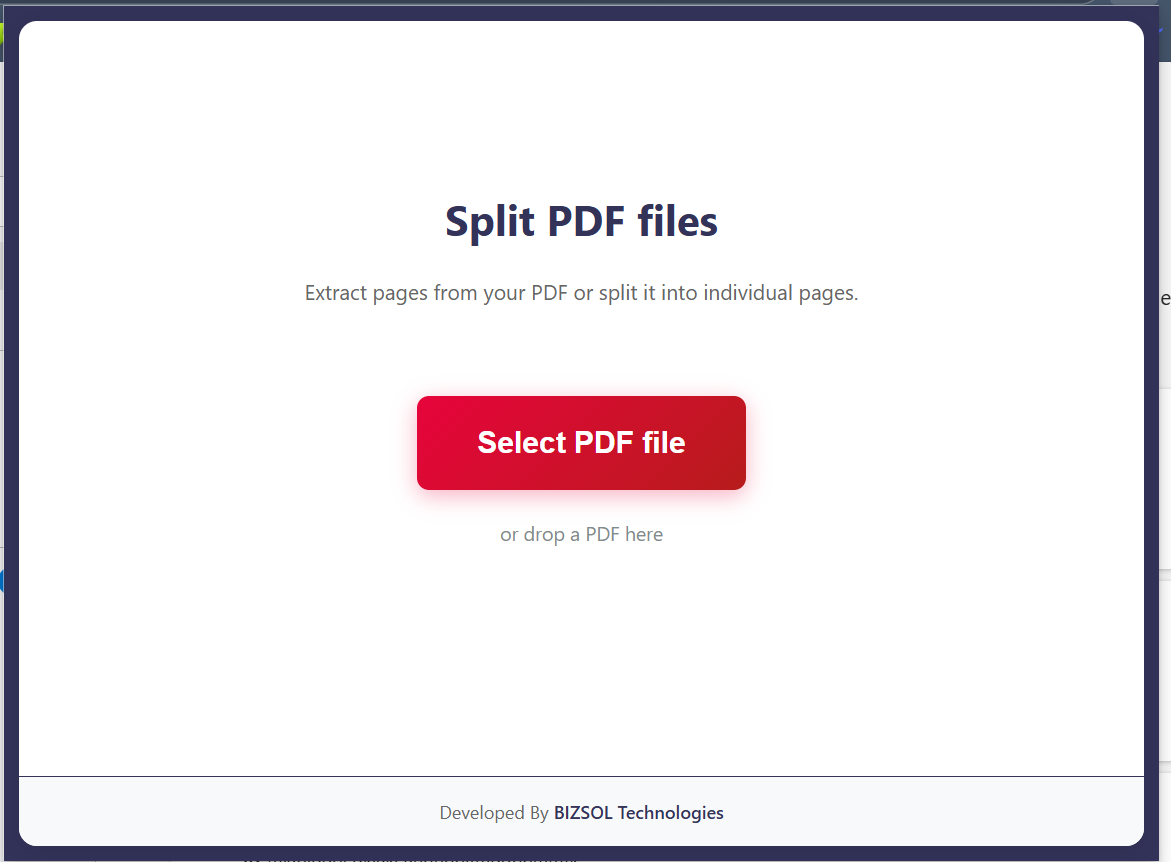
Start in seconds. Add a PDF from your computer and load thumbnails fast.

Great for daily workflows and quick edits without switching tools.

Split PDF by range

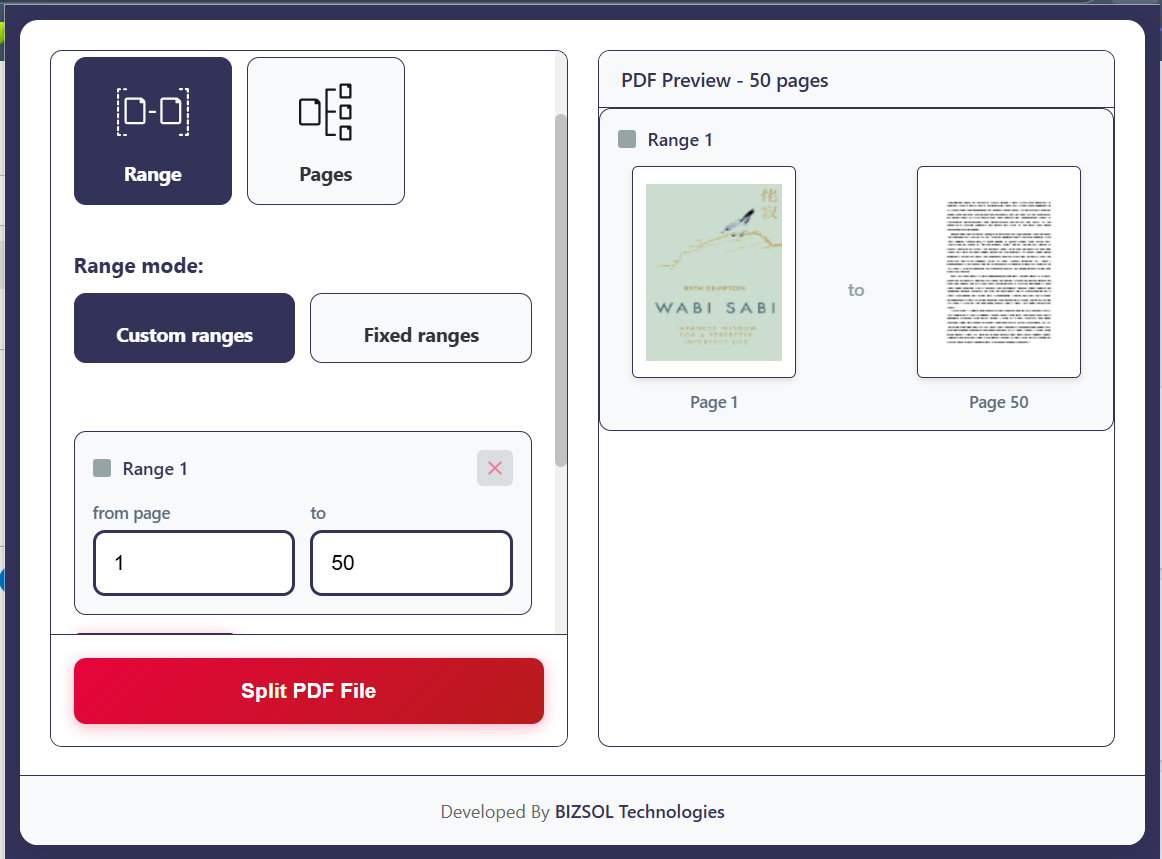
Exact control. Enter page ranges like 1-3, 5, 7-9 to generate clean outputs.

Perfect for extracting sections from reports and statements.

Split into individual pages

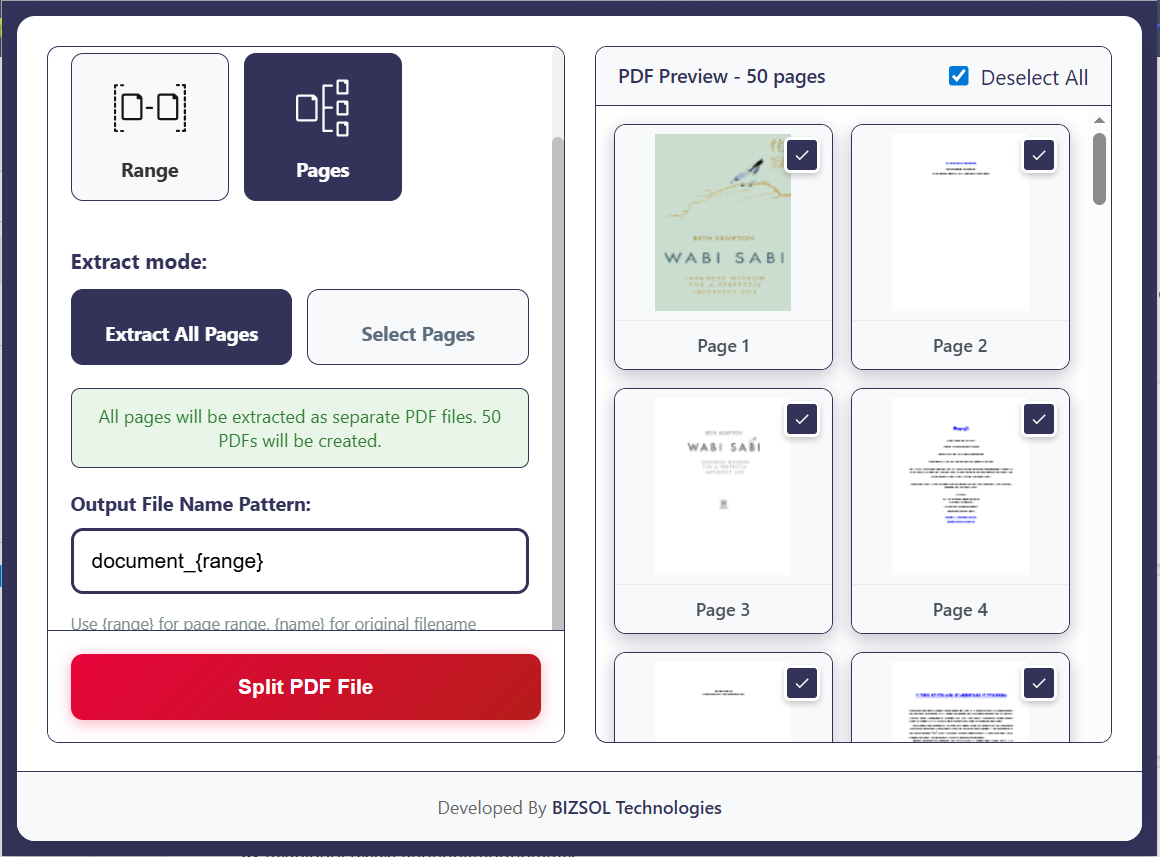
One page = one file. Turn every page into a separate PDF automatically.

Ideal for receipts, tickets, and multi-client packets.

Preview before export

Reduce mistakes. Quickly confirm what will be exported before you download.

Saves rework and prevents sending the wrong pages.

Smart file naming

Stay organized. Auto-add page numbers/ranges to filenames.

So you know what’s inside each file at a glance.

Privacy-first workflow

Designed to avoid uploads. Keep sensitive docs out of risky web tools.

A safer choice for client and internal documents.

Works offline

No internet required. Split PDF offline after installation.

Useful for travel, secure offices, or unstable connections.

Fast on typical large PDFs

Built for speed. Split common long PDFs without waiting.

Performance depends on file size and device memory.

Clean, distraction-free UI

One job, done well. No ads, no clutter—just split and export.

Great for non-technical users too.
Why this Split PDF Chrome extension stands out

Built for real work—fast output, simple controls, and a workflow that respects your documents.

  • Range-first workflow for quick “split PDF by range” tasks (no messy multi-tool hopping).
  • Privacy-first design that avoids server-based processing for sensitive documents.
  • Skimmable UI that makes it hard to export the wrong pages by mistake.
  • One-time license with lifetime updates—no subscriptions.
  • Made for individuals who need a reliable PDF page splitter inside Chrome.

How Split PDF works

A simple workflow you can repeat all day—especially when you split PDF pages from recurring reports.

  1. Install the Split PDF Chrome extension (Chrome v120+).
  2. Open the extension and select the PDF you want to split.
  3. Choose individual pages or enter custom ranges (e.g., 1-3, 5, 7-9).
  4. Preview the selection to confirm accuracy.
  5. Click Split & Download to export the new PDFs.

Screenshot gallery

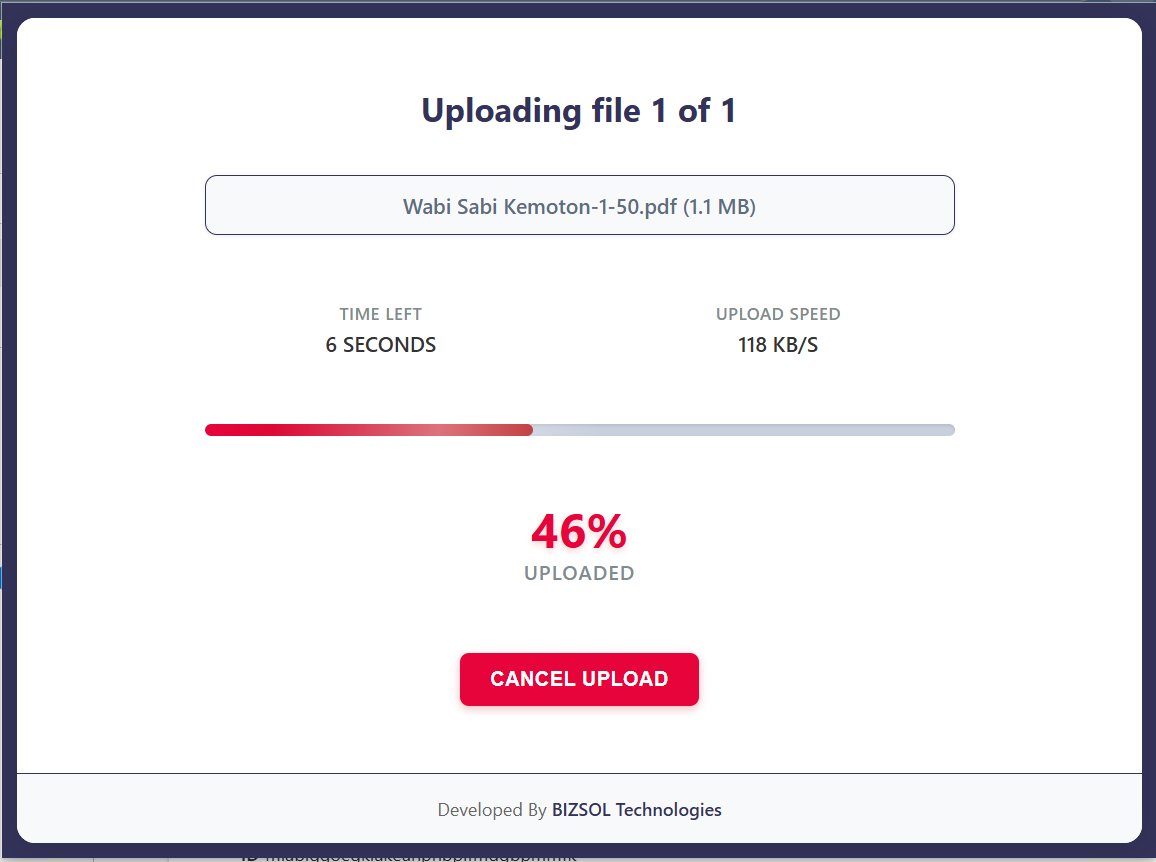
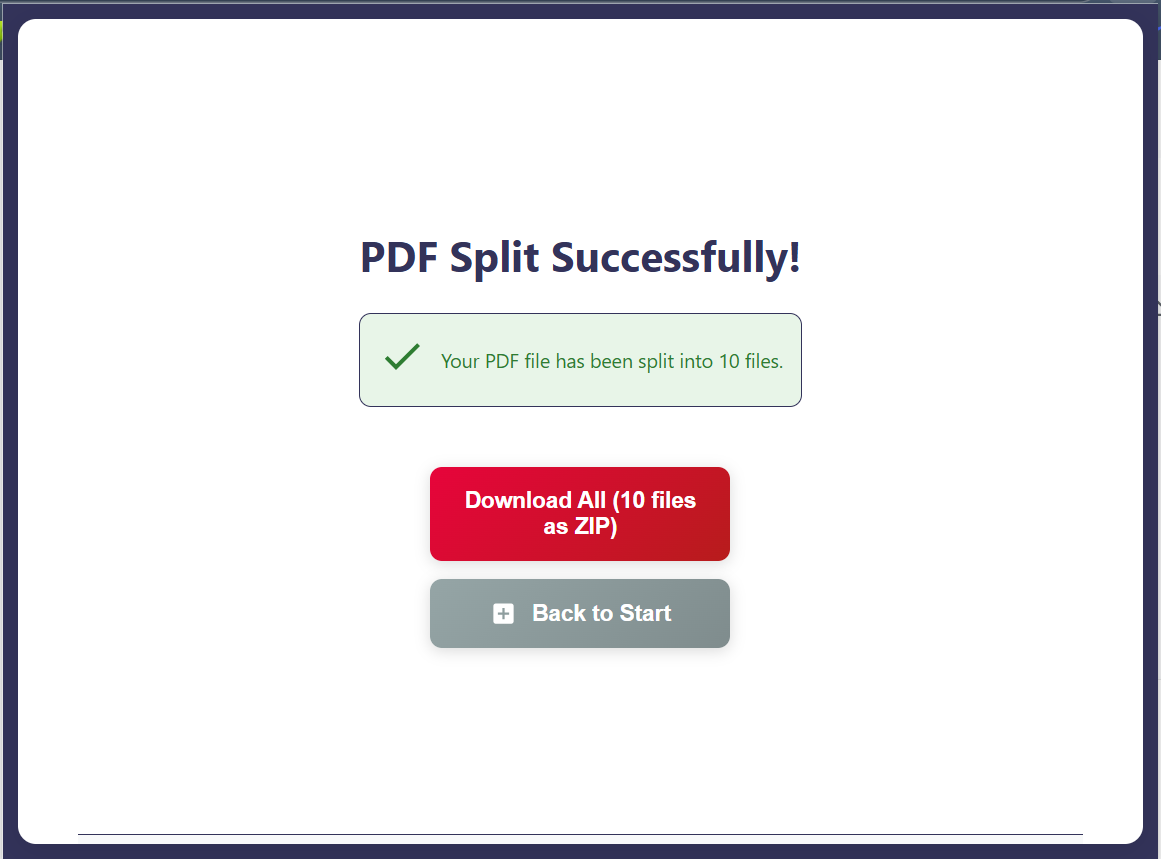
A quick look at the flow from upload to export.

Use cases & outcomes

Where Split PDF saves time and prevents mistakes for individuals and business owners.

Client-only extracts

Outcome: Send the exact pages a client needs—fewer emails, faster approvals.

Invoice & receipt packets

Outcome: Split scanned PDFs into organized files for accounting and reimbursements.

Legal & HR document slices

Outcome: Extract signature pages or policy sections without exposing sensitive docs to web tools.

Pricing & License

Simple, transparent pricing for single users who want a reliable Split PDF tool.

Split PDF — Single Seat License

$9 one-time

One seat (one user). Use it for personal, freelance, or business work. Includes lifetime updates delivered via the Chrome Web Store.

  • License: 1 seat (single user)
  • Updates: Lifetime updates included
  • Use: Personal + commercial allowed

Trust & Support

Credible, friendly support and a workflow built for privacy-conscious users.

Privacy posture

Split PDF is designed to avoid upload-based splitting. For strict compliance environments, follow your organization’s policies for handling confidential PDFs.

FAQs

Quick answers for pre-purchase confidence and smooth setup.

Can I Split PDF without uploading my file?

Yes. The workflow is designed to run locally in your browser so you can avoid upload-based splitters.

How do I split PDF by range?

Enter ranges like 1-3, 5, 7-9, preview, then export. It’s built for fast range-based extraction.

Is this a Chrome extension or a web tool?

It’s a Chrome extension, optimized for a quick “open → split → download” workflow.

Which browsers and OS are supported?

Chrome v120+ on Windows, macOS, and Linux. Most Chromium-based browsers are also compatible.

Does Split PDF work offline?

Yes. After installation, you can split PDF offline for most workflows.

Do I get lifetime updates?

Yes. Your one-time purchase includes lifetime updates delivered through the Chrome Web Store.

Is the license multi-site or multi-seat?

This is a single-seat license (one user). If you need team seats, contact support for options.

What’s your refund policy?

14-day money-back guarantee. Email support@bizsoltech.com with your order details.

Will it split scanned PDFs?

Yes. Most scanned PDFs work well. Extremely large files may depend on device memory and PDF complexity.

How fast is support?

Typical response time is within 1 business day via email: support@bizsoltech.com.

Ready to split PDF files in seconds?

Install Split PDF and turn bulky documents into clean, shareable files—without upload friction, messy exports, or confusing tools.