Repair PDF – Single Seat License
One-time purchase for one user, with lifetime updates.
- $9 one-time payment
- Lifetime updates
- Use on your own Chrome profile
 Repair PDF
Repair PDF helps you fix broken files, recover readable pages when possible, and export a clean copy you can open and share again—fast.
Broken PDFs can block approvals, payments, and deliveries. The goal here is simple: get a readable document back without re-exporting, re-downloading ten times, or switching tools.
Many failures come from partial downloads or damaged internal references that confuse the PDF viewer.
You lose time chasing re-sends, waiting on someone else to export again, or hunting for a desktop tool.
Run repair, check the summary, and export a repaired PDF you can open and share again.
Ideal for individuals and business owners who handle PDFs daily and want a dependable “fix it now” workflow.
Recover client files and keep delivery timelines intact.
Fix invoices, contracts, and reports received via email or portals.
Repair downloaded papers and scans that fail to render.
A focused set of tools to fix common corruption issues and export a readable result.
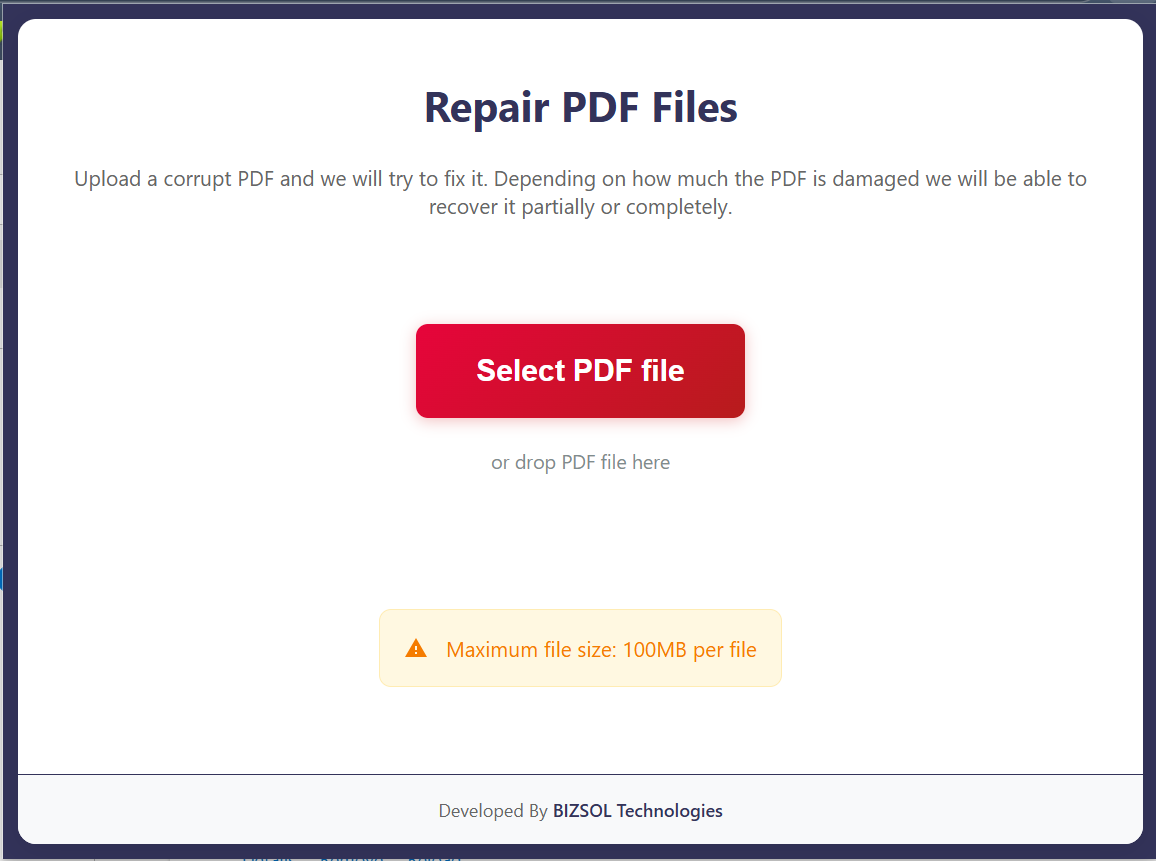
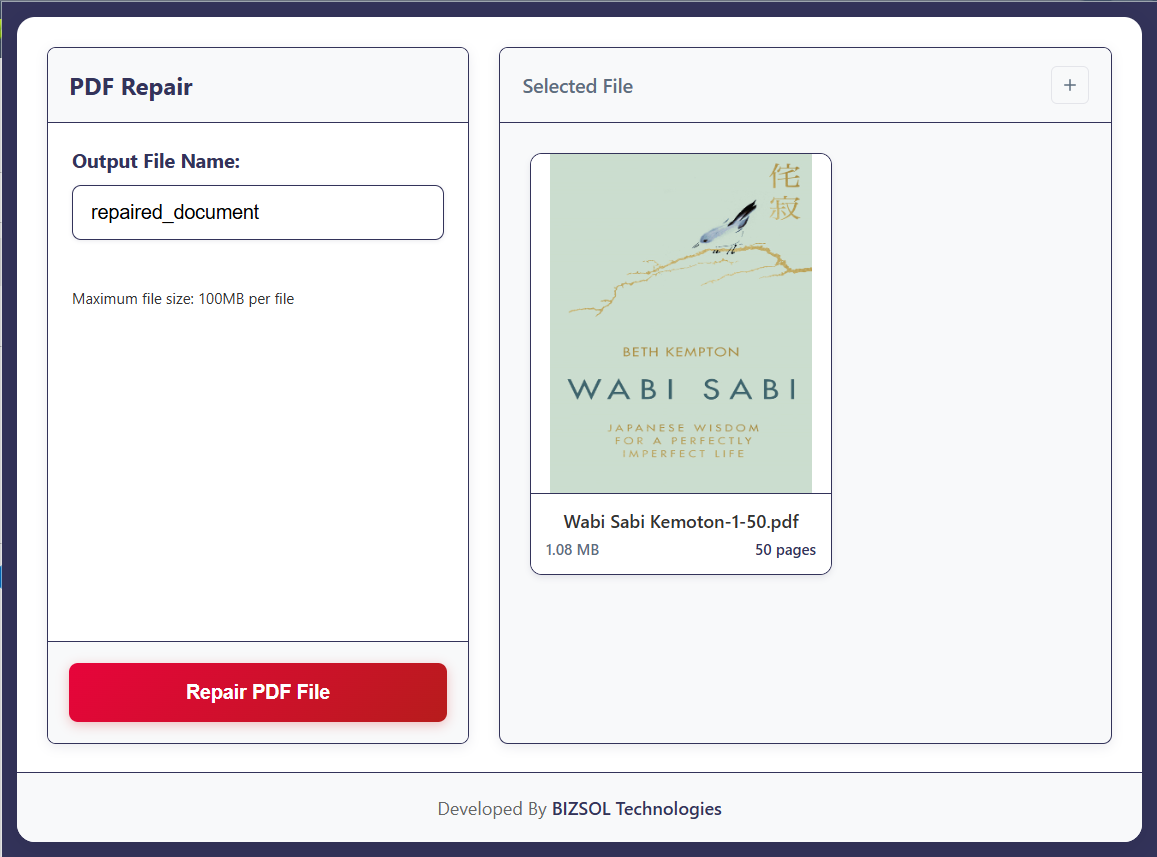
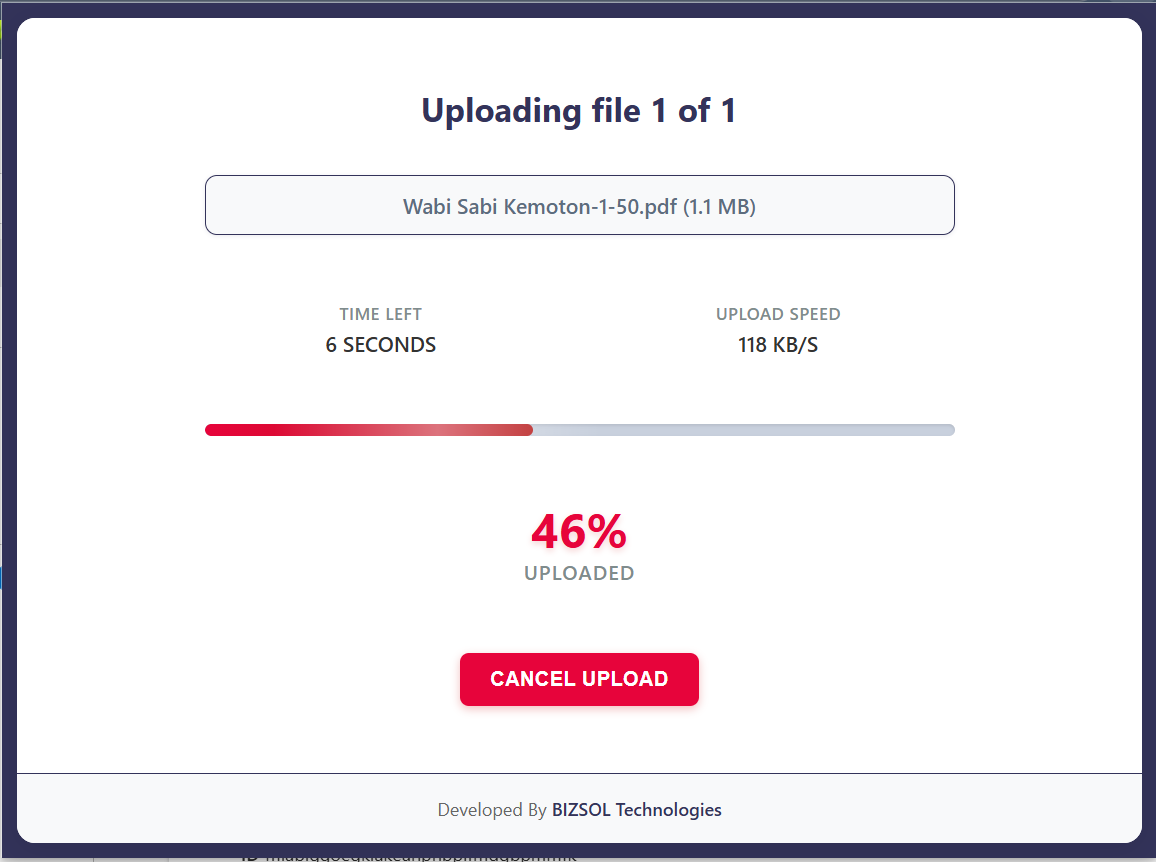
Select a file, run repair, export the result.
Targets common Chrome preview failure patterns.
Best-effort recovery for partially damaged files.
See what changed before you download.
Keeps the original untouched; exports a new file.
Designed for speed and clarity inside Chrome.
Great for invoices, reports, scans, and exports.
Designed to run locally during repair.
Repair multiple PDFs in sequence with minimal clicks.
Simple pricing, clear outputs, and a workflow that fits how you already use PDFs.
A fast, repeatable process you can do in minutes.
A quick look at the full flow from selection to export.
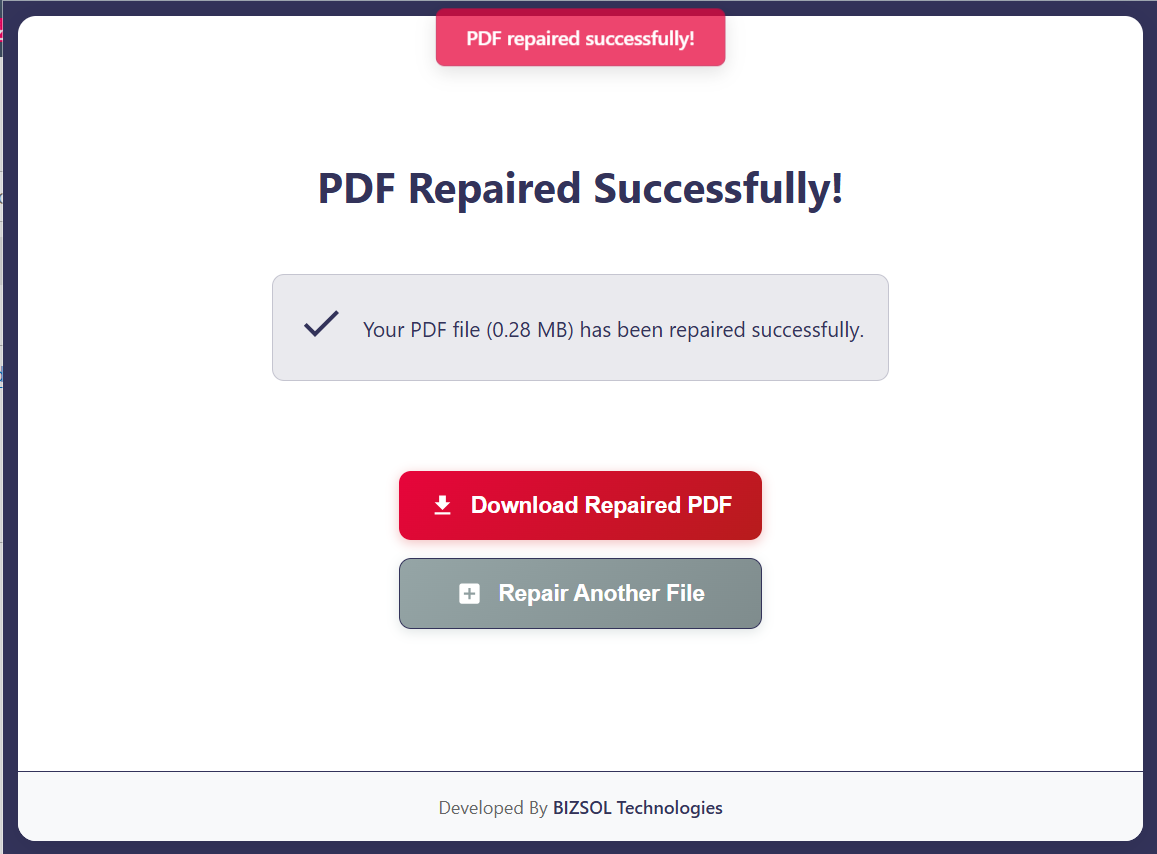
Common situations where a quick repair saves real time.
Open and resend a readable version the same day.
Fix preview errors so signing doesn’t get delayed.
Repair partial downloads and archive a clean copy.
One clear plan for individuals and single users.
One-time purchase for one user, with lifetime updates.
If it doesn’t work for your files, email support and we’ll refund within the guarantee window.
Support: support@bizsoltech.com · Docs: bizsoltech.com/plugins/repair-pdf/
Built for practical workflows and backed by responsive help.
Designed for device-local repair so you can avoid uploading sensitive PDFs to unknown online tools.
Email: support@bizsoltech.com
Docs: bizsoltech.com/plugins/repair-pdf/
Typical response time: within 1 business day.
Short answers to the most common questions before you buy.
No tool can recover a file that’s missing critical data, but many “won’t open” PDFs are repairable and export cleanly.
The workflow is designed to run locally. For strict compliance needs, follow your organization’s policies.
No—$9 one-time per seat, with lifetime updates.
14-day money-back guarantee. Email support with your order details to request a refund.
Chrome v120+ on Windows/macOS/Linux.
No—repairs are exported as a new PDF copy.
One seat is for one user. You can use it on your own devices where you’re the primary user.
Visit bizsoltech.com/plugins/repair-pdf/.
Fix the common stuff fast, export a readable copy, and keep your workflow moving.