Redact PDF – Single Seat License
One-time purchase for one Chrome profile, with lifetime updates.
- $9 one-time payment
- Lifetime updates
- Commercial & personal use for one seat
 Redact PDF
Redact PDF helps you permanently hide names, IDs, emails, and sensitive details in your documents—without leaving your browser or trusting online tools.
A single unredacted line—an email, ID number, or internal note—can expose sensitive information and damage trust with clients, partners, or employees.
Drawing boxes in design tools or screenshotting pages only hides content visually. The underlying text can often still be copied, searched, or recovered.
Many “redact PDF online” sites require full uploads. For legal, financial, or HR content, that’s a serious risk and often a policy violation.
Select text or regions to redact, preview your changes, and export a new file—keeping the process local and in your control.
Built for professionals who regularly share documents but must protect sensitive details first.
Redact internal notes, client lists, or cost breakdowns before sending reports and presentations.
Deliver PDFs without exposing internal comments, email threads, or third-party data.
Remove personally identifiable information before sharing externally or with limited audiences.
Tools focused on one job: permanently hiding sensitive content in PDFs before they leave your hands.
Select and redact PDF text so covered content is removed from normal viewing and copying in the exported file.
Draw boxes over signatures, IDs, or entire sections to block out information that should never be visible.
Use clear redaction bars so it’s obvious which parts were intentionally removed.
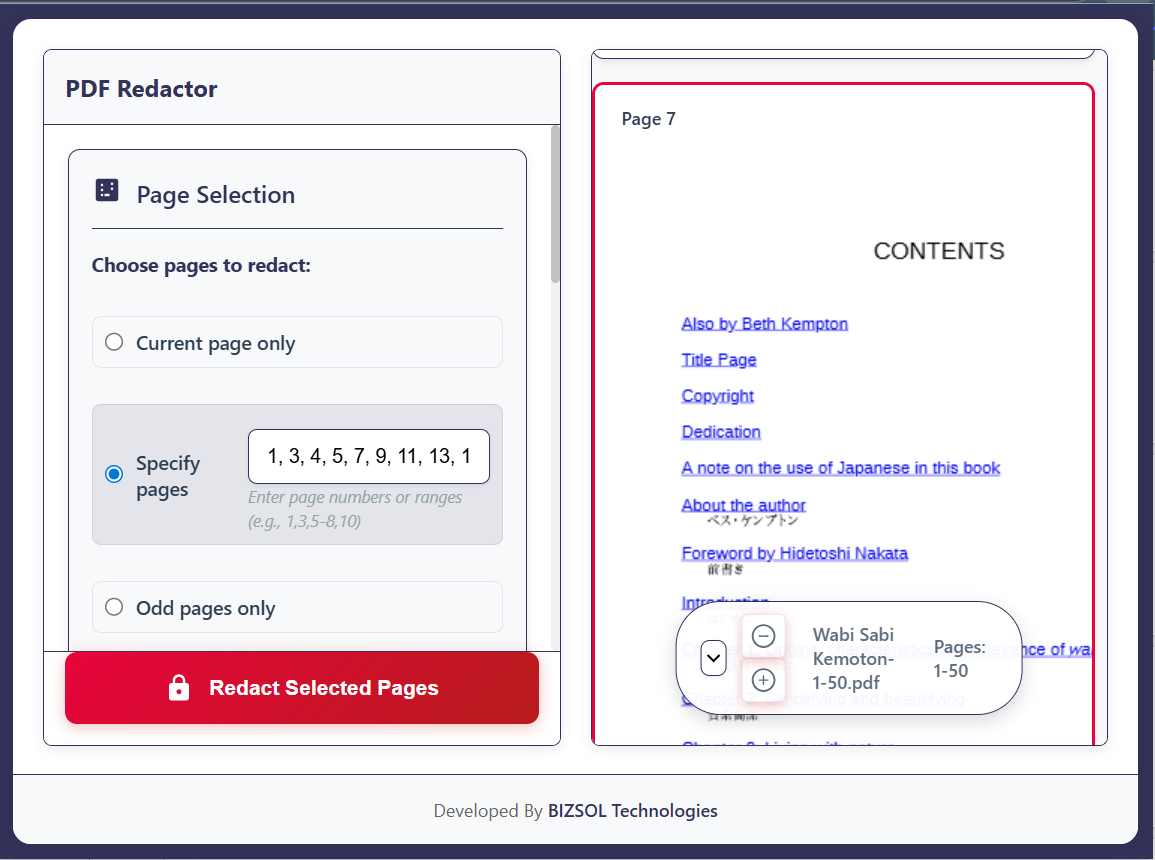
Apply the same redaction pattern across multiple pages for repeated headers, IDs, or footers.
Find key terms like names or account numbers, then quickly mark them for redaction.
Review the final look and confirm sensitive content is hidden before saving.
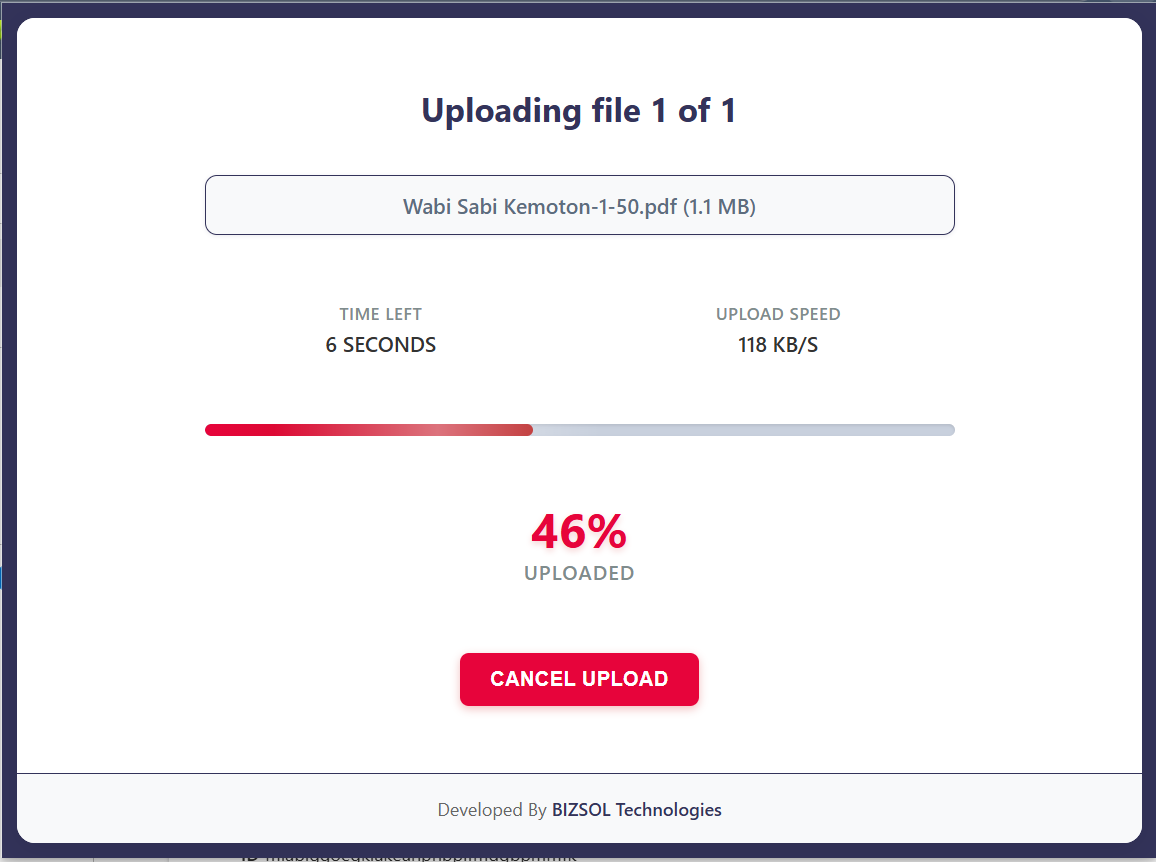
Redactions run inside your browser, avoiding uploads to unknown servers.
Launch anytime from the toolbar to sanitize a document before sharing.
A purpose-built redaction tool that keeps the UI simple and fast.
Designed for everyday professionals who need reliable redaction—not a complex, enterprise platform.
Go from a sensitive document to a share-ready PDF in minutes.
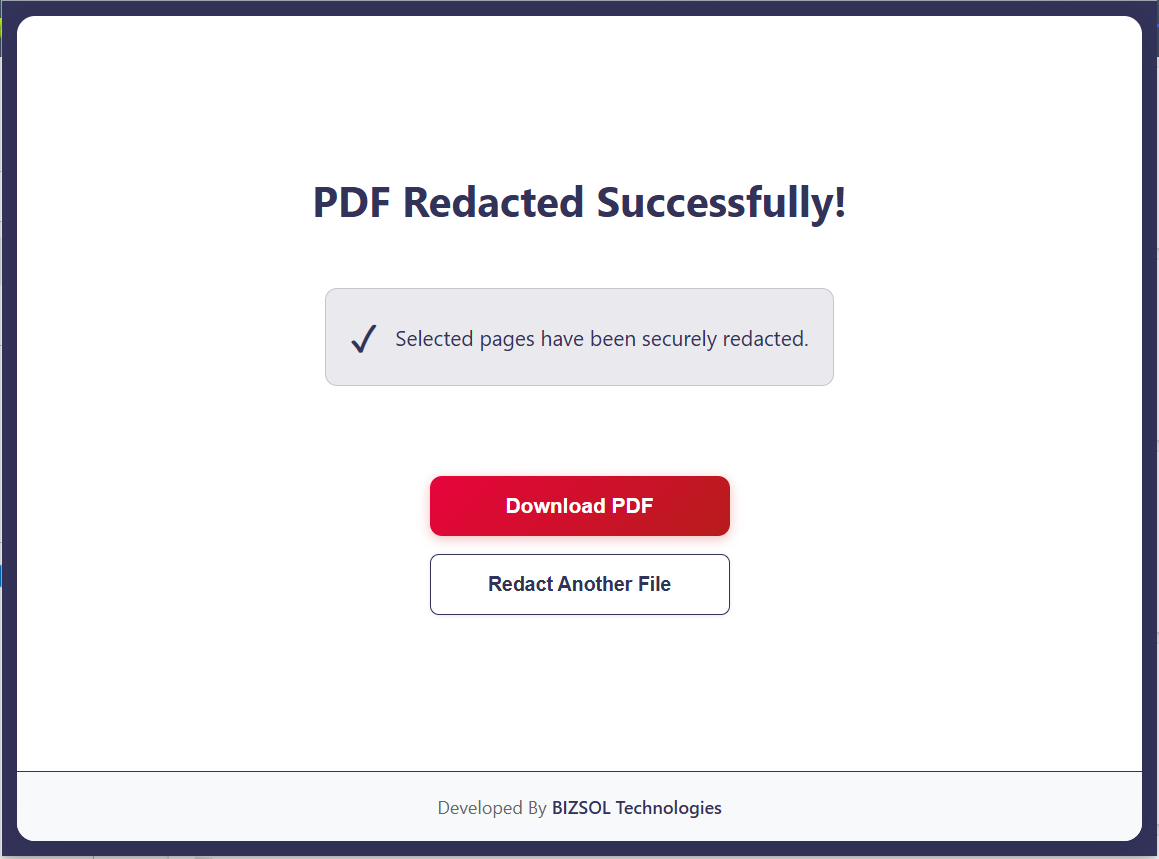
A focused interface that makes it easy to see what’s being redacted and what remains visible.
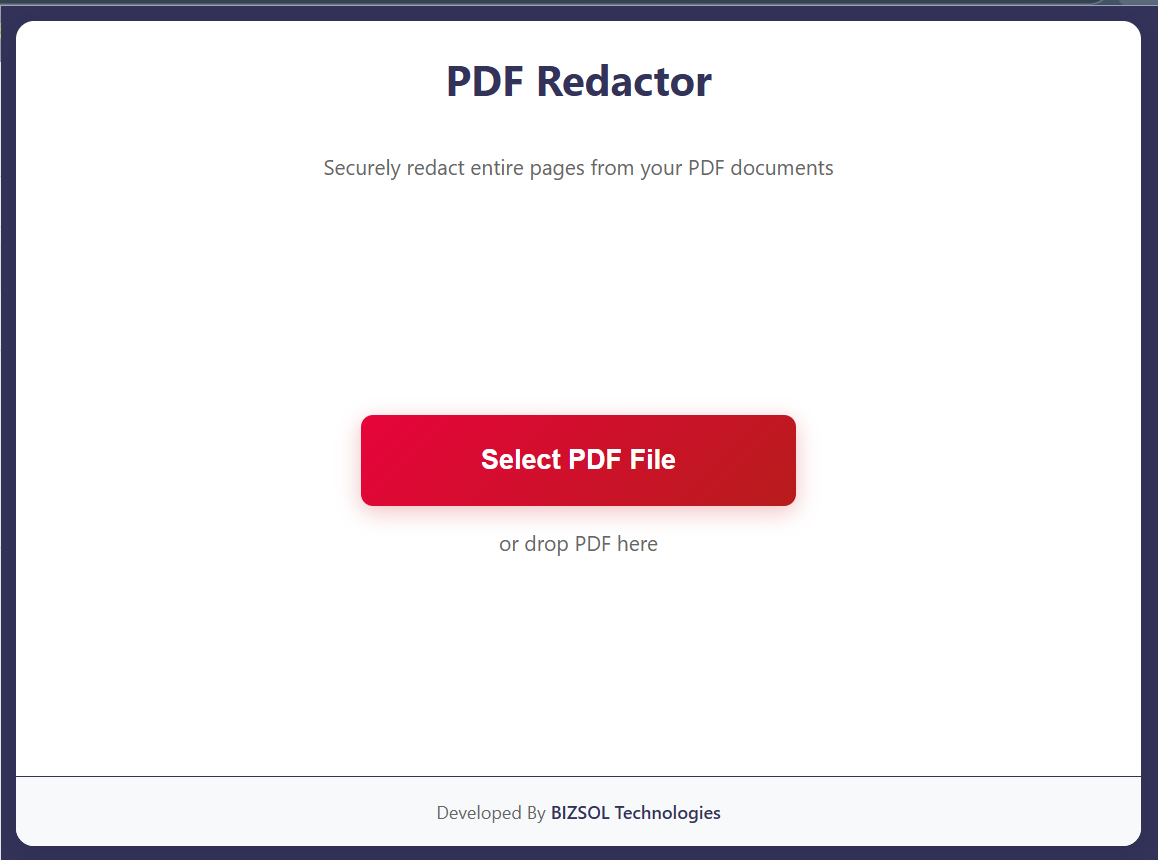
Practical ways individuals and teams use Redact PDF every day.
Remove names, IDs, and private details from case studies while honoring privacy commitments.
Redact sensitive references when sharing documents with external counsel or regulators.
Hide personal identifiers when sharing templates and internal documents more widely.
Clear, one-time pricing for anyone who needs to regularly redact PDF documents.
One-time purchase for one Chrome profile, with lifetime updates.
Try Redact PDF for 14 days. If it doesn’t fit your workflow, email us and we’ll refund your purchase.
For refunds, team pricing, or compliance questions, contact support@bizsoltech.com.
Docs: bizsoltech.com/plugins/redact-pdf/docs
Built by BizSolTech for privacy-conscious workflows and supported by humans.
Redact PDF is intentionally local-first. Files stay on your device while you mark and redact content, reducing risk compared to many online tools.
Email: support@bizsoltech.com
Docs: bizsoltech.com/plugins/redact-pdf/docs
Typical response time: within 1–2 business days.
Short answers to the most common questions before you buy.
One-time $9 purchase per seat, with lifetime updates.
No. Your PDFs are processed locally in your browser.
Compliance varies. Always test redacted files and follow your legal/security guidelines.
You can search remaining content. Removed redacted text should not be searchable in the exported file.
Optimized for one document at a time, but you can process multiple files sequentially.
A single license is intended for one Chrome profile. Contact support for team licensing.
14-day money-back guarantee. Email support@bizsoltech.com with order details.
Yes. Updates are delivered through the Chrome Web Store.
Visit bizsoltech.com/plugins/redact-pdf/docs.
Add Redact PDF to Chrome today and make sure every file you share shows exactly what it should—and nothing more.