PDF to PPT – Single Seat License
One-time purchase for one user, with lifetime updates.
- $9 one-time payment
- Lifetime updates
- Use on your own Chrome profile
 PDF to PPT
PDF to PPT helps you turn proposals, reports, and training PDFs into an editable PowerPoint deck—so you can present faster and update slides without rebuilding.
Copy-pasting from a PDF into slides is slow, messy, and error-prone—especially when the deck needs to look professional. PDF to PPT helps you convert fast and start editing immediately.
Valuable content lives in PDFs—but the moment you need slides, you’re forced into manual rebuilding.
Formatting breaks, layouts shift, and you lose time on “design cleanup” instead of presenting the message.
Generate an editable slide deck from your PDF, then fine-tune in PowerPoint for a clean, client-ready result.
Ideal for individuals and business owners who regularly turn PDFs into presentations—without time for manual rebuilds.
Convert investor notes, pitch PDFs, and one-pagers into decks you can update before meetings.
Turn client PDFs into editable slides for proposals, audits, and reviews—faster iterations, cleaner delivery.
Convert lesson PDFs into slides you can tailor per class, cohort, or workshop.
Everything you need to convert PDF to PPT quickly and ship a deck you can actually edit.
Turn PDF pages into slides in a few clicks—ideal for quick turnarounds.
Designed for editing: adjust text, move elements, and restyle slides after export.
Creates a presentation flow that’s ready to present, not a pile of images.
No heavy desktop setup—keep your workflow in the browser.
Preserves layout intent so your deck needs fewer fixes.
Exports a new deck while keeping your original PDF unchanged.
Convert multiple PDFs back-to-back with minimal clicks.
Convert structured PDFs into slides you can tailor for stakeholders.
One-time purchase includes compatibility updates and improvements.
Simple pricing, practical output, and a workflow that fits how individuals work.
A fast, repeatable process you can finish in minutes.
A quick look at the full flow from selection to export.
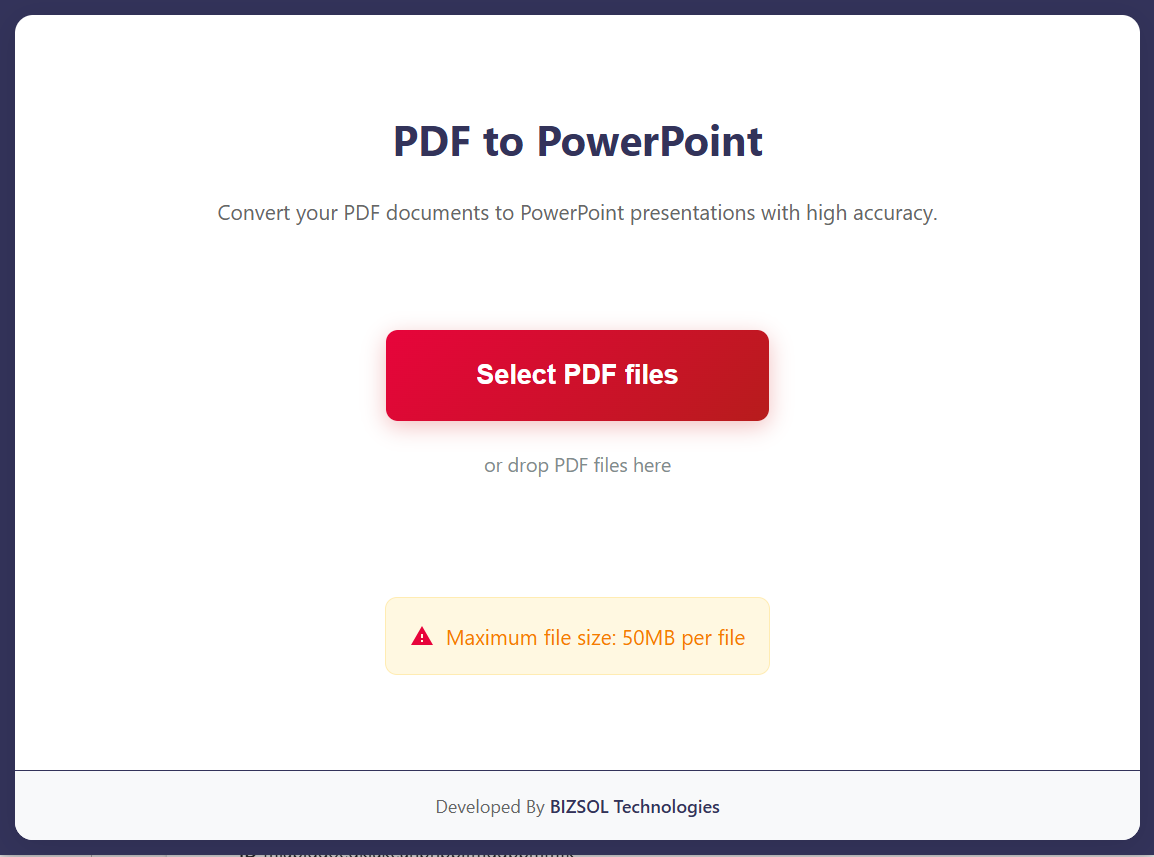
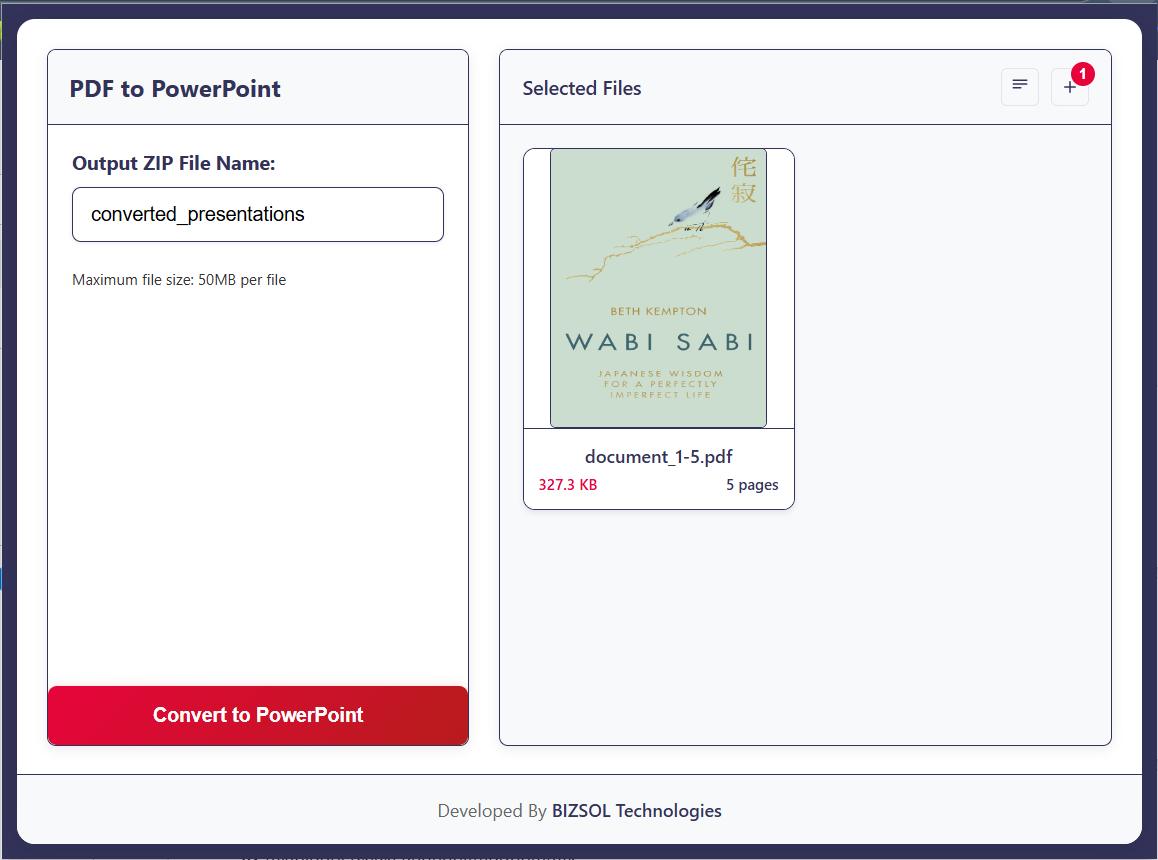
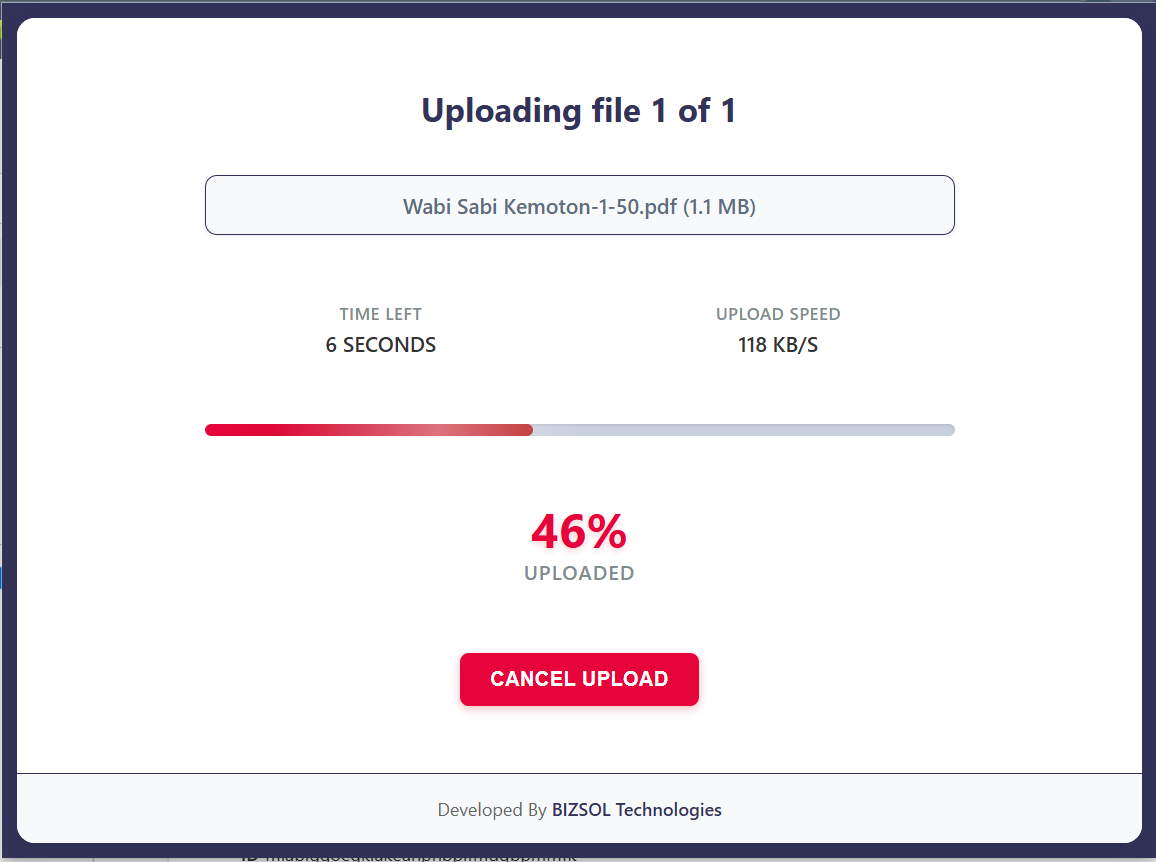
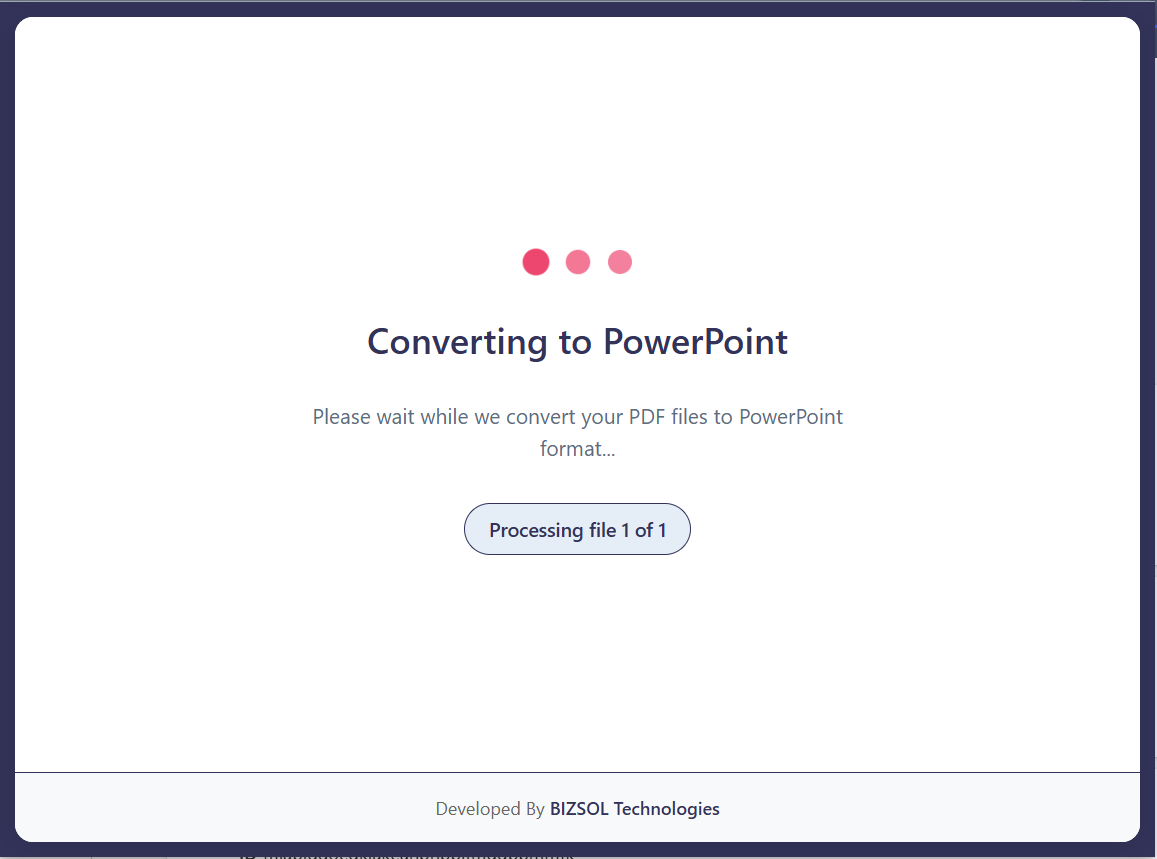
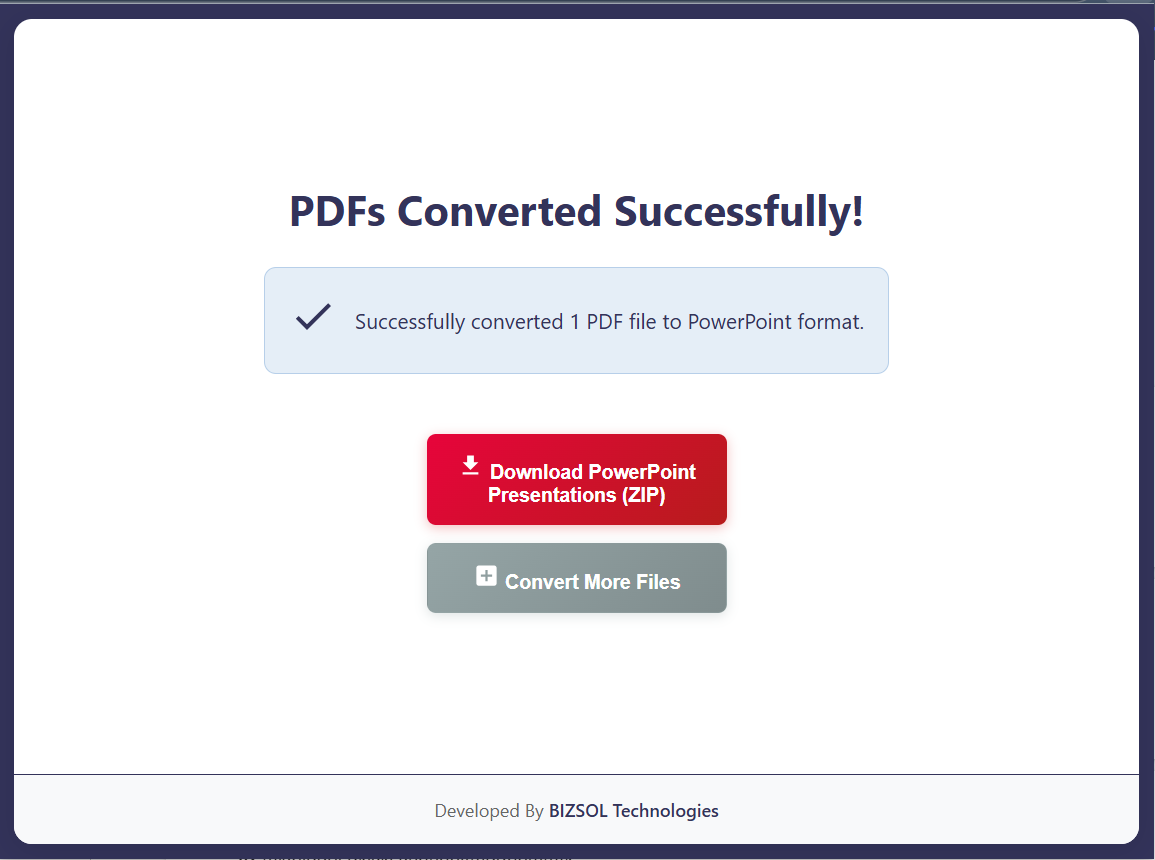
Common situations where converting PDF to PPT saves real time.
Convert PDF pitch notes into slides you can refine before meetings.
Turn PDF reports into a deck for stakeholder updates without rewriting.
Convert lesson PDFs into editable slides and update content quickly per session.
One clear plan for individuals and single users.
One-time purchase for one user, with lifetime updates.
If it doesn’t fit your workflow, email support and we’ll refund within the guarantee window.
Support: support@bizsoltech.com · Docs: bizsoltech.com/plugins/pdf-to-ppt/
Built for practical workflows and backed by responsive help.
No. The conversion workflow is designed to run locally in your browser. Your PDFs are not sent to external servers for processing.
Email: support@bizsoltech.com
Docs: bizsoltech.com/plugins/pdf-to-ppt/
Typical response time: within 1 business day.
Short answers to the most common questions before you buy.
No. The conversion workflow is designed to run locally in your browser. Your PDFs are not sent to external servers for processing.
Yes. The exported deck is designed to be editable so you can refine slides quickly in PowerPoint.
No—$9 one-time per seat, with lifetime updates.
Chrome v120+ on Windows/macOS/Linux.
No—conversion exports a new PPT/PPTX deck. Your original file remains unchanged.
Yes. Large PDFs are supported, but conversion time depends on file size and layout complexity.
One seat is for one user. You can use it on your own devices where you’re the primary user.
14-day money-back guarantee. Email support with your order details to request a refund.
Yes. Your purchase includes future updates, fixes, and compatibility improvements.
Typical response time is within 1 business day.
Convert PDF to PPT, edit the deck, and present with confidence—without rebuilding from scratch.