PDF to JPG – Single Seat License
One-time purchase for one user, with lifetime updates.
- $9 one-time payment
- Lifetime updates
- Use on your own Chrome profile
 PDF to JPG
PDF to JPG converts your PDF pages into crisp JPG images you can upload anywhere. Export one page or the full document—fast.
Some platforms won’t accept PDFs. Instead of screenshots (and blurry results), convert the exact pages into JPG images you can upload and share—cleanly.
Portals and marketplaces often require JPG/PNG for proof, previews, and submissions.
Cropping, alignment, and quality issues lead to rework—and sometimes rejection.
Choose pages, convert, and download share-ready images—without heavy software.
Ideal for individuals and business owners who need quick, professional-looking JPGs from PDF pages.
Convert invoices, statements, and proofs into JPG for uploads and approvals.
Export client pages as images for review, social posting, and fast sharing.
Convert notes and slide pages into images for LMS and assignments.
A focused set of tools to convert PDF pages to JPG quickly and cleanly.
Convert one PDF page to JPG for quick use.
Convert every page into JPG images in one run.
Pick only the pages you need—no extra files.
Better results than screenshots for text and layouts.
Uniform output for easy uploading and archiving.
Convert multiple PDFs with minimal clicks.
Your source PDF remains unchanged; you download new JPGs.
Designed to avoid sending documents to unknown tools.
JPG files ready for email, WhatsApp, forms, and listings.
Simple pricing and a workflow built for everyday use.
A fast, repeatable process you can do in minutes.
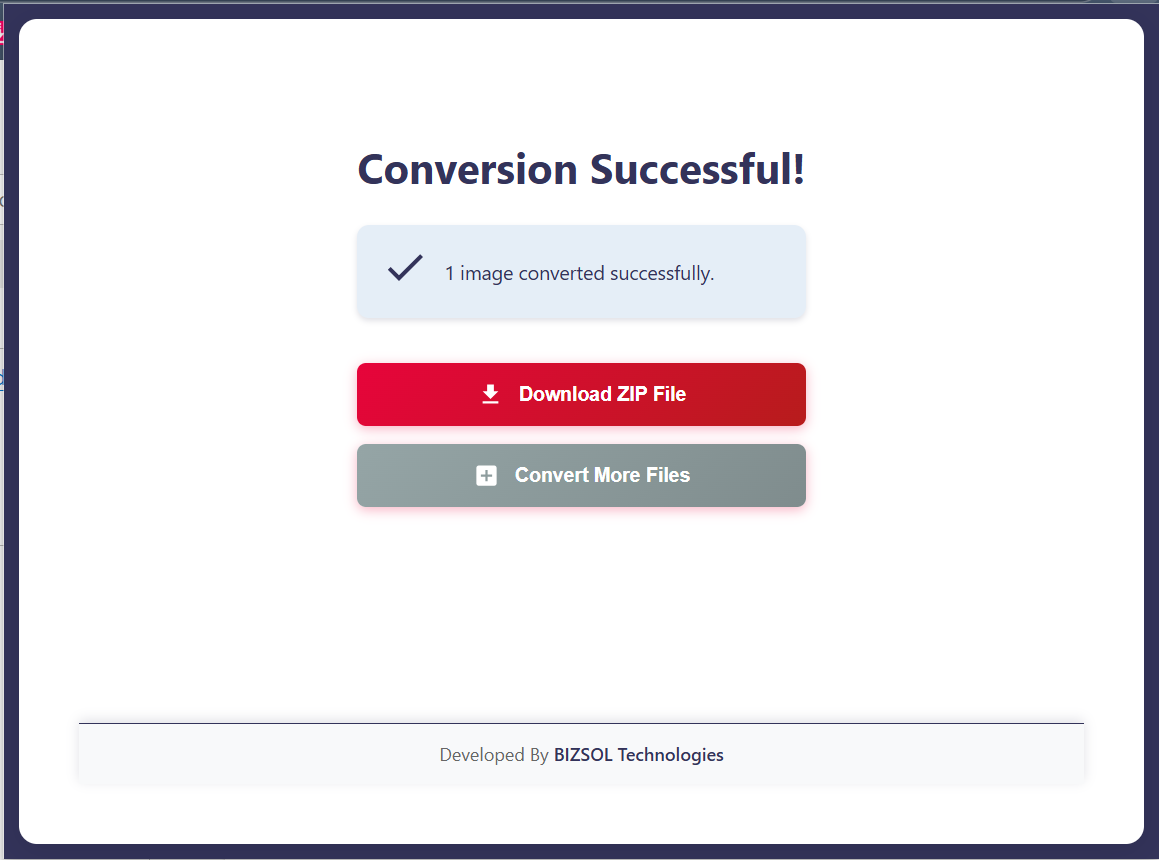
A quick look at the flow from selection to download.
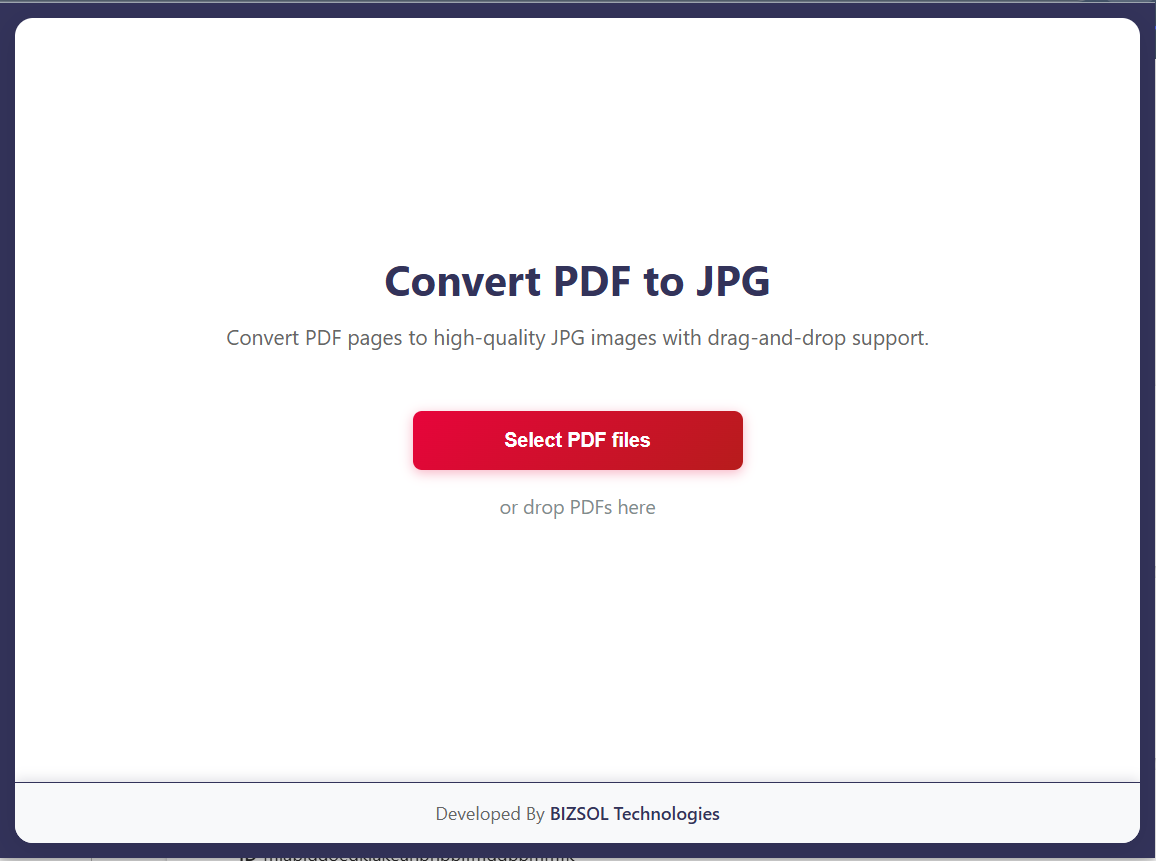
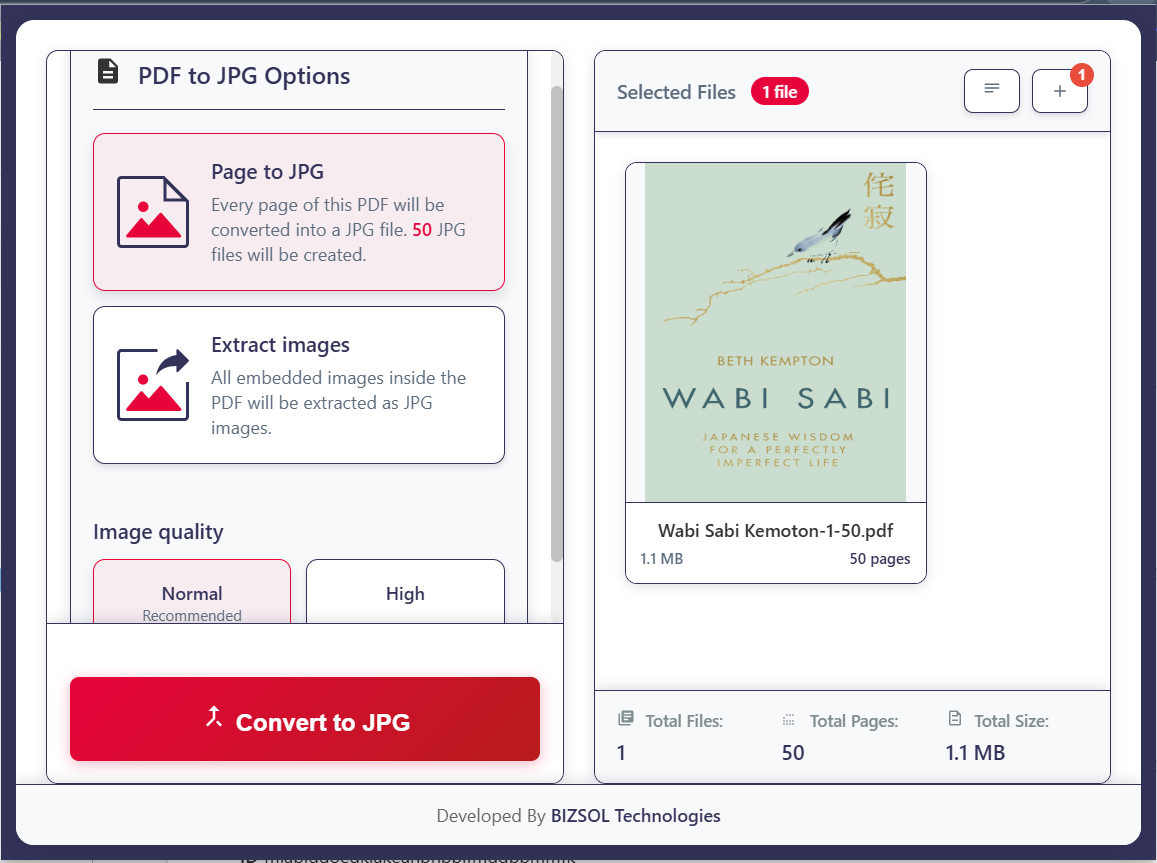
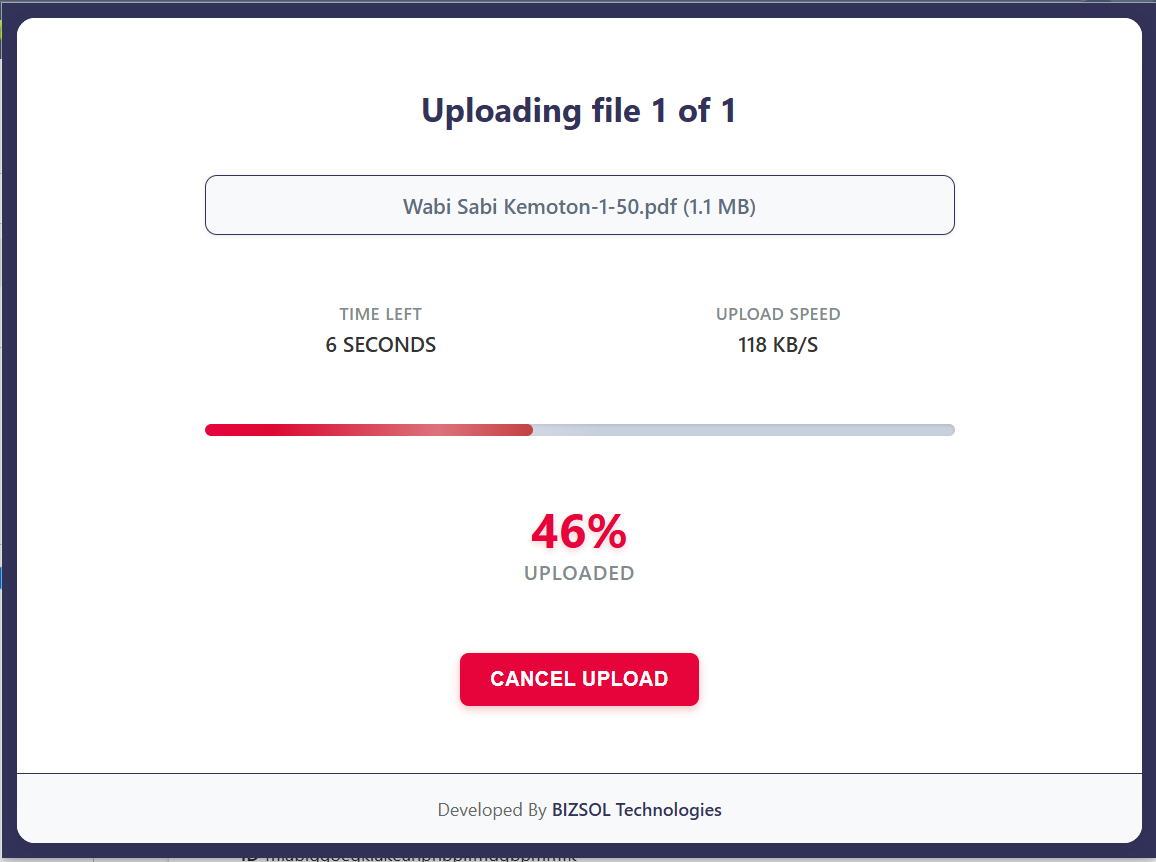
Common situations where JPG exports save time immediately.
Convert spec sheets and proofs into JPG for fast listing uploads.
Submit required pages as images when PDFs aren’t accepted.
Send a single page as JPG without asking others to open PDFs.
One clear plan for individuals and single users.
One-time purchase for one user, with lifetime updates.
If it doesn’t fit your workflow, email support and we’ll refund within the guarantee window.
Support: support@bizsoltech.com · Docs: bizsoltech.com/plugins/pdf-to-jpg/
Built for practical workflows and backed by responsive help.
Designed for device-local conversion so you can avoid uploading sensitive PDFs to unknown online tools.
Email: support@bizsoltech.com
Docs: bizsoltech.com/plugins/pdf-to-jpg/
Typical response time: within 1 business day.
Short answers to the most common questions before you buy.
Yes. JPG and JPEG are the same format. This extension exports JPG files (JPEG-compatible).
It works inside Chrome like a local tool. Select a PDF, convert pages, and download JPG images—no extra apps needed.
Yes—export a single page, a page range, or the full PDF.
No. The conversion flow is designed to run locally in your browser. Your PDFs are not sent to external servers.
No—$9 one-time per seat, with lifetime updates.
Chrome v120+ on Windows/macOS/Linux (and most Chromium-based browsers).
Yes. Your purchase includes future updates, fixes, and compatibility improvements.
14-day money-back guarantee. Email support with your order details to request a refund.
Single-seat license for one primary user. Use on your own devices where you are the primary user.
Visit bizsoltech.com/plugins/pdf-to-jpg/.
Convert pages cleanly, download JPG images fast, and keep your workflow moving.