PDF to PDF/A – Single Seat License
One-time purchase for one user, with lifetime updates.
- $9 one-time payment
- Lifetime updates
- Use on your own Chrome profile
 PDF to PDF/A
PDF to PDF/A helps you turn standard PDFs into archive-ready PDF/A files for compliance, audits, and long-term storage—without leaving your browser workflow.
Standard PDFs can fail archival checks—missing embedded fonts, inconsistent metadata, or unsupported elements. PDF to PDF/A helps you export a compliant, archive-ready copy you can submit confidently.
Many portals and auditors require PDF/A for long-term preservation and predictable rendering.
People jump between tools, export multiple versions, and still aren’t sure the file meets PDF/A requirements.
Convert PDF to PDFA (PDF/A), download an archive-ready copy, and keep your original untouched.
Ideal for individuals and business owners who need archive-ready PDFs without complex desktop software.
Archive invoices and financial records in PDF/A for audits and retention policies.
Prepare compliant submissions for courts, tenders, and official portals.
Deliver client documents in a format designed for long-term readability.
Everything you need to convert PDF to PDFA quickly and export a compliance-ready copy—without bloat.
Convert a PDF into an archive-ready PDF/A copy in minutes.
Common compliance profiles for preservation and submissions.
Exports a new PDF/A file without overwriting your source PDF.
Designed for documents that must look consistent years later.
Convert multiple PDFs back-to-back with minimal clicks.
No heavyweight desktop editor—stay in your browser workflow.
Ideal for ISO-19005 style archival requirements.
Get an archive-ready PDF/A copy without tool-hopping.
One-time purchase includes ongoing compatibility updates.
Simple pricing, compliance-focused output, and a workflow that fits how you already handle PDFs.
A fast, repeatable process you can finish in minutes.
A quick look at the flow from selection to export.
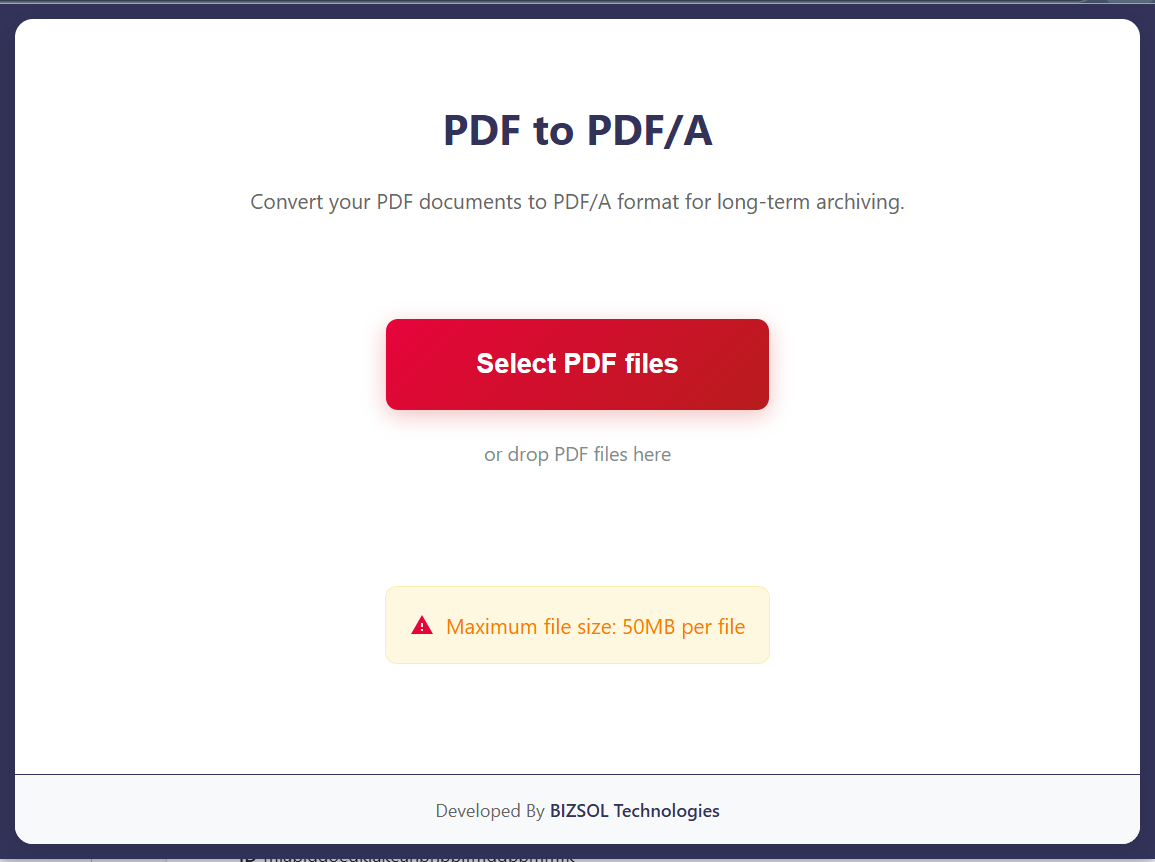
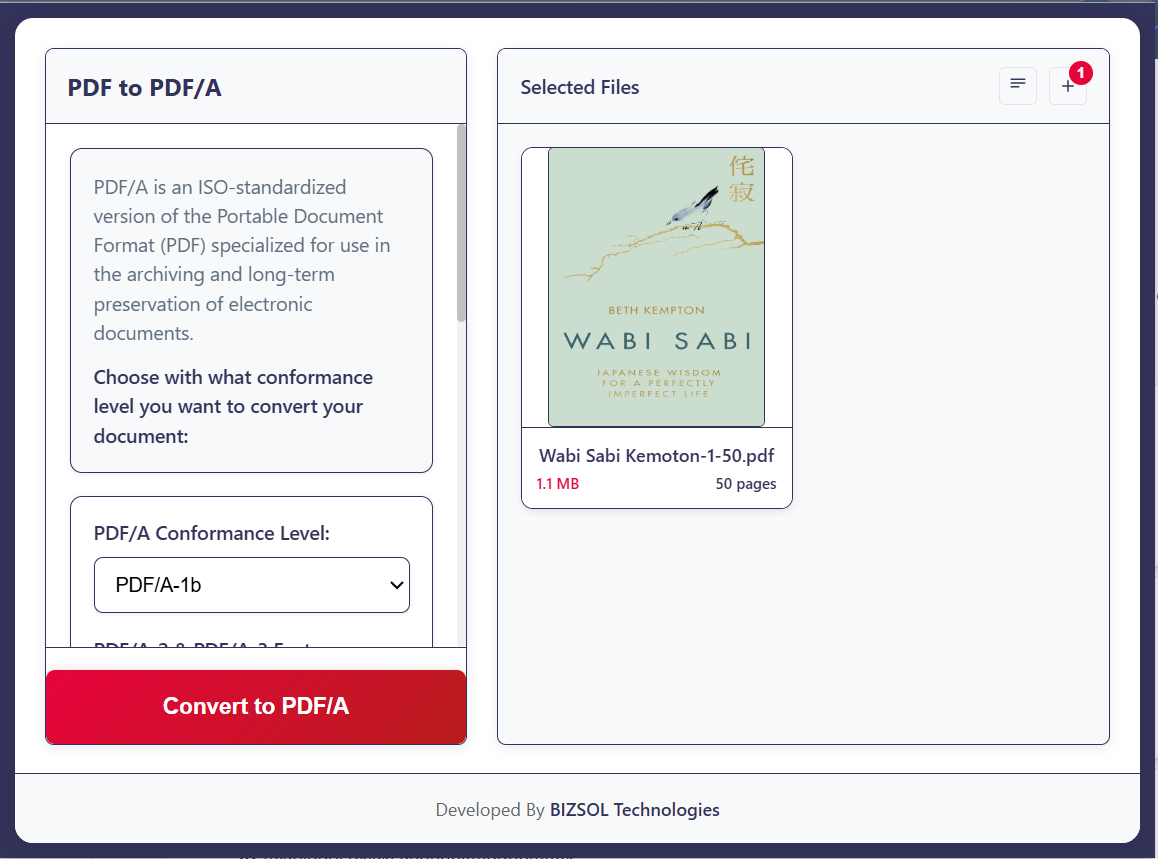
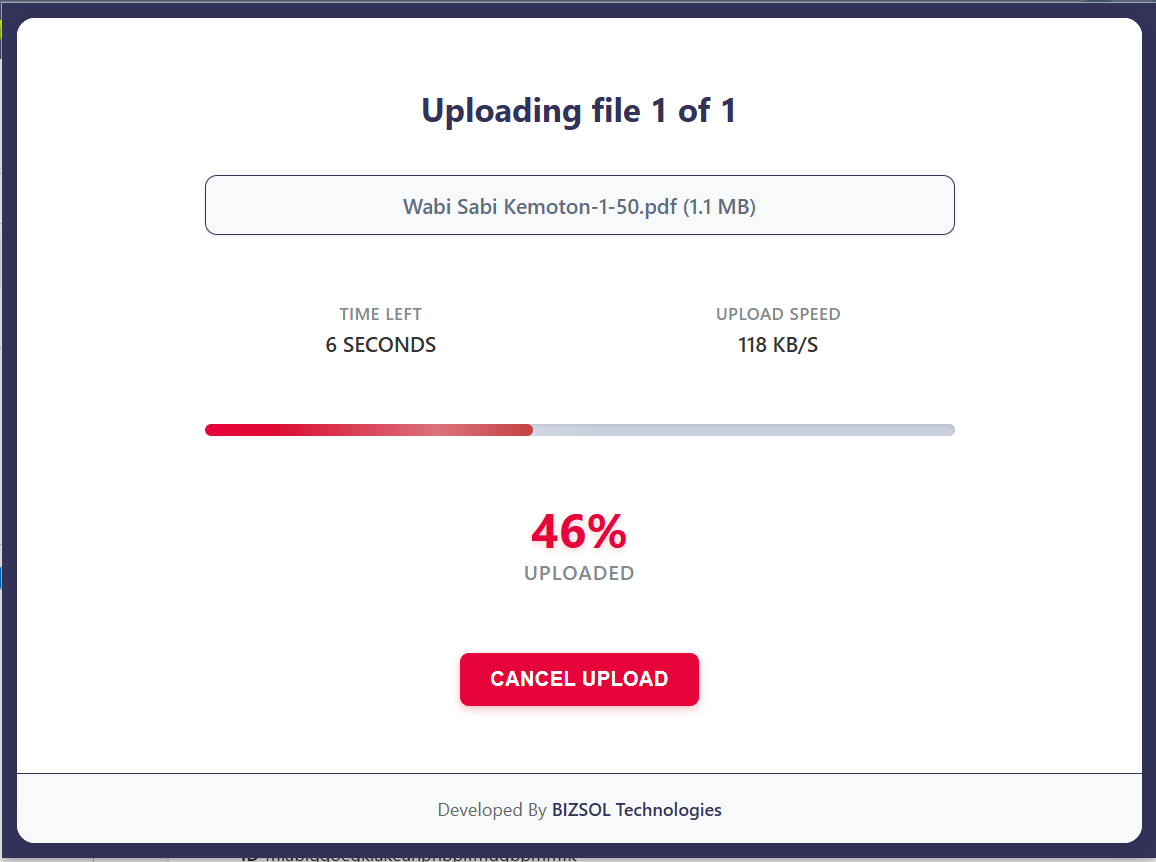
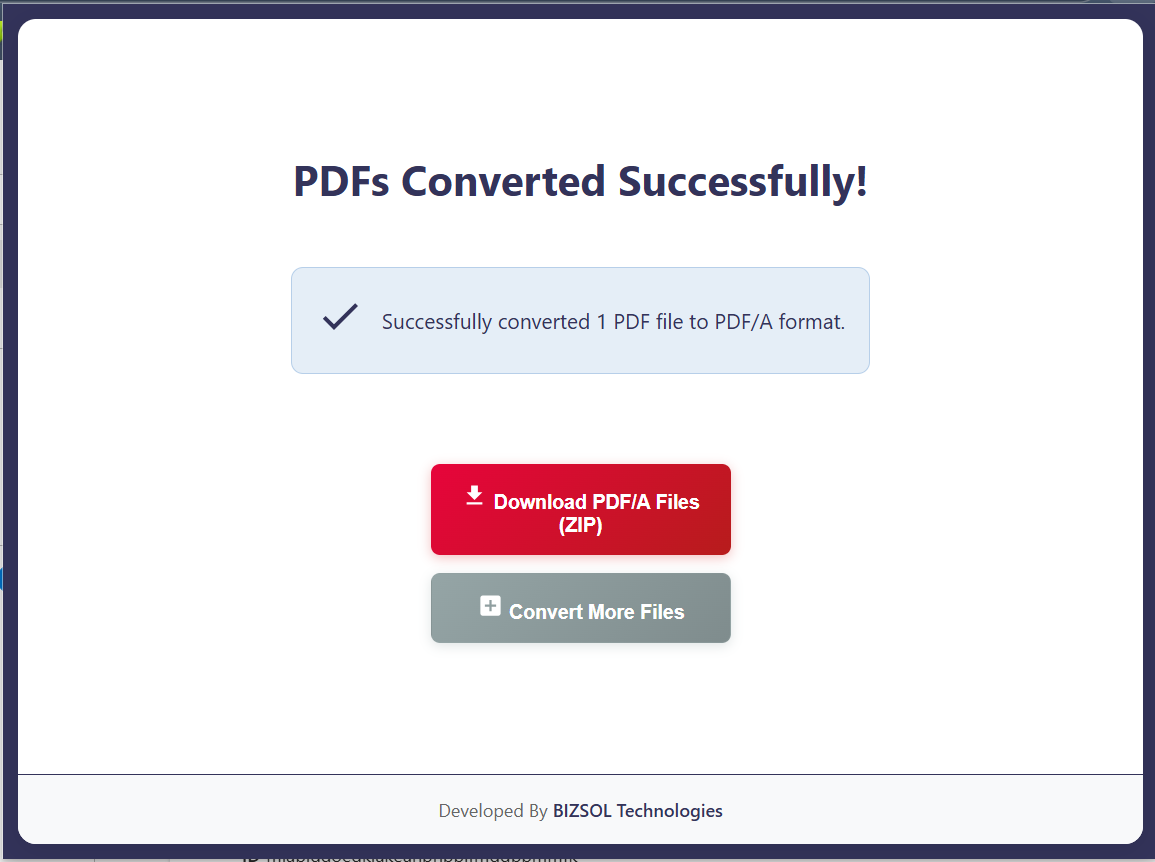
Common scenarios where PDF/A compliance makes a real difference.
Archive invoices and receipts in PDF/A for retention and audits.
Convert PDFs to PDF/A to reduce rejection risk on portals.
Store contracts and case documents in an archival format built for longevity.
One clear plan for individuals and single users.
One-time purchase for one user, with lifetime updates.
If it doesn’t fit your workflow, email support and we’ll refund within the guarantee window.
Support: support@bizsoltech.com · Docs: bizsoltech.com/plugins/pdf-to-pdfa/
Built for practical workflows and backed by responsive help.
Designed to avoid uploading PDFs to unknown online tools. For strict compliance, follow your organization’s policies.
Email: support@bizsoltech.com
Docs: bizsoltech.com/plugins/pdf-to-pdfa/
Typical response time: within 1 business day.
Short answers to the most common questions before you buy.
PDF/A is an archival PDF standard designed for long-term preservation and predictable rendering—often required for audits and submissions.
Yes. The workflow is designed to run locally in your browser to help you avoid typical web upload tools.
Common targets include PDF/A-1b and PDF/A-2b. The best option depends on your submission or archiving requirement.
No—$9 one-time per seat, with lifetime updates.
14-day money-back guarantee. Email support with your order details to request a refund.
Chrome v120+ on Windows/macOS/Linux.
No—conversion exports a new PDF/A copy. Your original file remains unchanged.
One seat is for one user. You can use it on your own devices where you’re the primary user.
Yes. Your purchase includes future updates, fixes, and compatibility improvements.
Visit bizsoltech.com/plugins/pdf-to-pdfa/.
Convert PDF to PDFA, reduce rejection risk, and archive files confidently—without leaving Chrome.