PDF Page Number – Single Seat License
One-time purchase for one user, with lifetime updates.
- $9 one-time payment
- Lifetime updates
- Use on your own Chrome profile
 PDF Page Number
PDF Page Number helps you number pages for reports, proposals, invoices, and submissions. Choose header/footer, alignment, and start number-then export a clean, reference-ready PDF fast.
Unnumbered PDFs slow everything down: reviewers can’t reference “page 7,” clients can’t point to exact sections, and teams lose time in back-and-forth. Add consistent page numbers once and your document becomes instantly easier to navigate.
Long PDFs without page numbers make feedback unclear and edits harder to track.
Missed references lead to rework, resubmissions, and longer approval cycles—especially for formal documents.
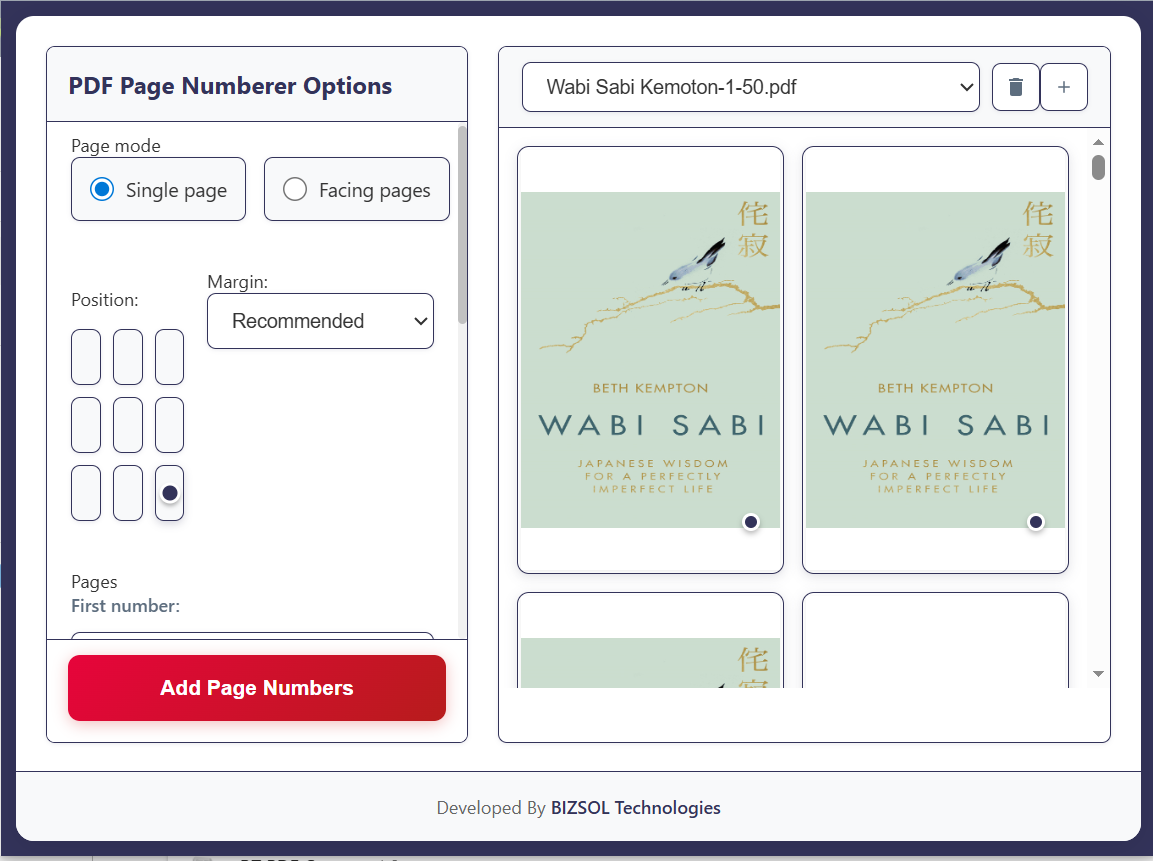
Choose placement, alignment, and start number, preview the result, then download a numbered PDF you can share immediately.
Ideal for individuals, freelancers, and business owners who share PDFs and want a professional, reference-ready finish.
Deliver proposals and reports clients can reference instantly—less confusion, faster sign-offs.
Number HR packets, invoices, and compliance files so approvals move smoothly.
Submit papers and assignments with clean page numbering—no formatting headaches.
A focused toolkit to add page numbers with control and confidence.
Add page numbers to the top or bottom—match common standards fast.
Keep numbering consistent with your document style.
Start at 1, 3, 10, or any number you need for structured documents.
Exclude the first page so numbering starts on the content page.
Adjust size and simple format so the number looks clean on print and screen.
See placement before downloading—avoid redoing work.
Your original stays untouched; you download a new numbered PDF copy.
Designed to avoid uploading sensitive PDFs to unknown online tools.
Number multiple PDFs in a row with minimal clicks.
Simple, professional numbering—without complex editors or subscriptions.
A fast, repeatable process you can finish in minutes.
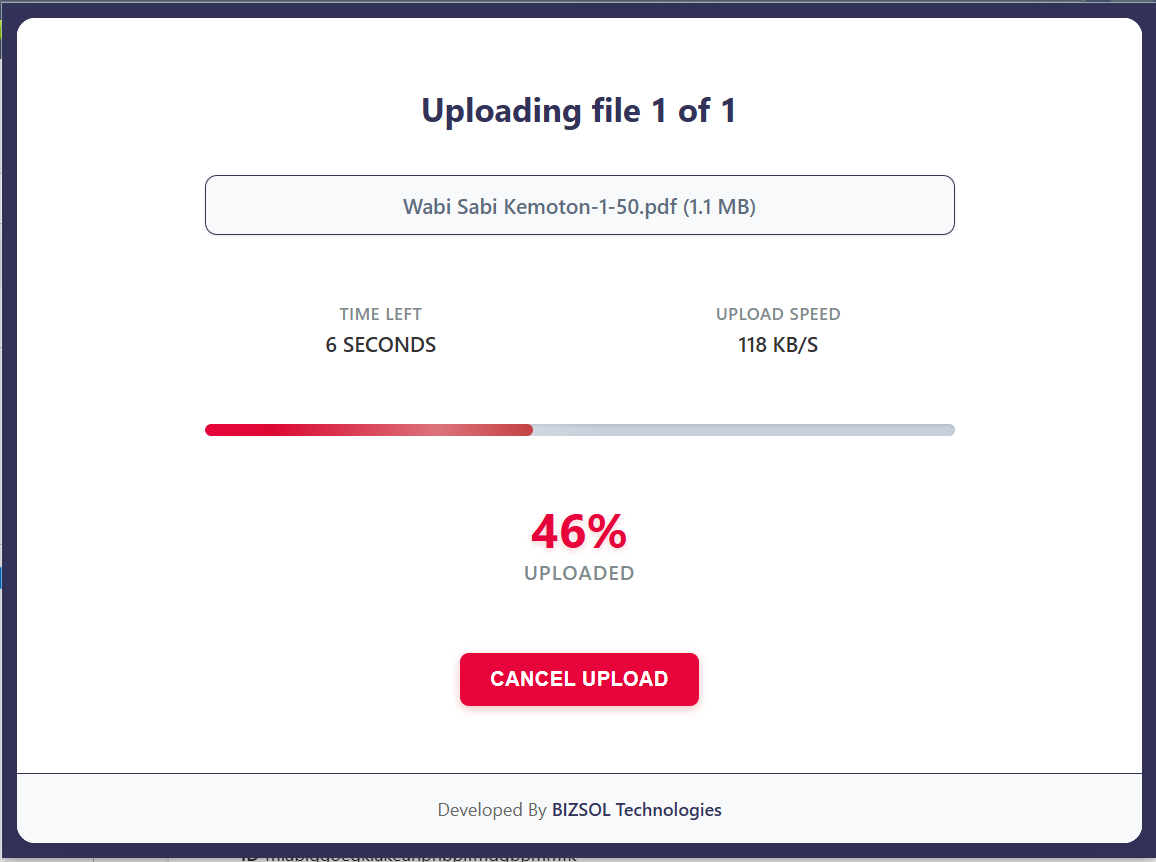
A quick look at the full flow from setup to export.
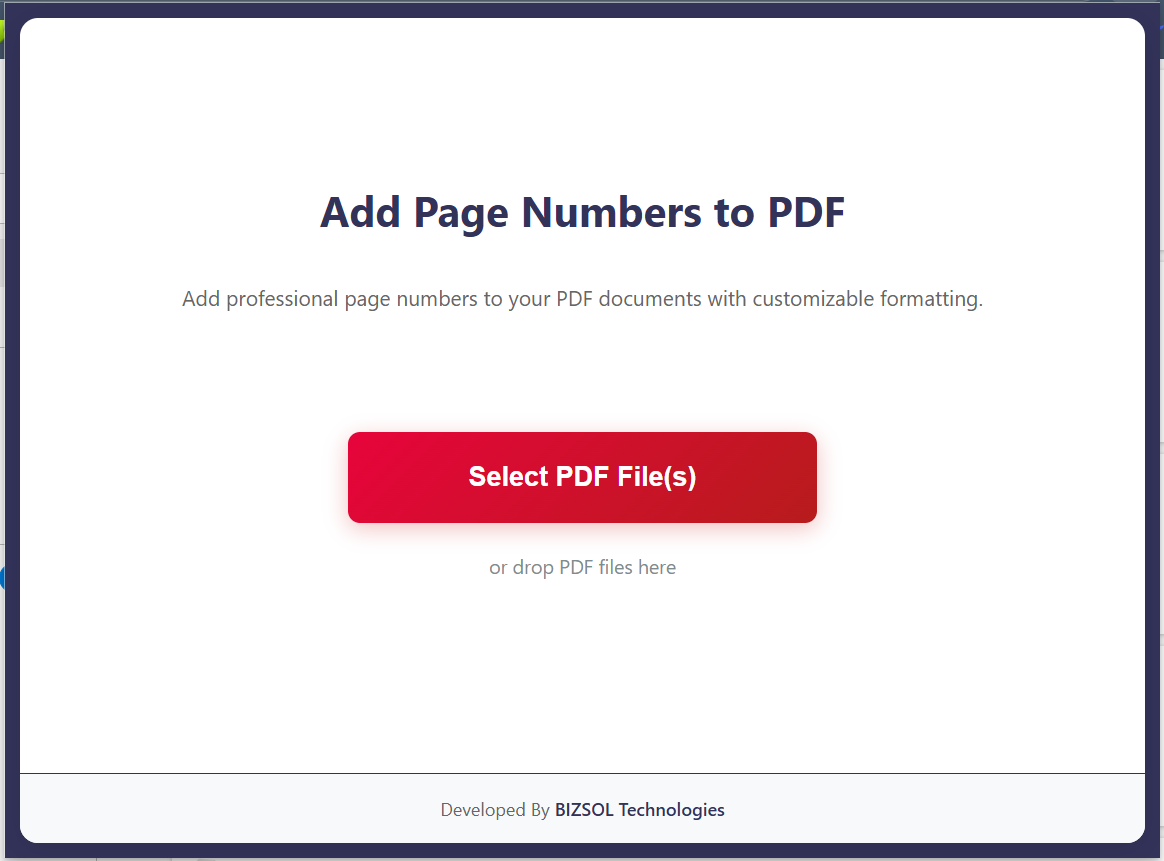
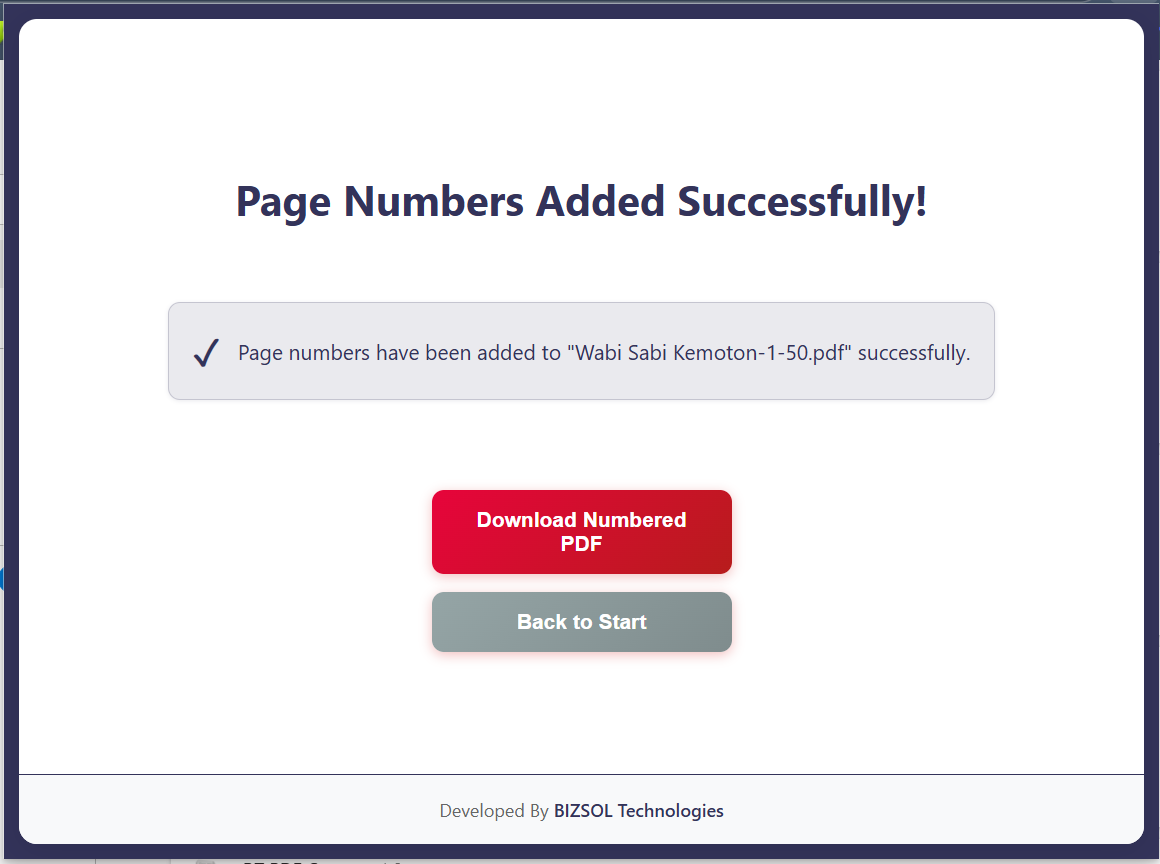
Common scenarios where page numbering saves real time.
Reviewers reference exact pages—faster feedback, quicker approvals.
Make multi-page documents easier to verify and reconcile.
Submit clean numbered PDFs that meet typical formatting expectations.
One clear plan for individuals and single users.
One-time purchase for one user, with lifetime updates.
If it doesn’t fit your workflow, email support and we’ll refund within the guarantee window.
Support: support@bizsoltech.com · Docs: bizsoltech.com/plugins/pdf-page-number/
Built for practical workflows and backed by responsive help.
Designed for device-local processing so you can avoid uploading sensitive PDFs to unknown online tools.
Email: support@bizsoltech.com
Docs: bizsoltech.com/plugins/pdf-page-number/
Typical response time: within 1 business day.
Short answers to the most common questions before you buy.
It runs inside Chrome like a local tool. You select your PDF, apply numbering, and export a numbered copy—no extra apps needed.
Yes. Skip the cover page and set a custom start number so the first numbered page begins exactly where you want.
No. The workflow is designed to run locally in your browser. Your PDFs are not sent to external servers.
No—$9 one-time per seat, with lifetime updates.
Chrome v120+ on Windows/macOS/Linux (and most Chromium-based browsers that support extensions).
No. Your original file stays unchanged. You download a new numbered PDF copy.
One seat is for one user. You can use it on your own devices where you’re the primary user.
14-day money-back guarantee. Email support with your order details to request a refund.
Yes. Your purchase includes future updates, fixes, and compatibility improvements.
Visit bizsoltech.com/plugins/pdf-page-number/.
Add consistent page numbers, export a clean copy, and reduce review confusion immediately.