Organize PDF – Single Seat License
One-time purchase for one user, with lifetime updates.
- $9 one-time payment
- Lifetime updates
- Use on your own Chrome profile
 Organize PDF
Organize PDF helps you clean up messy documents: fix page order, remove extras, rotate scanned pages, and export a polished PDF you can submit or share-fast.
Unorganized PDFs slow down approvals, submissions, and client reviews. The goal is simple: put pages in the right order, remove the noise, fix rotation, and export a clean file you can confidently share.
Scans and exports often add blank pages, duplicates, or wrong ordering that ruins the document flow.
A confusing PDF triggers back-and-forth, rework, and “please resend in correct order” messages.
Reorder, delete, rotate—and download a clean PDF that reads correctly the first time.
Perfect for individuals and business owners who handle PDFs daily and want a dependable “clean it up fast” workflow.
Deliver client-ready PDFs with correct page order and clean formatting.
Organize forms, reports, and scanned packets before submission.
Reorder lecture scans and readings into a clean, printable PDF.
A focused set of tools to manage PDF pages quickly and export a clean result.
Move pages into the exact order you want—fast.
Remove blanks, duplicates, or extra appendices.
Fix sideways scans so your PDF reads correctly.
See the entire document and spot issues instantly.
Download an organized PDF ready to share or submit.
Exports a new file—doesn’t overwrite your source PDF.
Designed to avoid uploading sensitive PDFs to unknown tools.
Organize multiple PDFs back-to-back with minimal clicks.
Great for invoices, applications, HR packets, and reports.
Simple pricing, clear controls, and outputs you can trust.
A quick process you can repeat in minutes.
A quick look at the flow from page thumbnails to export.
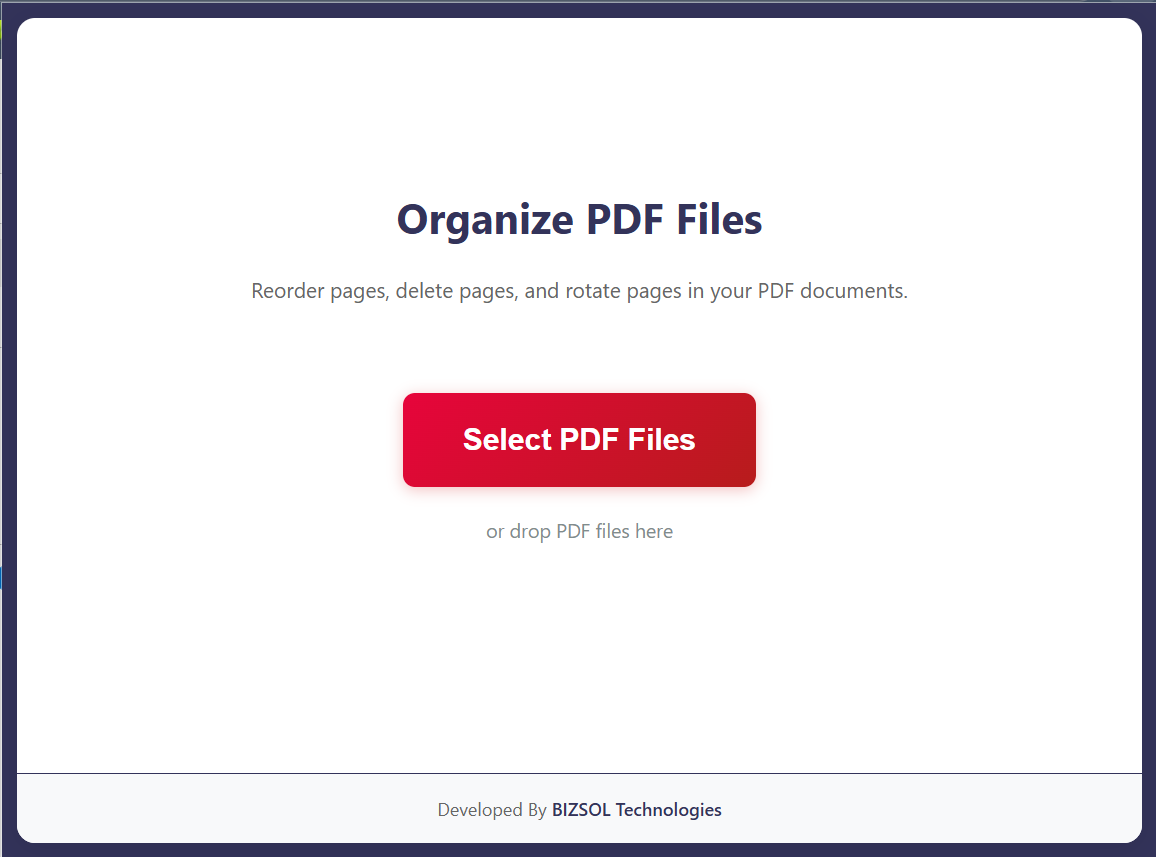
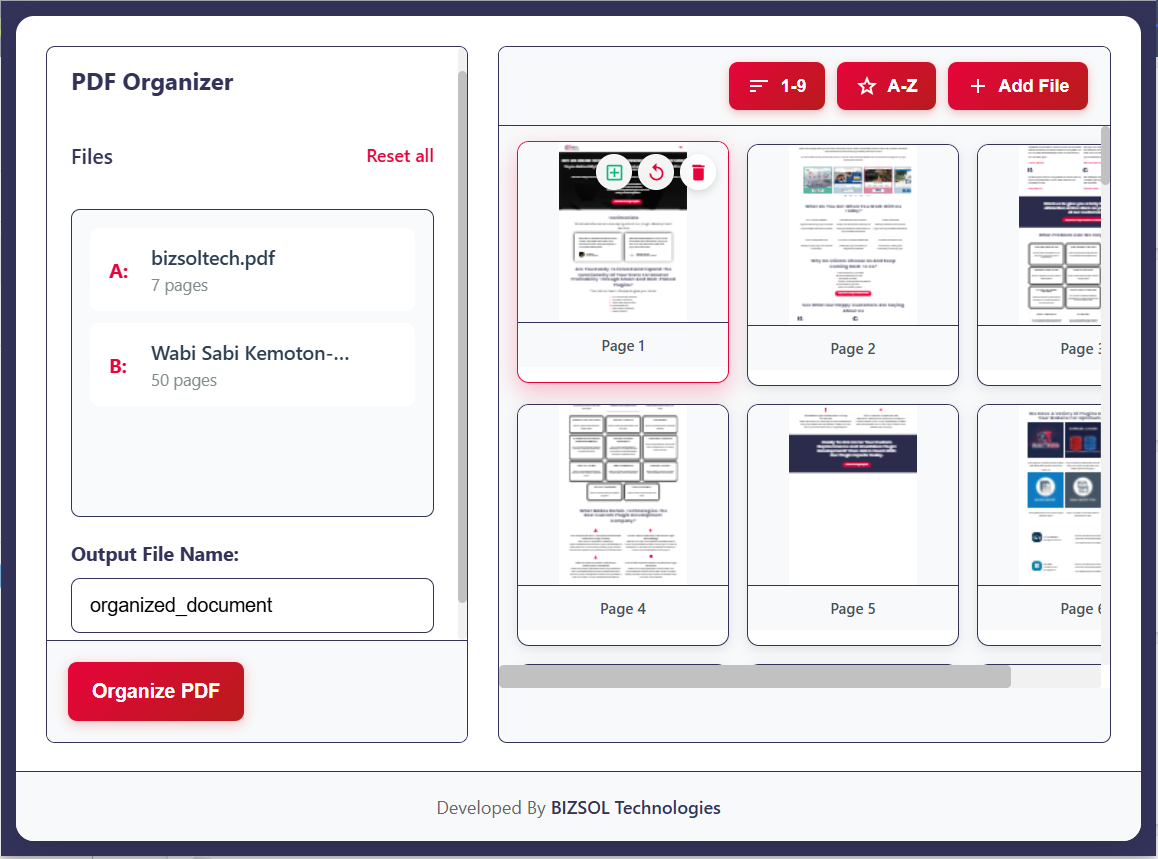
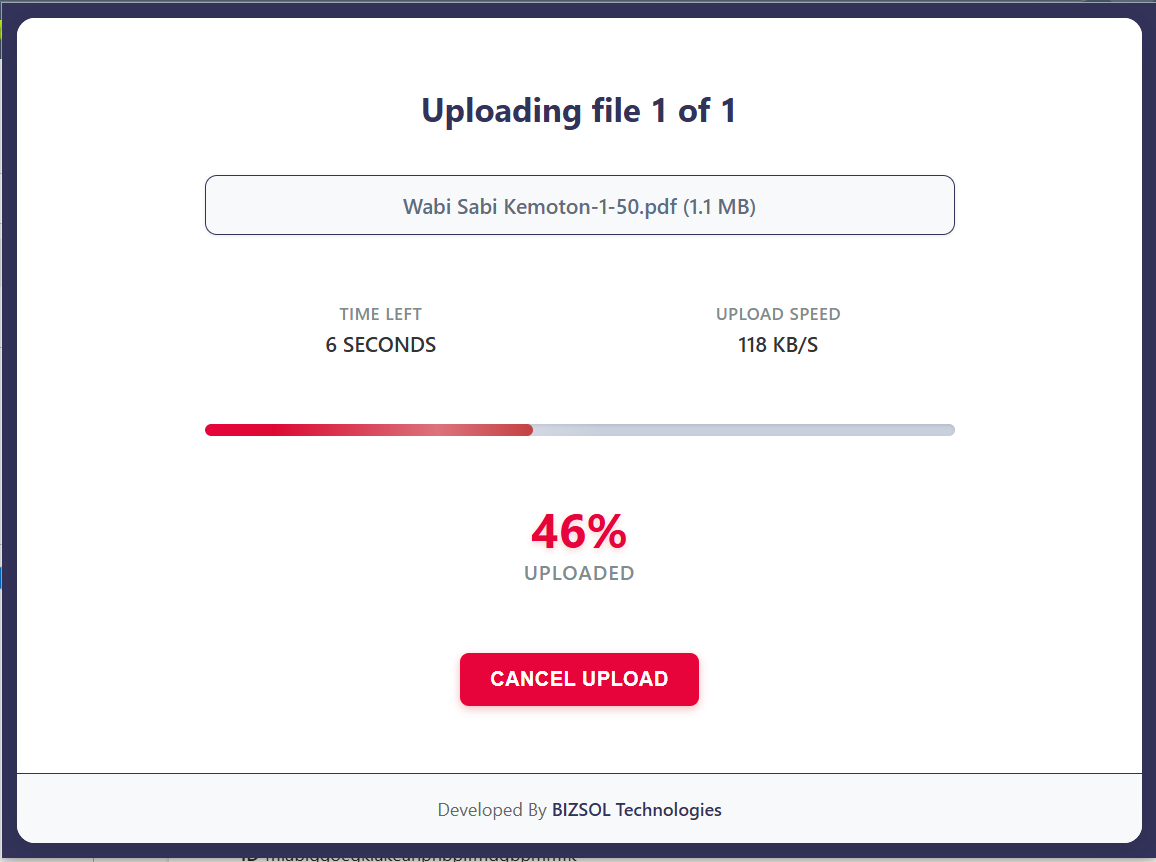
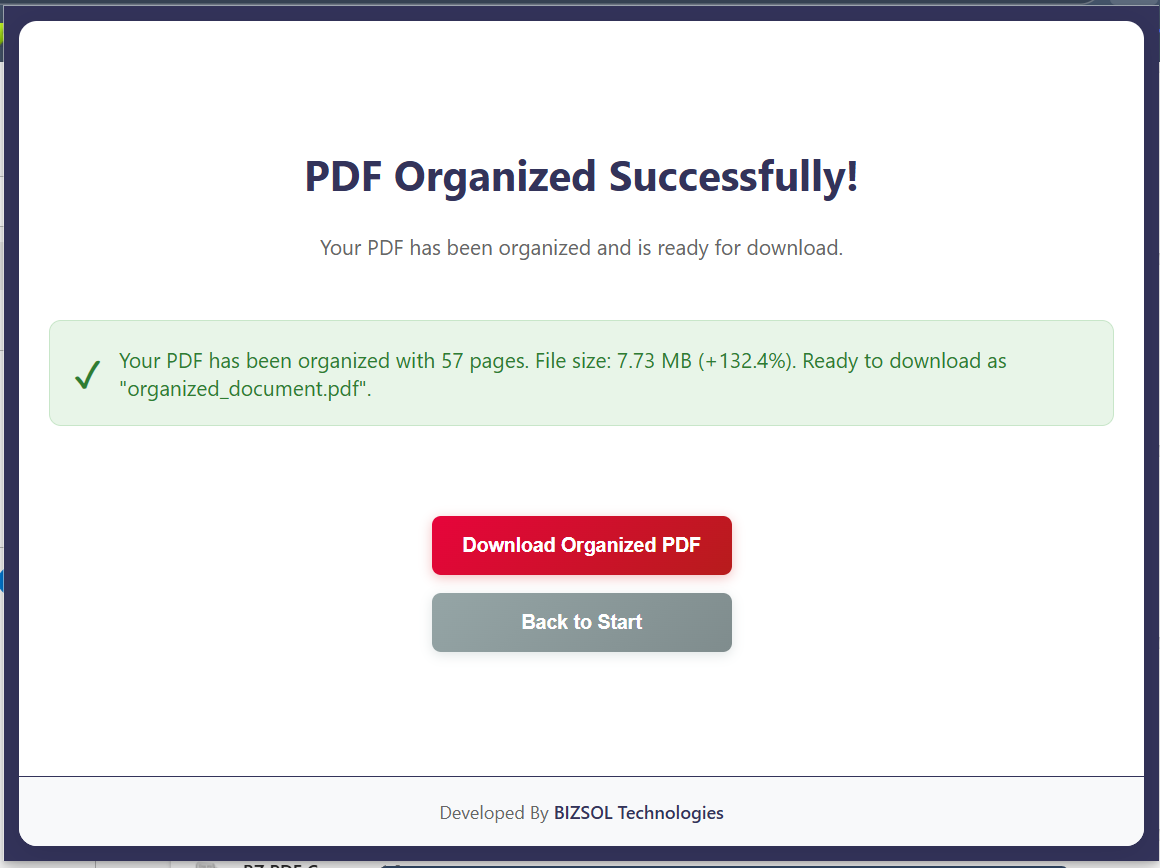
Common situations where organizing pages saves real time.
Rotate pages and delete blanks for a clean final copy.
Put pages in correct order so reviewers understand instantly.
Remove extra pages and share a polished PDF confidently.
One clear plan for individuals and single users.
One-time purchase for one user, with lifetime updates.
If it doesn’t fit your workflow, email support and we’ll refund within the guarantee window.
Support: support@bizsoltech.com · Docs: bizsoltech.com/plugins/organize-pdf/
Built for practical workflows and backed by responsive help.
Designed for local-first organizing so you can avoid uploading sensitive PDFs to unknown online tools.
Email: support@bizsoltech.com
Docs: bizsoltech.com/plugins/organize-pdf/
Typical response time: within 1 business day.
Short answers to the most common questions before you buy.
Yes. Drag-and-drop page thumbnails into the exact order you want, then export.
Yes. Remove blank pages, duplicates, or unwanted sections and export a cleaner file.
Yes. Rotate any page that was scanned sideways so the PDF reads correctly.
No. The organize workflow is designed to run locally in your browser.
No—$9 one-time per seat, with lifetime updates.
Chrome v120+ on Windows/macOS/Linux (and most Chromium-based browsers that support extensions).
Access to the PDF you choose and permission to download the organized copy. It does not track browsing history.
No—exports a new organized copy and keeps your original file unchanged.
One seat is for one user. You can use it on your own devices where you’re the primary user.
14-day money-back guarantee. Email support with your order details to request a refund.
Visit bizsoltech.com/plugins/organize-pdf/.
Reorder pages, delete extras, rotate scans, and export a polished PDF—ready to submit or send.