OCR PDF – Single Seat License
One-time purchase for one user, with lifetime updates.
- $9 one-time payment
- Lifetime updates
- Use on your own Chrome profile
- 14-day money-back guarantee
 OCR PDF
OCR PDF helps you convert scanned documents into searchable, copyable PDFs so you can find keywords instantly, copy text, and share a clean searchable copy.
Scanned PDFs look fine—but they behave like images. You can’t search, copy text, or quickly find the one value you need. OCR PDF adds a searchable text layer so your document becomes usable again.
Invoices, contracts, IDs, and printed documents often become image-only PDFs—no text to search or copy.
You waste time zooming, guessing, and retyping—especially when you need totals, names, or clauses quickly.
Convert scanned pages into searchable text, then download a new searchable PDF you can search, copy from, and archive.
Made for individuals and business owners who want fast OCR results without learning a complex PDF editor.
Extract text from scanned PDFs to reuse content and search client files instantly.
Make invoices and paperwork searchable so you can retrieve info in seconds.
Convert scanned readings into searchable PDFs to find keywords, quotes, and sections fast.
Everything you need to make PDF searchable and extract text from PDF—right inside Chrome.
Add a text layer so you can search inside scanned PDFs.
Recognize printed text so you can copy and reuse content.
Copy text for emails, editing, and documentation—no retyping.
Run OCR only where you need it—single pages or ranges.
Export a new searchable PDF copy for sharing and archiving.
Select OCR language for better accuracy on real-world documents.
Stay in your browser workflow—no heavy desktop installs.
Quickly find totals, vendor names, and invoice numbers.
Process documents back-to-back with minimal clicks.
Clear pricing, practical output, and a workflow that fits everyday document handling.
A fast, repeatable process you can finish in minutes.
A quick look at the flow from upload to searchable export.
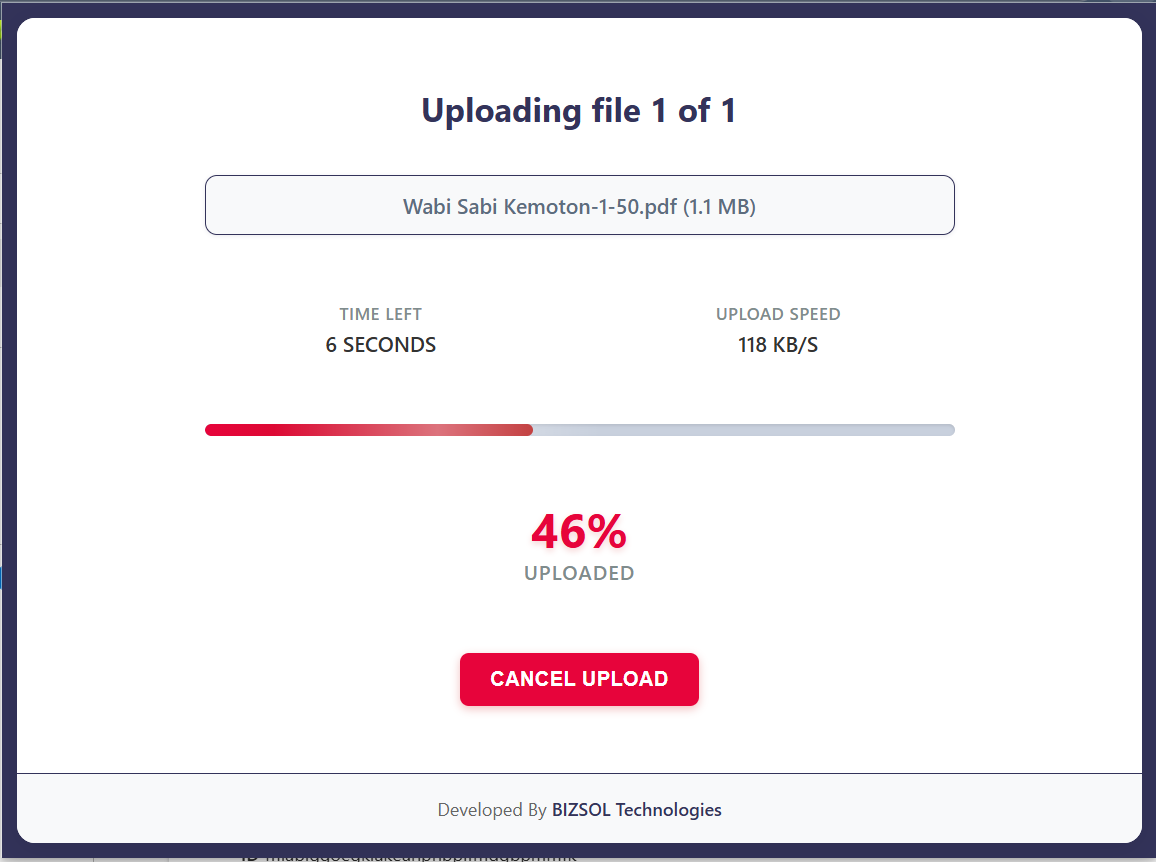
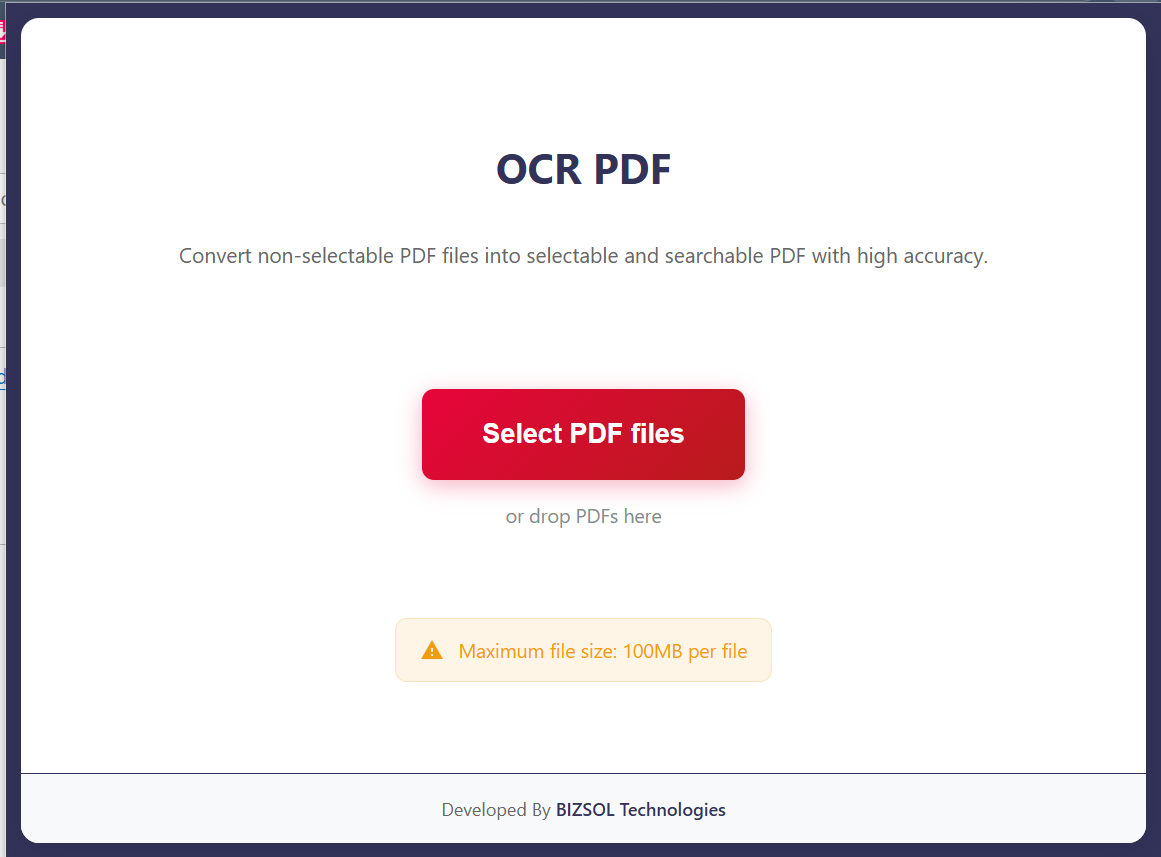
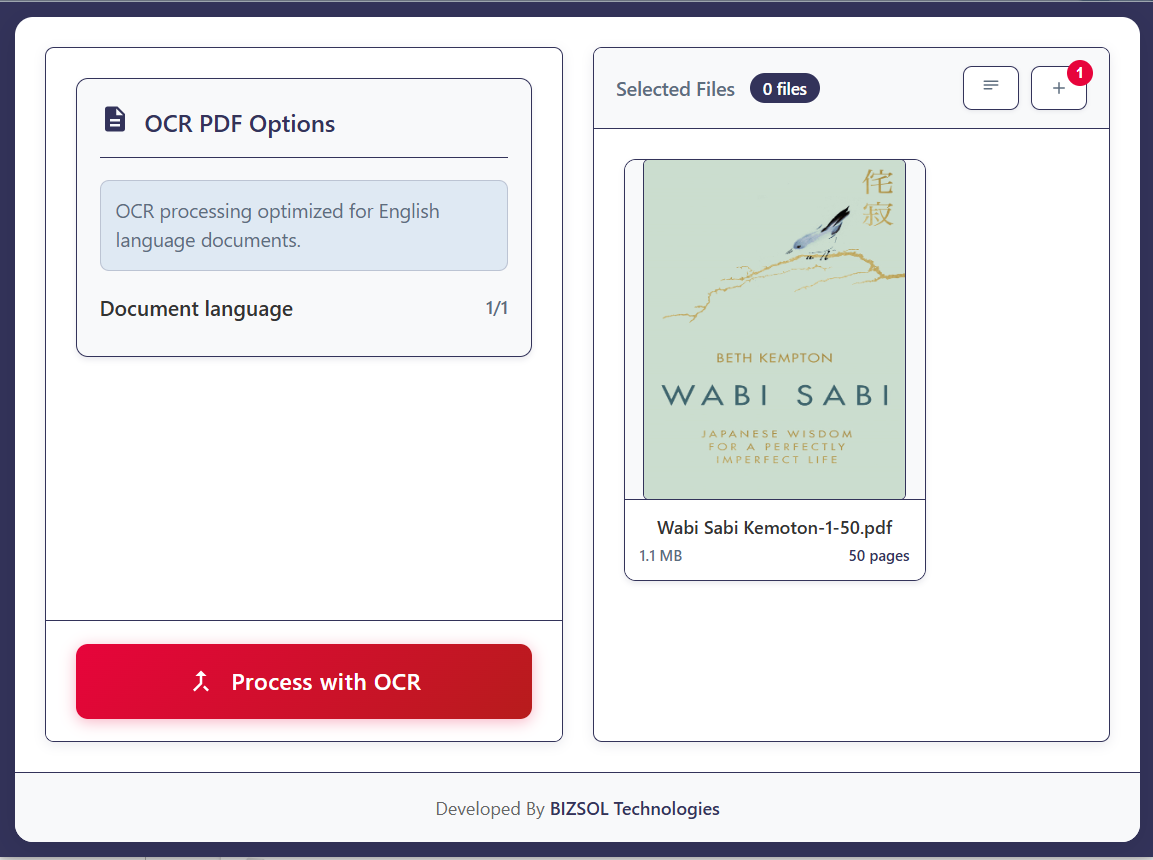
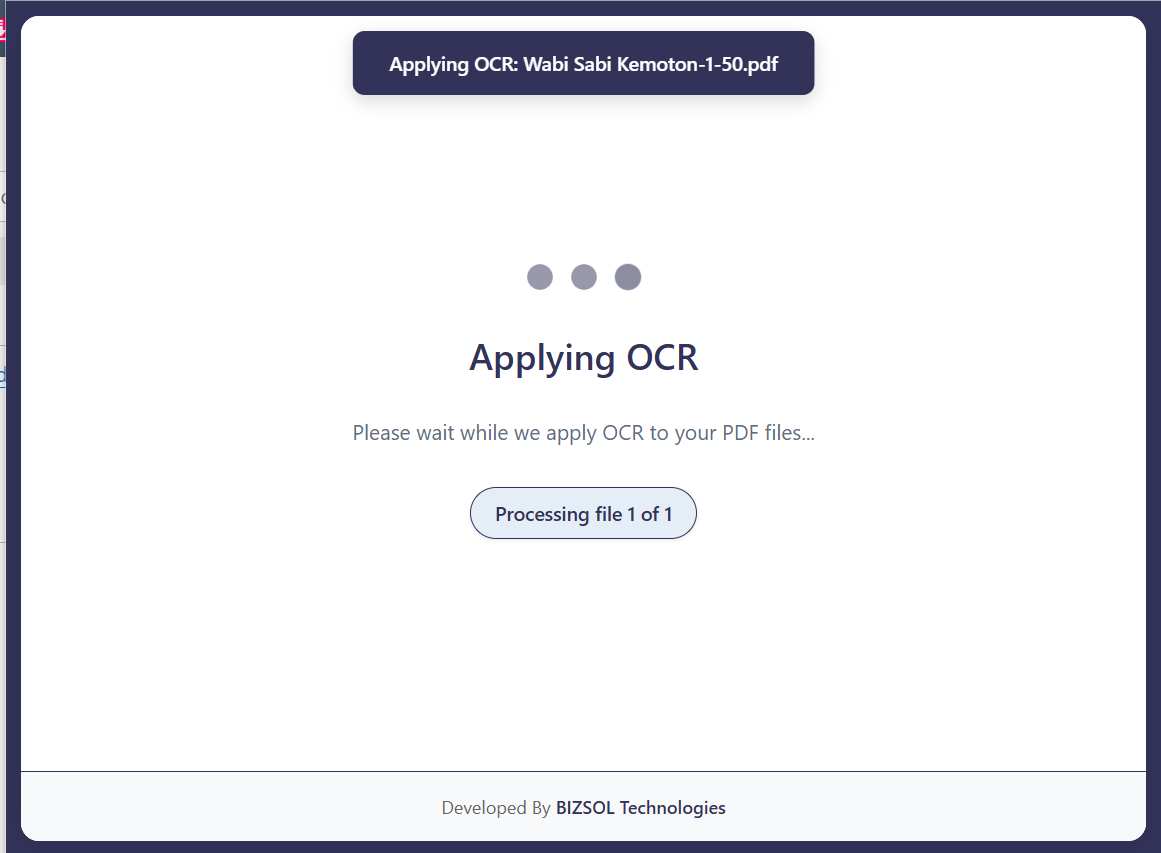
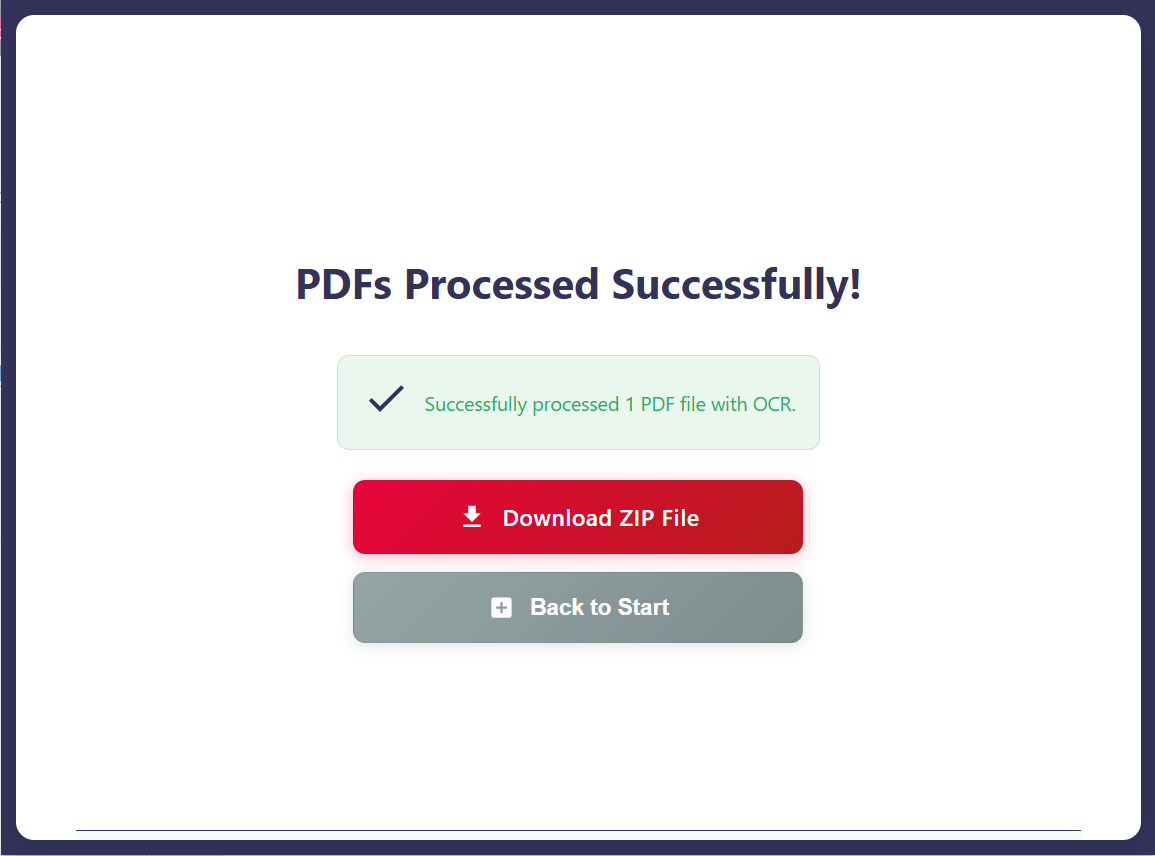
Where OCR unlocks immediate speed for real work.
Search totals and invoice numbers instead of hunting line-by-line.
Copy names, IDs, and fields without retyping and mistakes.
Find keywords fast and build your notes with copyable text.
One clear plan for individuals and single users.
One-time purchase for one user, with lifetime updates.
If it doesn’t fit your workflow, email support and we’ll refund within the guarantee window.
Support: support@bizsoltech.com
Docs: bizsoltech.com/plugins/ocr-pdf/
Typical response time: within 1 business day.
Built for practical workflows and backed by responsive help.
Designed to reduce reliance on random upload sites. For strict compliance requirements, follow your organization’s policies.
Email: support@bizsoltech.com
Docs: bizsoltech.com/plugins/ocr-pdf/
Support SLA: within 1 business day.
Short answers to the most common questions before you buy.
Yes—OCR PDF is specifically for scanned or image-based PDFs that are not searchable today.
It recognizes text and makes it searchable and copyable. You can copy text and export a searchable PDF copy.
No—$9 one-time per seat, with lifetime updates.
14-day money-back guarantee. Email support with your order details to request a refund.
Chrome v120+ on Windows/macOS/Linux (and most Chromium-based browsers that support extensions).
No—OCR exports a new searchable PDF copy. Your original PDF remains unchanged.
The workflow is designed to run inside your browser. For strict compliance, follow your organization’s policies.
One seat is for one user. You can use it on your own devices where you’re the primary user. Teams should buy additional seats.
Yes—your purchase includes lifetime updates and compatibility improvements.
Typical response time is within 1 business day via support@bizsoltech.com.
Make PDFs searchable, copy text instantly, and export a clean searchable copy—without leaving Chrome.