Merge PDF – Single Seat License
One-time purchase for one user, with lifetime updates.
- $9 one-time payment
- Lifetime updates
- Use on your own Chrome profile
 Merge PDF
Merge PDF helps you combine multiple documents into one clean PDF, keep pages in the right order, and download a single file you can send confidently-fast.
Clients, portals, and teams often require “one PDF.” Sending multiple files creates confusion, version mix-ups, and delays. The goal here is simple: merge everything into one clean document in minutes.
Invoices, appendices, scans, and reports come as separate PDFs—hard to track and easy to miss.
Someone opens the wrong file, misses an attachment, or asks you to “combine them into one”-again.
Add PDFs, reorder pages, merge, and export one clean PDF you can share confidently.
Ideal for individuals and business owners who handle PDFs daily and want a dependable “merge it now” workflow.
Combine proposals, deliverables, and receipts into one client-ready PDF.
Merge forms, approvals, and supporting documents for clean submissions.
Join papers, readings, and notes into a single printable study PDF.
A focused set of tools to combine PDFs into one clean file—fast.
Select several files and prepare them for one merged output.
Arrange documents/pages in the exact sequence you need.
Merge into a single PDF and download instantly.
Verify the order before exporting (avoid rework).
Exports a new file; your originals remain unchanged.
Designed for speed and clarity inside Chrome.
Perfect for invoices, contracts, reports, and scans.
Designed to avoid uploading sensitive PDFs to unknown online tools.
Merge multiple sets back-to-back with minimal clicks.
Simple pricing, correct ordering, and a clean output you can trust.
A fast, repeatable process you can do in minutes.
A quick look at the full flow from selection to export.
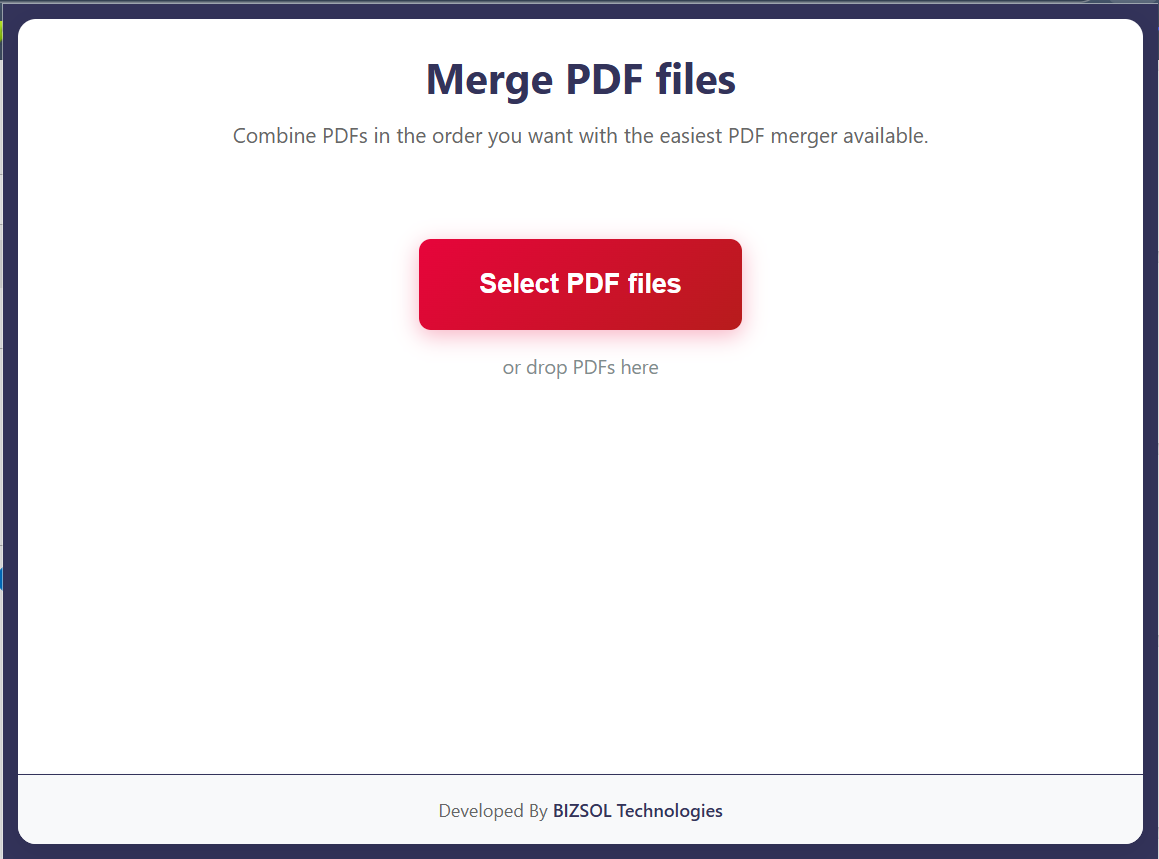
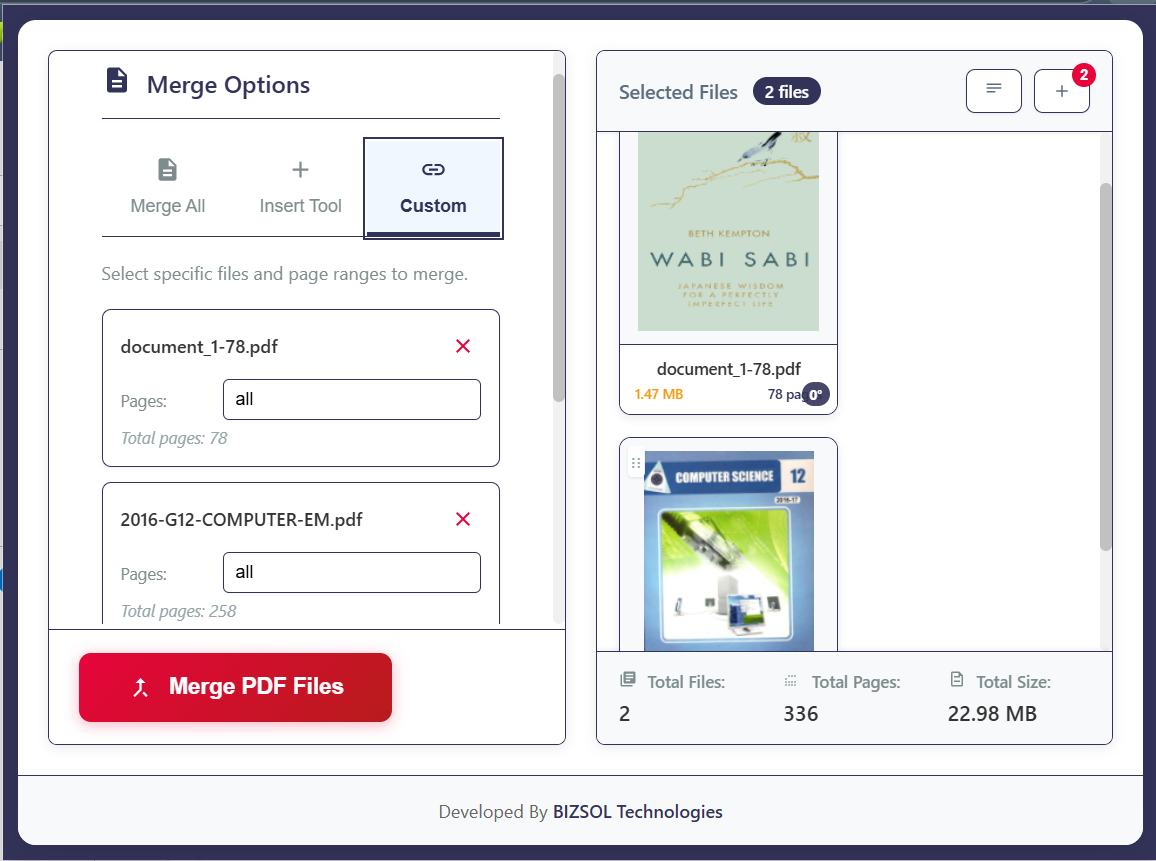
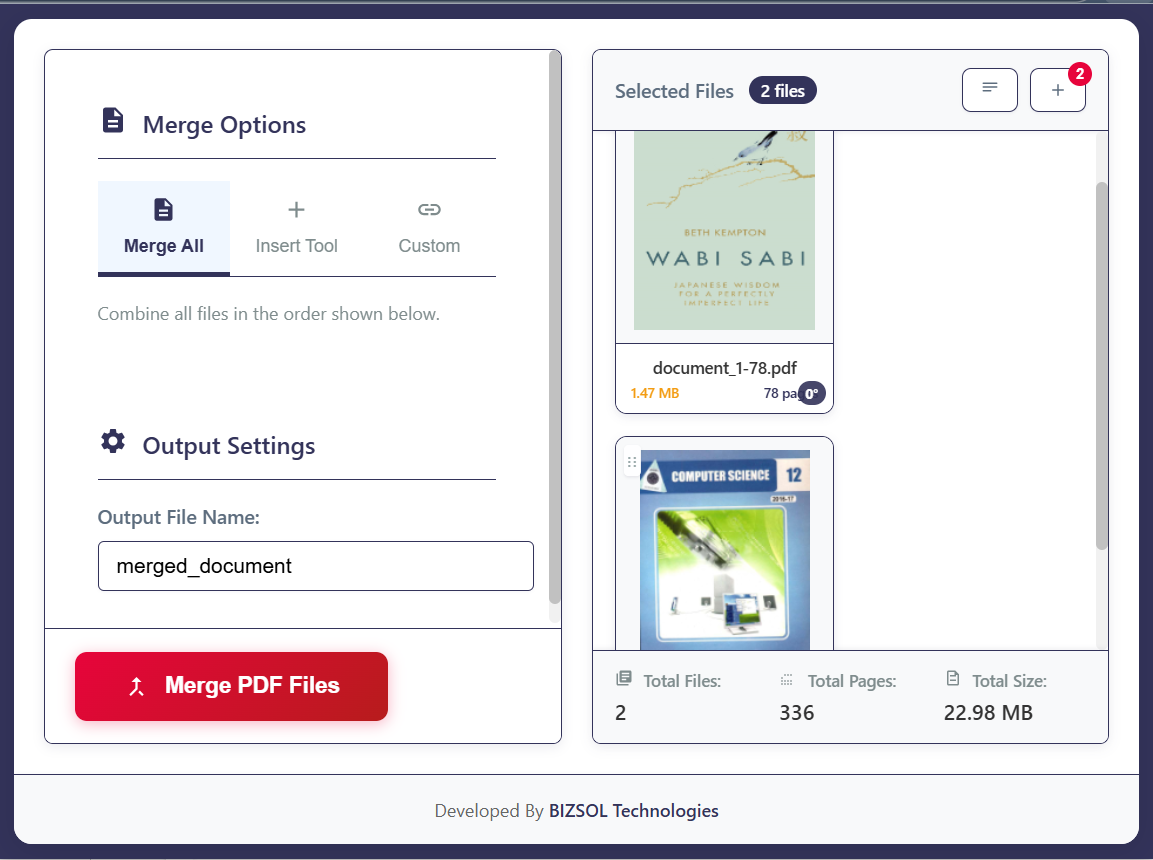
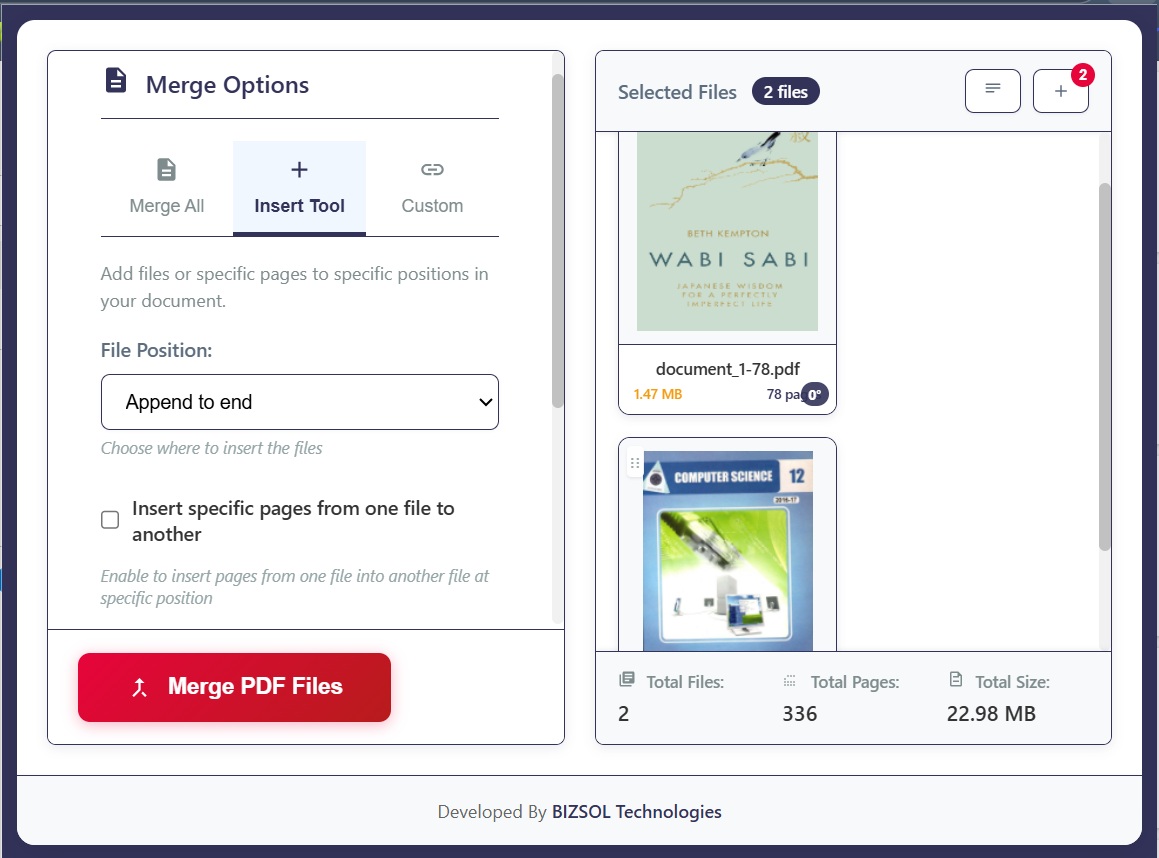
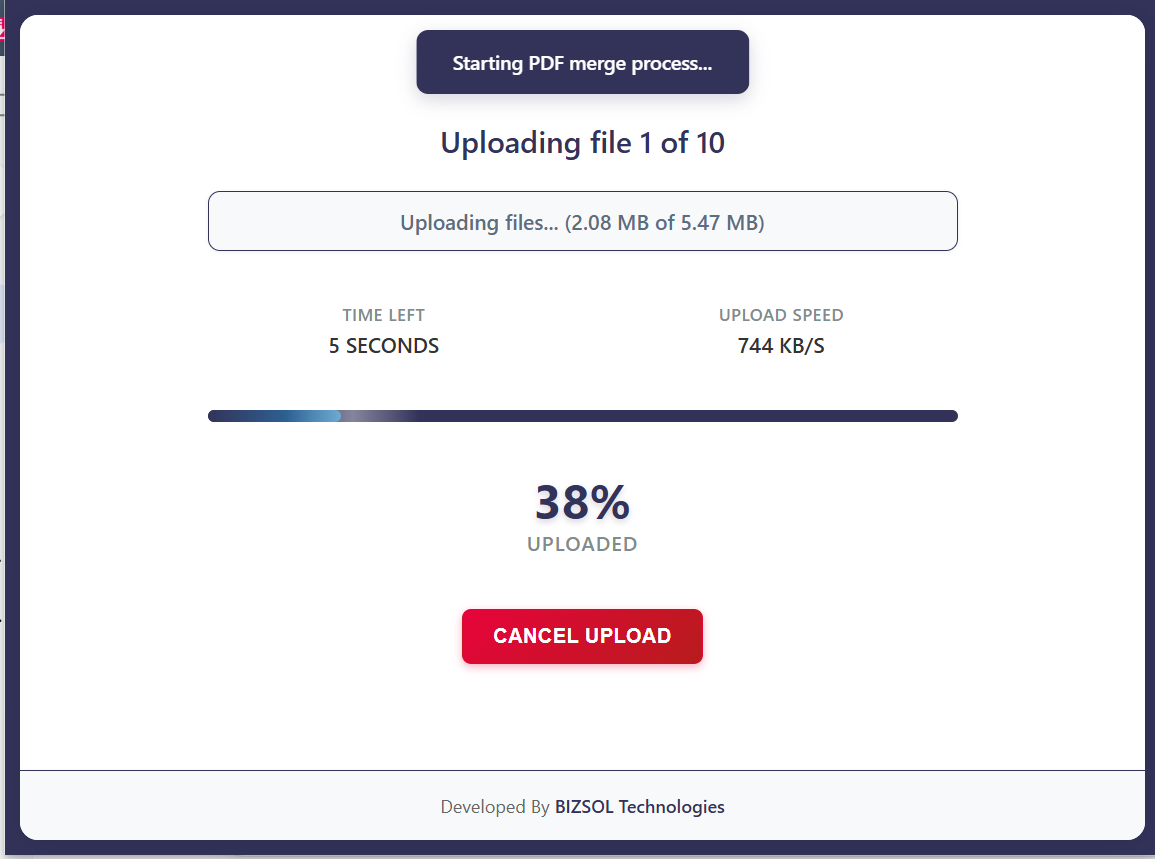
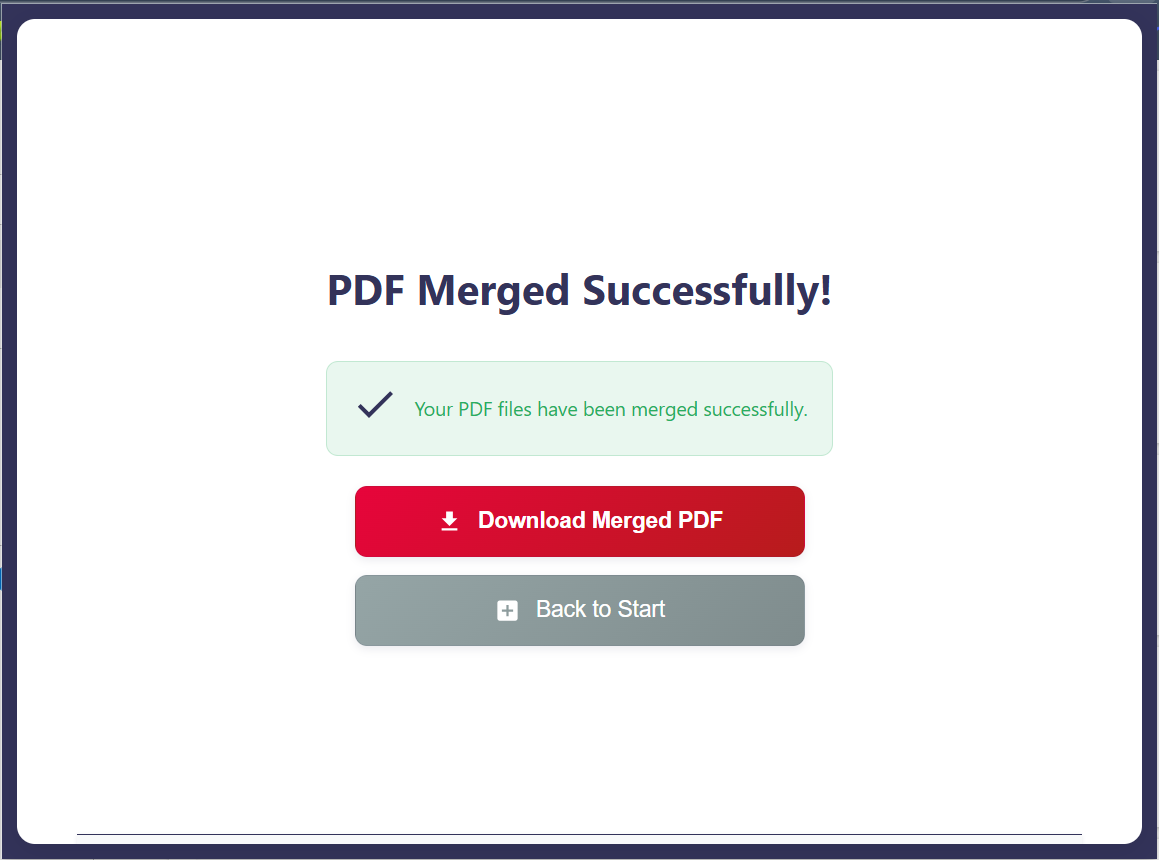
Common situations where merging saves real time.
Send one complete PDF instead of multiple files.
Submit one clean file for accounting and reimbursements.
Upload one portal-ready PDF without missing anything.
One clear plan for individuals and single users.
One-time purchase for one user, with lifetime updates.
If it doesn’t fit your workflow, email support and we’ll refund within the guarantee window.
Support: support@bizsoltech.com · Docs: bizsoltech.com/plugins/merge-pdf/
Built for practical workflows and backed by responsive help.
Designed to avoid uploading sensitive PDFs to unknown online tools. For strict compliance needs, follow your organization’s policies.
Email: support@bizsoltech.com
Docs: bizsoltech.com/plugins/merge-pdf/
Typical response time: within 1 business day.
Short answers to the most common questions before you buy.
Yes. Add as many PDFs as you need and export one merged file.
Yes. Arrange files/pages first so the final PDF is correct on the first export.
No. The merge flow is designed to run locally in your browser.
No—$9 one-time per seat, with lifetime updates.
14-day money-back guarantee. Email support with your order details to request a refund.
Chrome v120+ on Windows/macOS/Linux.
No—your originals remain unchanged; you download a new merged PDF.
One seat is for one user. You can use it on your own devices where you’re the primary user.
For multiple users, purchase additional seats. Contact support for volume needs.
Visit bizsoltech.com/plugins/merge-pdf/.
Combine PDFs fast, keep the order right, and finish the “merge into one PDF” request in minutes.