Lock PDF – Single Seat License
One-time purchase for one user, with lifetime updates.
- $9 one-time payment
- Lifetime updates
- Use on your own Chrome profile
 Lock PDF
Lock PDF helps you encrypt PDFs in seconds so sensitive documents stay private when you send, upload, or archive them.
If a PDF is going to email, WhatsApp, a client portal, or cloud storage, it should be protected. Lock PDF adds a simple “secure it now” step so only the right person can open the file.
Once a file leaves your device, it can be shared and opened by unintended viewers—especially in fast-moving threads.
Pricing, bank details, IDs, and contracts become readable to anyone who gets the file. That risk is hard to undo.
Set a password, generate a new secured PDF, and share confidently—without switching tools or installing bulky software.
Ideal for individuals and business owners who handle PDFs daily and want a dependable “lock it now” workflow.
Protect proposals, contracts, and deliverables before sending to clients.
Secure invoices, reports, payroll files, and internal documents before sharing.
Lock IDs, travel documents, medical records, and personal files before upload.
A focused set of tools to password protect PDFs and export a secured result fast.
Select a file, set a password, export the locked copy.
Add an open-password so unauthorized viewers can’t open the file.
Keeps your original untouched; generates a protected PDF output.
Designed for device-local processing during the lock step.
Great for invoices, contracts, scans, and office exports.
Lock multiple PDFs in sequence with minimal clicks.
See success status before you share the secured file.
Simple screens that anyone can use without training.
Launch from the Chrome toolbar whenever a new PDF arrives.
Simple pricing, clear outputs, and a workflow that fits how you already handle PDFs.
A fast, repeatable process you can do in minutes.
A quick look at the full flow from selection to export.
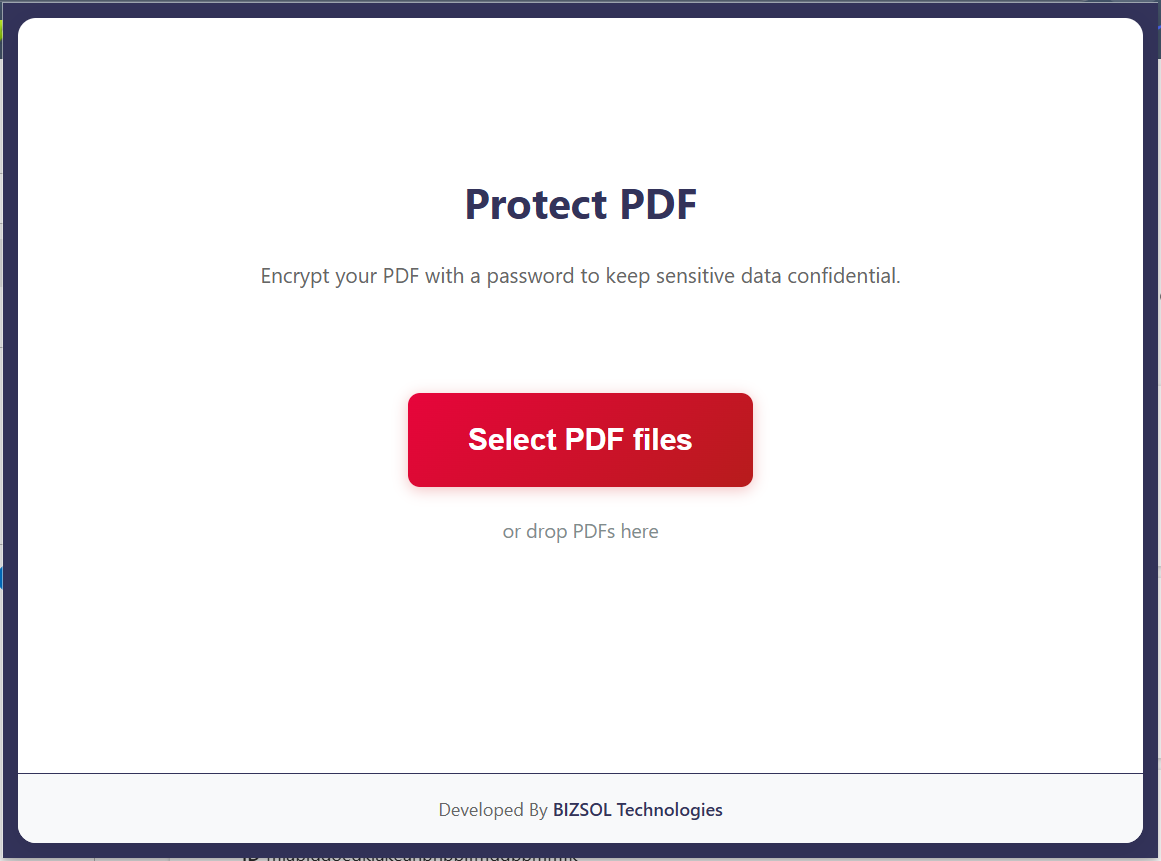
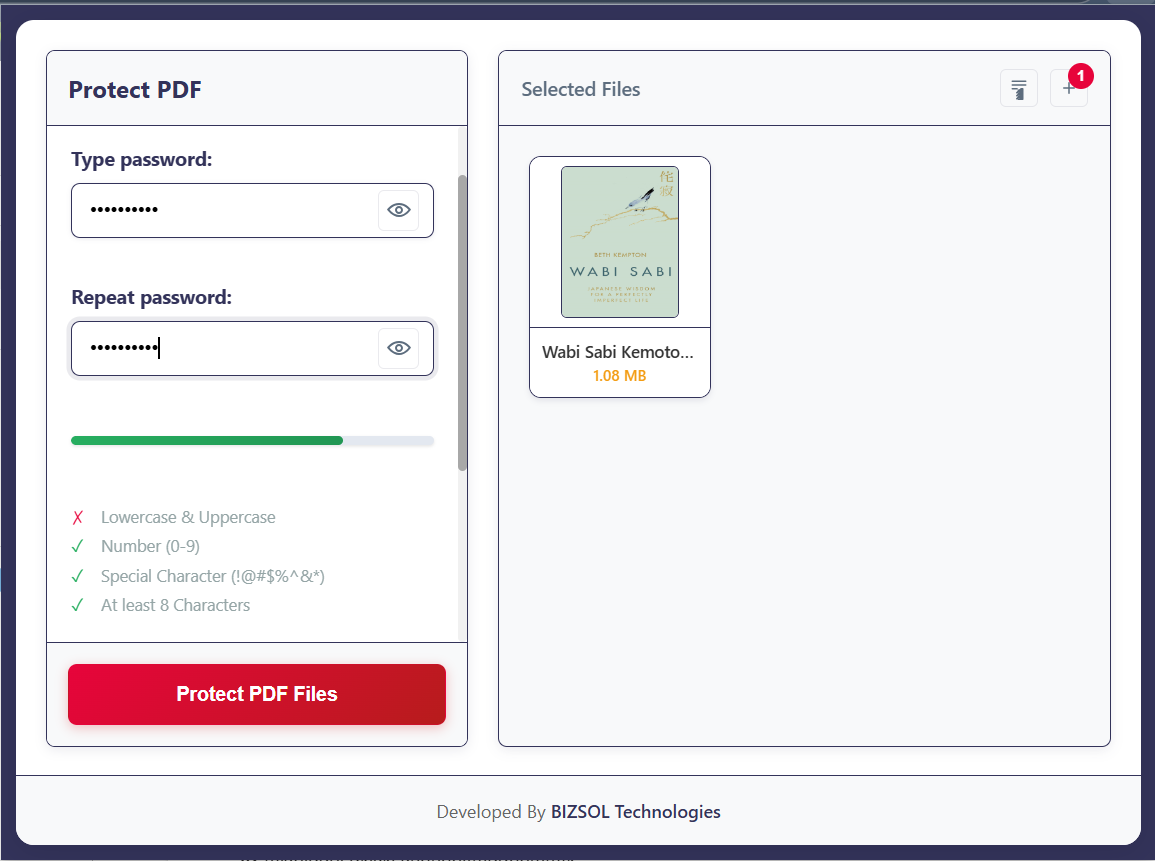
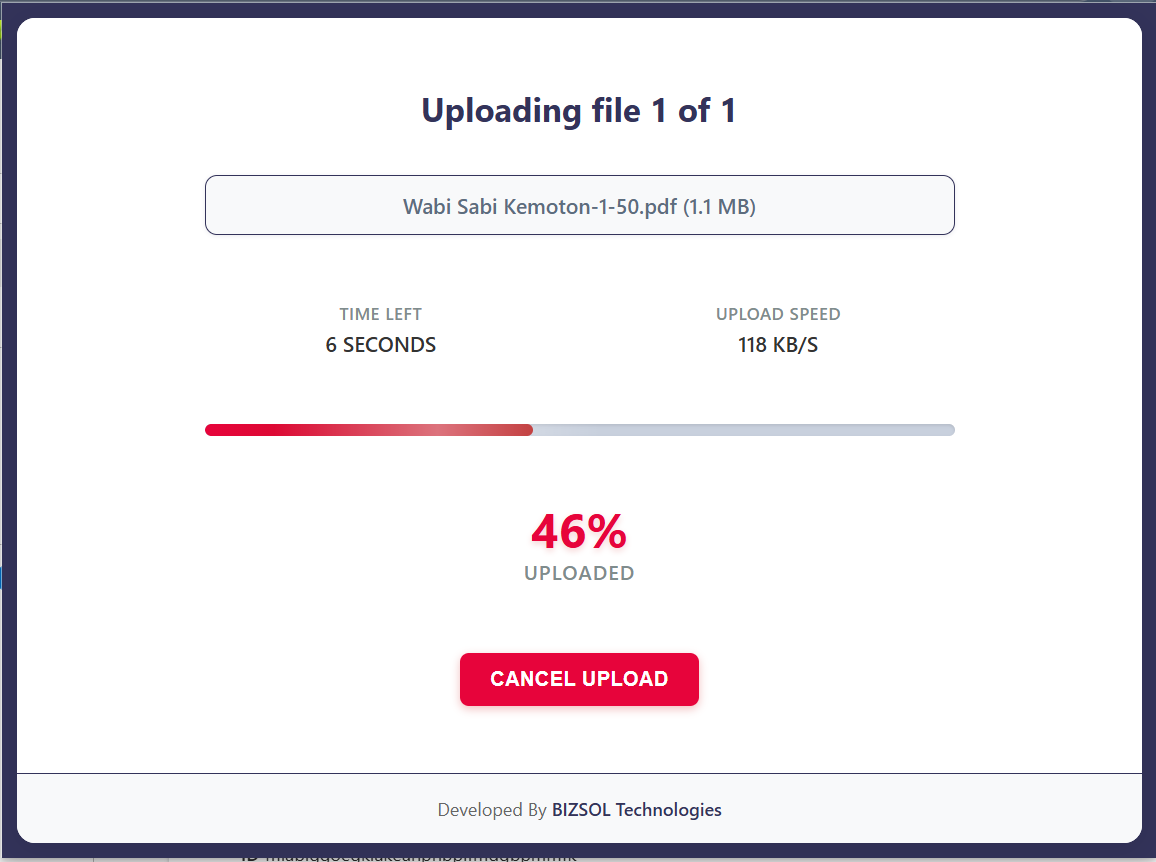
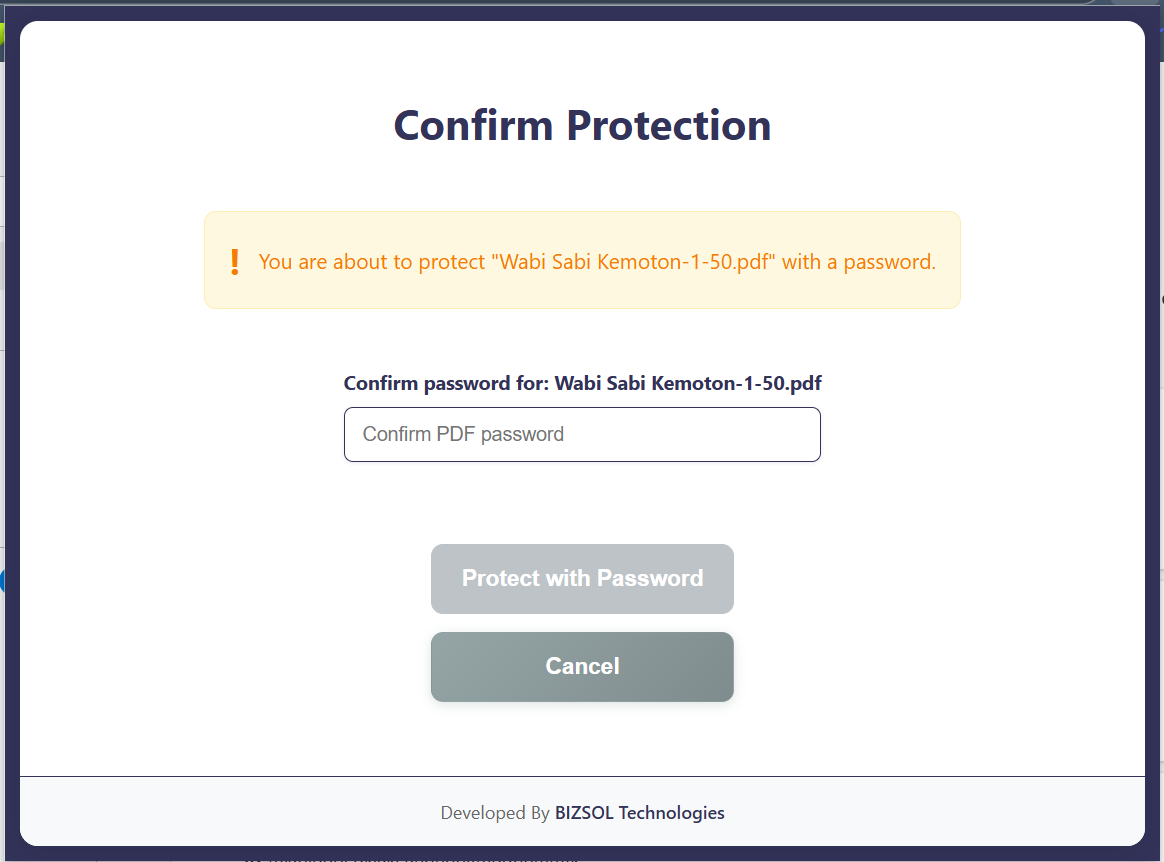
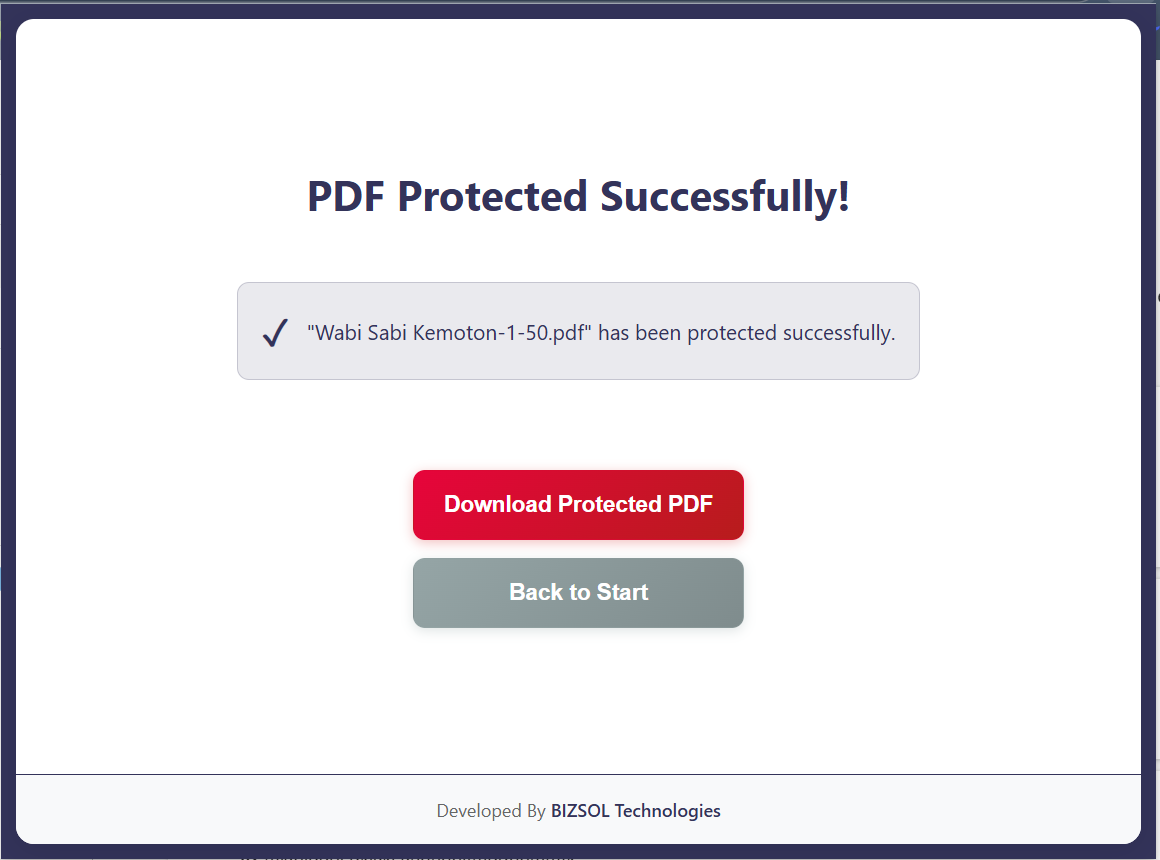
Common situations where locking a PDF prevents real problems.
Protect client and bank details before sending or uploading.
Secure sensitive clauses and pricing during review cycles.
Lock IDs, travel, and medical PDFs before sharing online.
One clear plan for individuals and single users.
One-time purchase for one user, with lifetime updates.
If it doesn’t fit your workflow, email support and we’ll refund within the guarantee window.
Support: support@bizsoltech.com · Docs: bizsoltech.com/plugins/lock-pdf/
Minimal requirements and clear permission scope.
Google Chrome v120+ (Windows/macOS/Linux). Most Chromium browsers also work.
Standard PDFs from office tools, scanners, and export portals.
Needs access to the file you select and permission to download the locked output.
Built for practical workflows and backed by responsive help.
Designed for device-local locking so you can avoid uploading sensitive PDFs to unknown online tools.
Email: support@bizsoltech.com
Docs: bizsoltech.com/plugins/lock-pdf/
Typical response time: within 1 business day.
Short answers to the most common questions before you buy.
No. The workflow is designed to run locally in your browser. For strict compliance, follow your organization’s policies.
No—$9 one-time per seat, with lifetime updates.
It adds an open-password so the PDF can’t be opened without the password.
No—Lock PDF exports a new secured PDF copy.
Chrome v120+ on Windows/macOS/Linux.
One seat is for one user. You can use it on your own devices where you’re the primary user.
14-day money-back guarantee. Email support with your order details to request a refund.
Visit bizsoltech.com/plugins/lock-pdf/.
Lock the file, export a secured copy, and reduce accidental exposure in seconds.