HTML to PDF – Single Seat License
One-time purchase for one user, with lifetime updates.
- $9 one-time payment
- Lifetime updates
- Use on your own Chrome profile
 HTML to PDF
HTML to PDF helps you export web pages, URLs, and HTML files into clean PDFs you can share with clients, store for compliance, or keep as documentation-fast.
Screenshots look unprofessional. Copy/paste breaks layout. And “Print” dialogs vary by site. The goal is simple: export a clean PDF that’s easy to share and safe to archive—without extra tools.
Sticky headers, ads, and complex layouts can create awkward spacing and broken page breaks.
People repeat exports, stitch screenshots, or reformat content-just to send a presentable PDF.
Convert the page you’re viewing (or a URL/HTML file) into a PDF you can download and share instantly.
Ideal for individuals and business owners who need reliable PDFs from web pages-fast.
Export web-based reports and send client-ready PDFs without reformatting.
Save invoices, receipts, and order pages as PDFs for records and audits.
Archive documentation pages, release notes, and policies as PDFs for sharing.
A focused set of tools to convert HTML to PDF with predictable output.
Export the page you’re viewing in one click.
Paste a URL and export a PDF for repeatable workflows.
Convert local HTML files into shareable PDFs.
Choose paper size, margins, and orientation.
Designed for readable output—not stitched screenshots.
Export in minutes without switching tools.
If you can view it in Chrome, you can export it.
Convert multiple pages in sequence with minimal clicks.
Designed to run in your browser workflow without sending content to unknown servers.
Simple pricing, clean results, and a workflow that fits how you already work in Chrome.
A fast, repeatable process you can do in minutes.
A quick look at the full flow from selection to export.
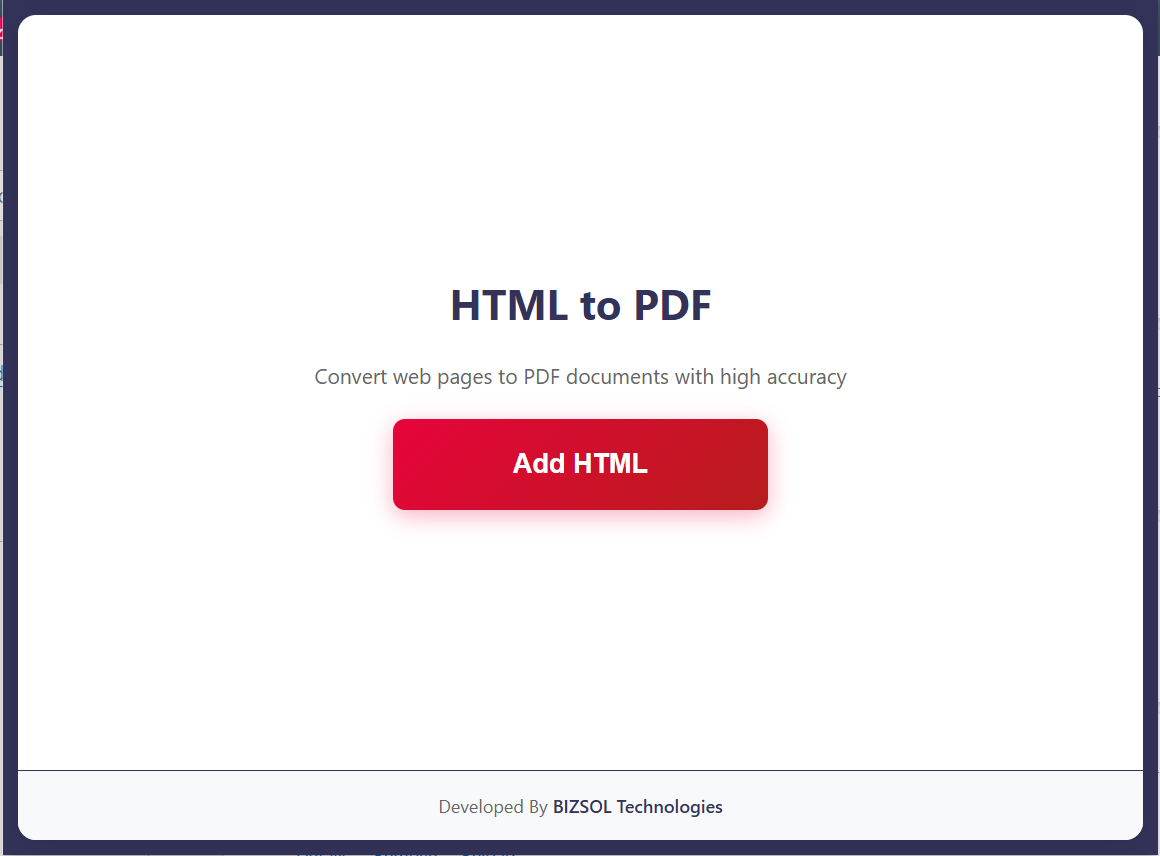
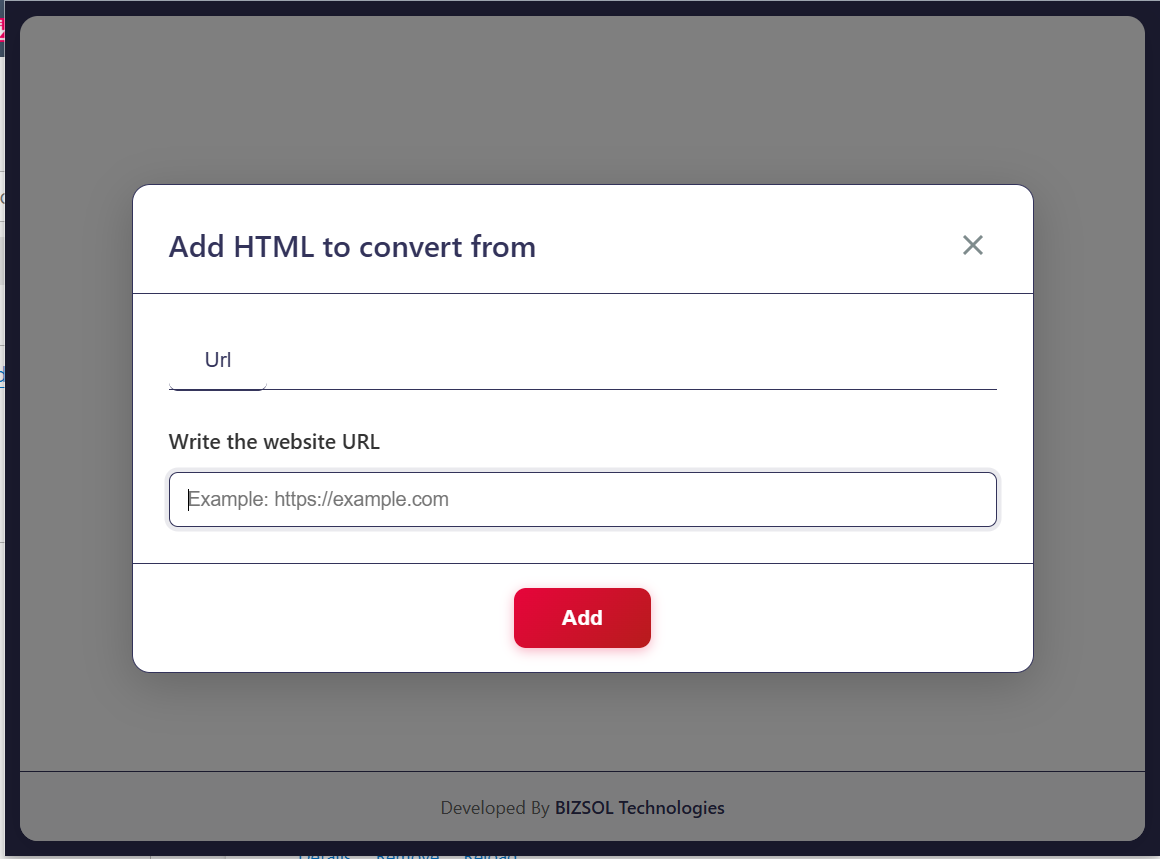
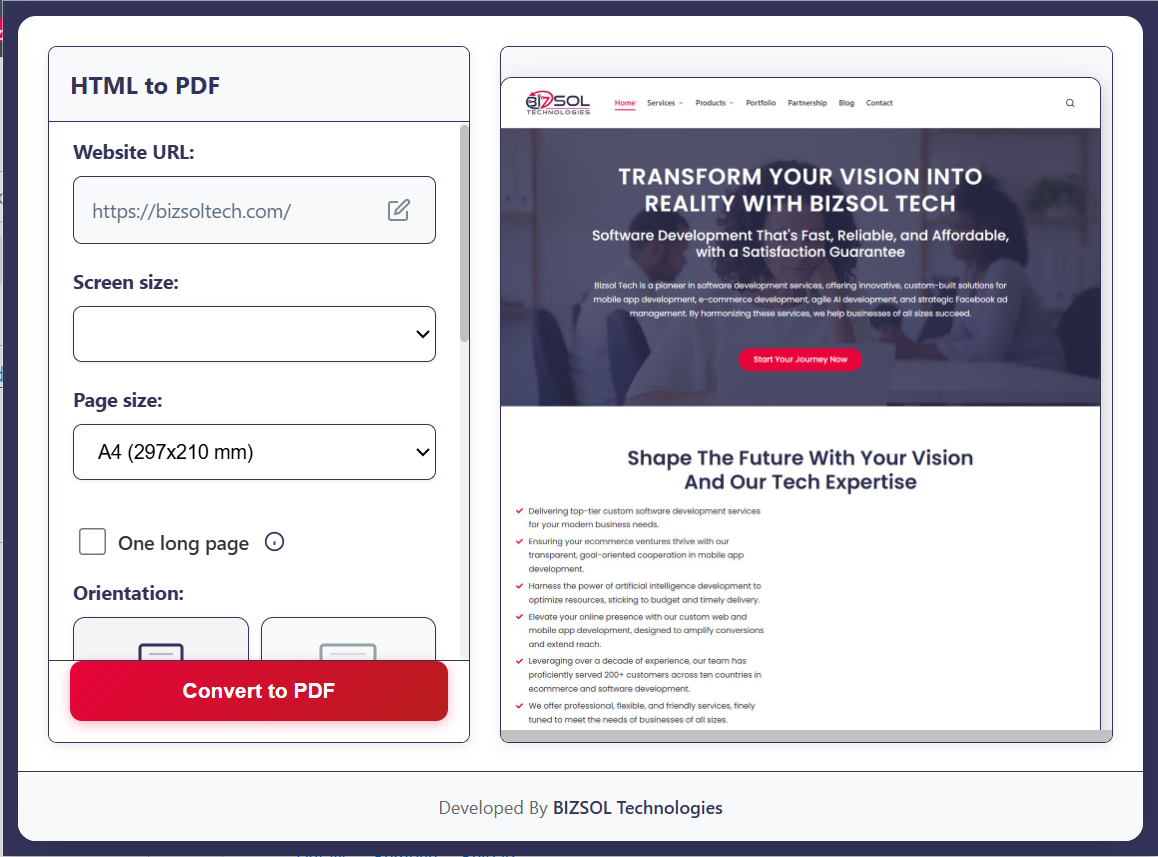
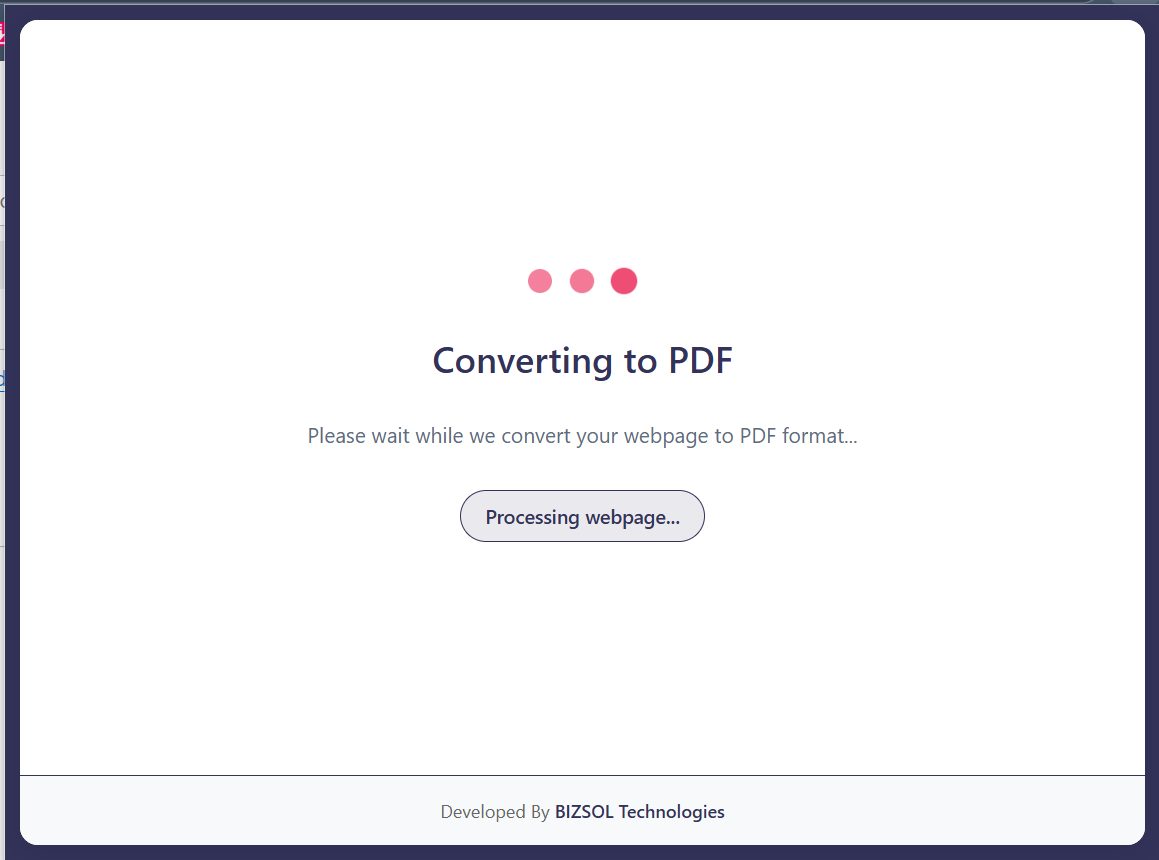
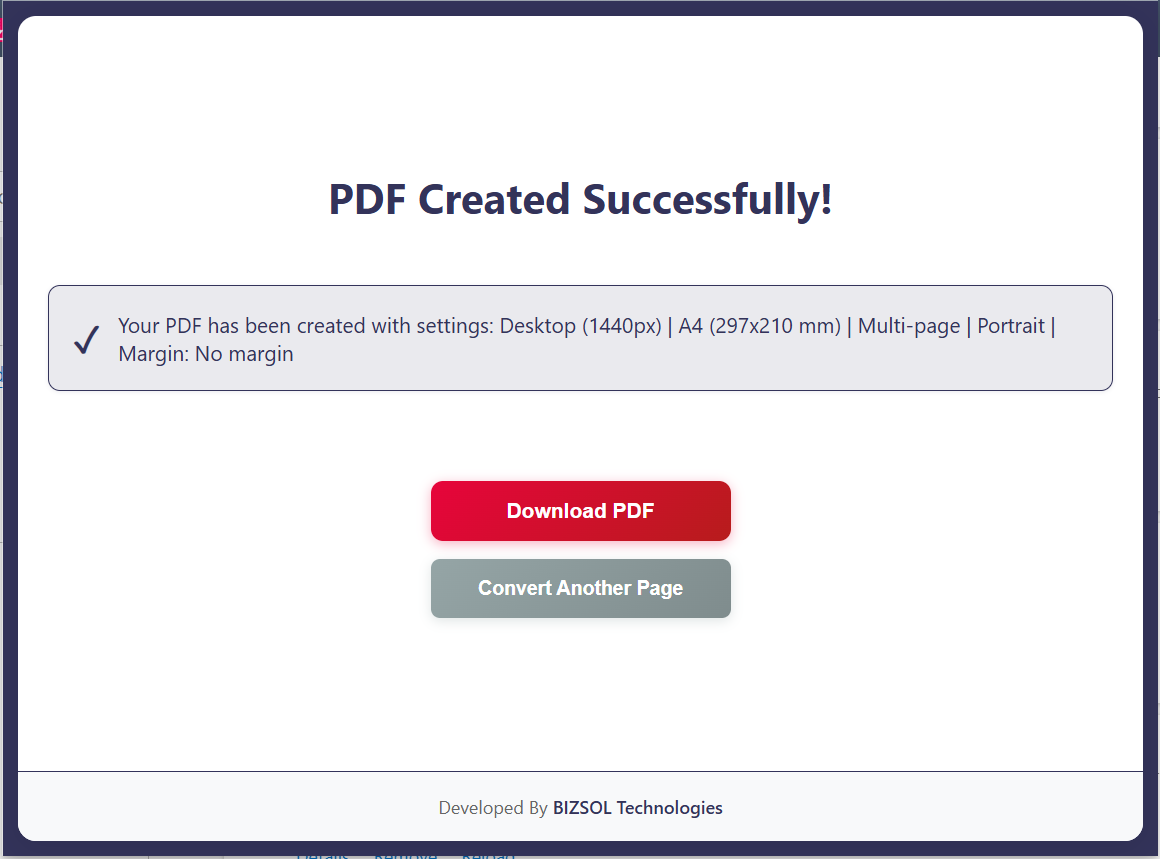
Common situations where a clean PDF export saves time and avoids confusion.
Send a PDF snapshot to clients and stakeholders in minutes.
Archive web invoices and receipts as PDFs for accounting.
Save policies and docs as PDFs for sharing or compliance.
One clear plan for individuals and single users.
One-time purchase for one user, with lifetime updates.
If it doesn’t fit your workflow, email support and we’ll refund within the guarantee window.
Support: support@bizsoltech.com · Docs: bizsoltech.com/plugins/html-to-pdf/
Built for practical workflows and backed by responsive help.
Designed to avoid uploading your content to unknown online tools. For strict compliance needs, follow your organization’s policies.
Email: support@bizsoltech.com
Docs: bizsoltech.com/plugins/html-to-pdf/
Typical response time: within 1 business day.
Short answers to the most common questions before you buy.
Yes. If you can view the page in Chrome, you can export it as a PDF.
No. The flow is designed to run locally in your browser; your pages and HTML files are not sent to external servers for conversion.
It aims for clean output. Some sites use complex scripts or print styles, so results can vary depending on the source.
No—$9 one-time per seat, with lifetime updates.
Chrome v120+ on Windows/macOS/Linux.
Access to the active page you choose to export and permission to download the PDF output. It does not track browsing history.
One seat is for one user. You can use it on your own devices where you’re the primary user.
14-day money-back guarantee. Email support with your order details to request a refund.
Save pages, URLs, and HTML files as PDFs you can share, store, and reuse.