Crop PDF – Single Seat License
One-time purchase for one user, with lifetime updates.
- $9 one-time payment
- Lifetime updates
- Use on your own Chrome profile
 Crop PDF
Crop PDF helps you remove white margins, trim uneven edges, and export a cleaner, print-ready copy you can share confidently—fast.
PDFs with thick borders and messy margins look unfinished—especially for printing, sharing with clients, or creating clean documentation. Crop PDF helps you trim the noise and keep only what matters.
Exported or scanned PDFs often include large white borders that reduce readability and make prints look amateur.
People bounce between tools, re-scan documents, or manually adjust layouts—just to get a clean, shareable file.
Trim PDF margins, apply the same crop across pages, and download a polished PDF without leaving your browser workflow.
Ideal for individuals and business owners who want fast, reliable PDF cleanup without learning a complex editor.
Deliver client PDFs that look clean, aligned, and ready to present or print.
Trim invoices, contracts, and reports for consistent margins and easier filing.
Crop scanned notes and papers to focus on content and reduce clutter.
Everything you need to crop PDF pages quickly and export a cleaner version—without bloat.
Drag to set the crop area precisely—no guesswork.
Apply the same crop to a range of pages for uniform output.
One crop, whole document—ideal for scanned PDFs.
Trim thick borders and improve readability instantly.
Confirm the crop visually before exporting.
Downloads a newly cropped PDF while keeping the original intact.
No heavy apps—just a fast browser workflow.
Fix uneven edges and messy scan borders quickly.
Crop multiple PDFs back-to-back with minimal clicks.
Simple pricing, clean results, and a workflow that fits how you already handle PDFs.
A fast, repeatable process you can finish in minutes.
A quick look at the full flow from selection to export.
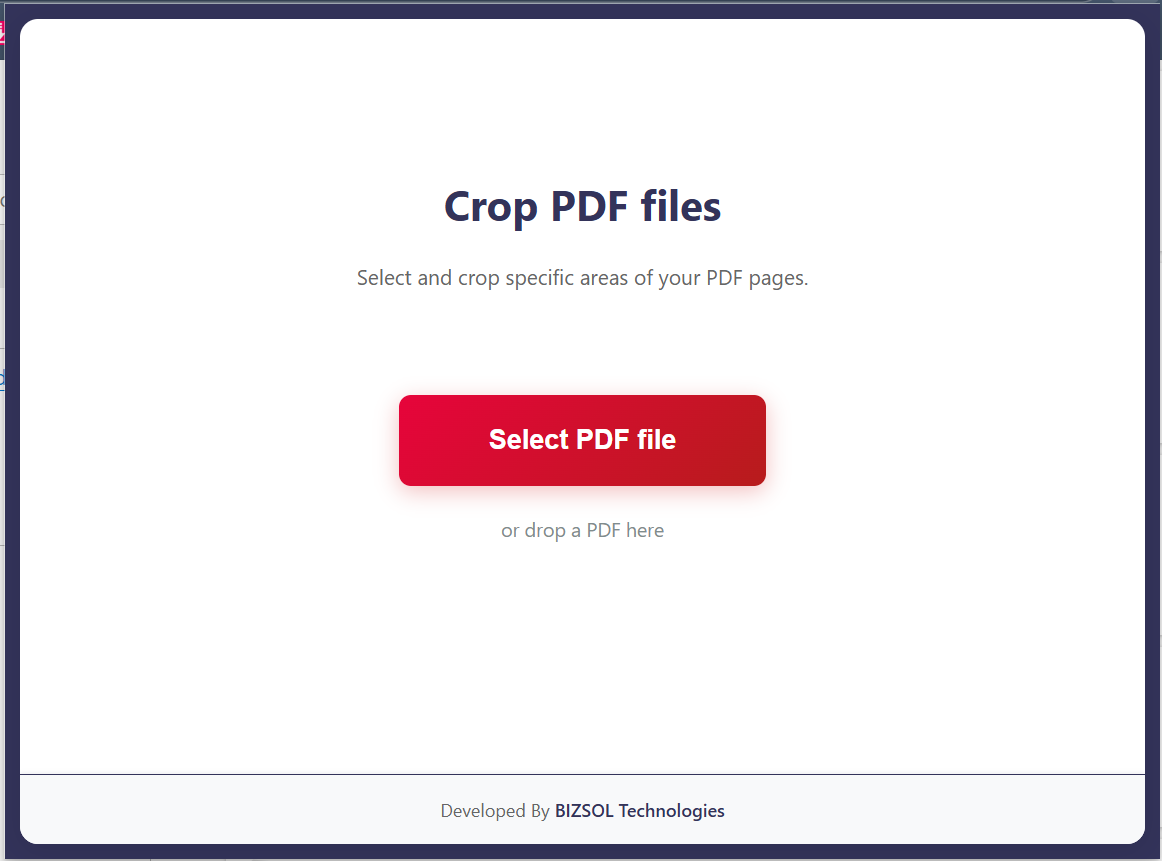
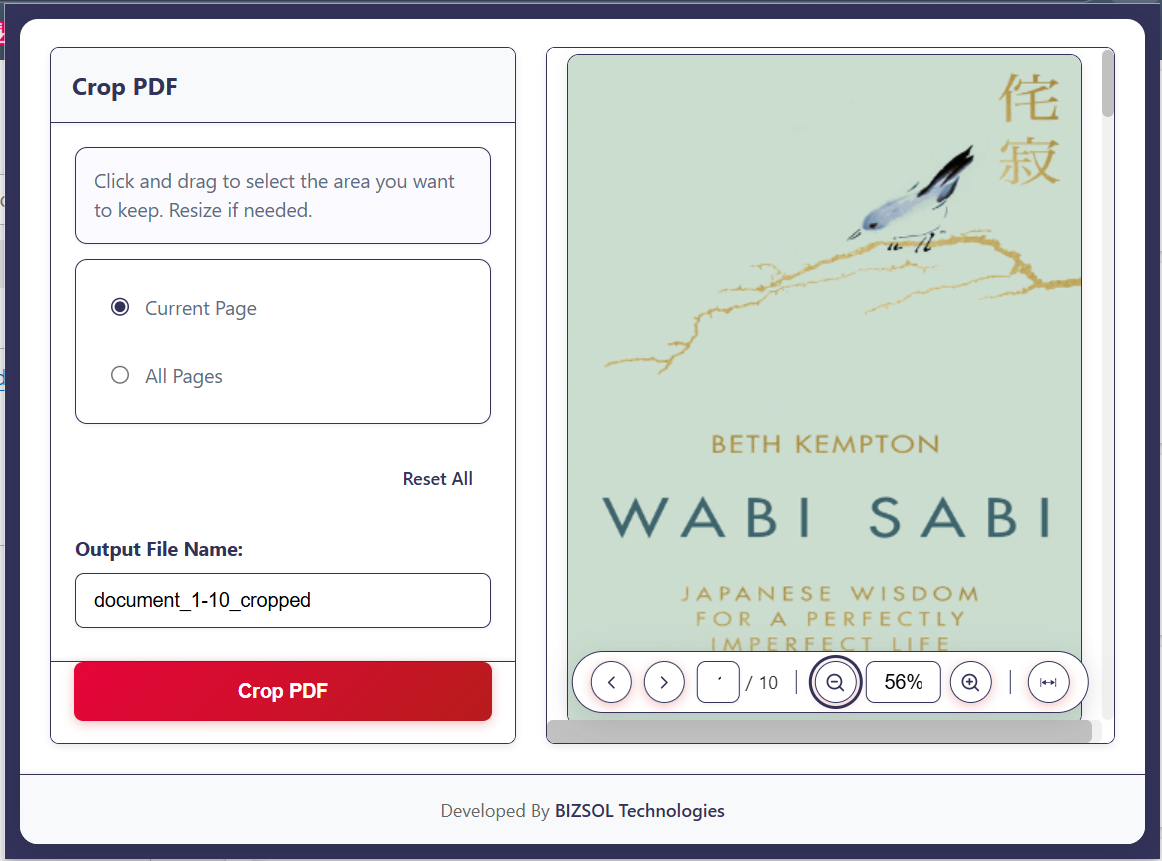
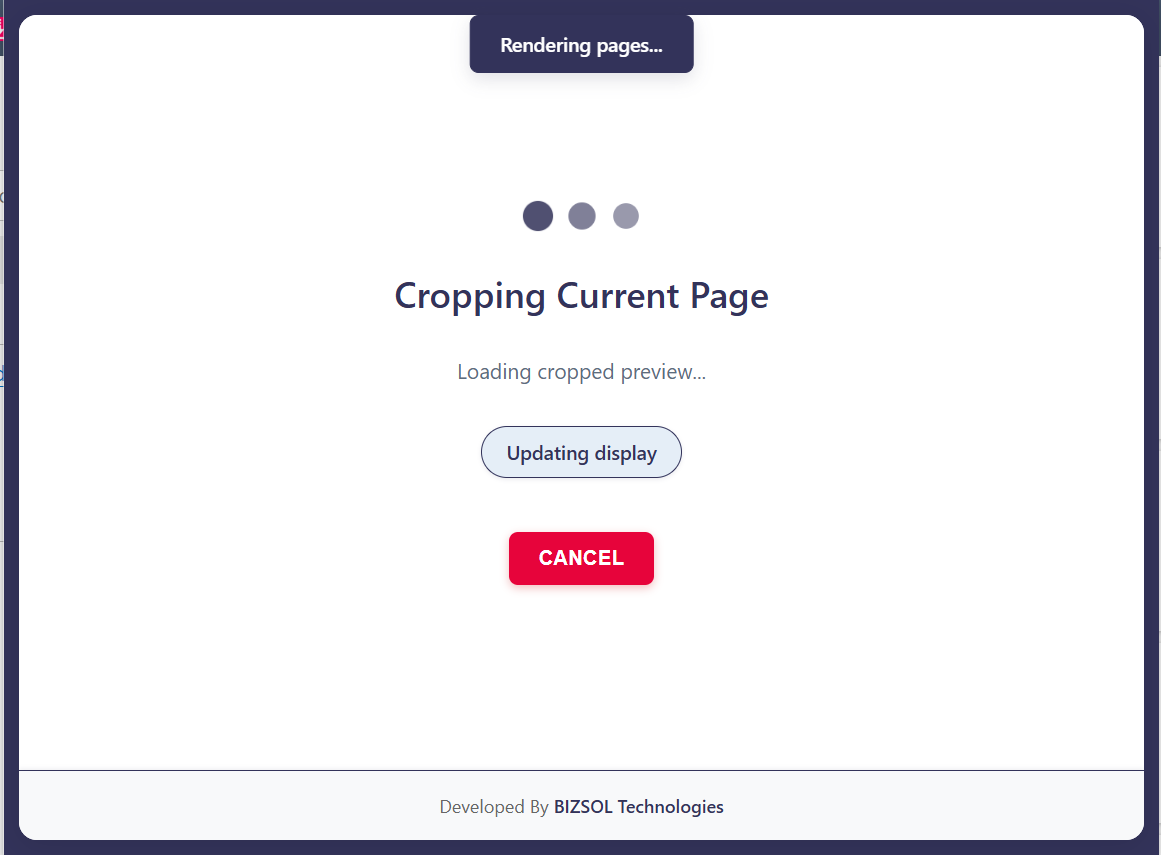
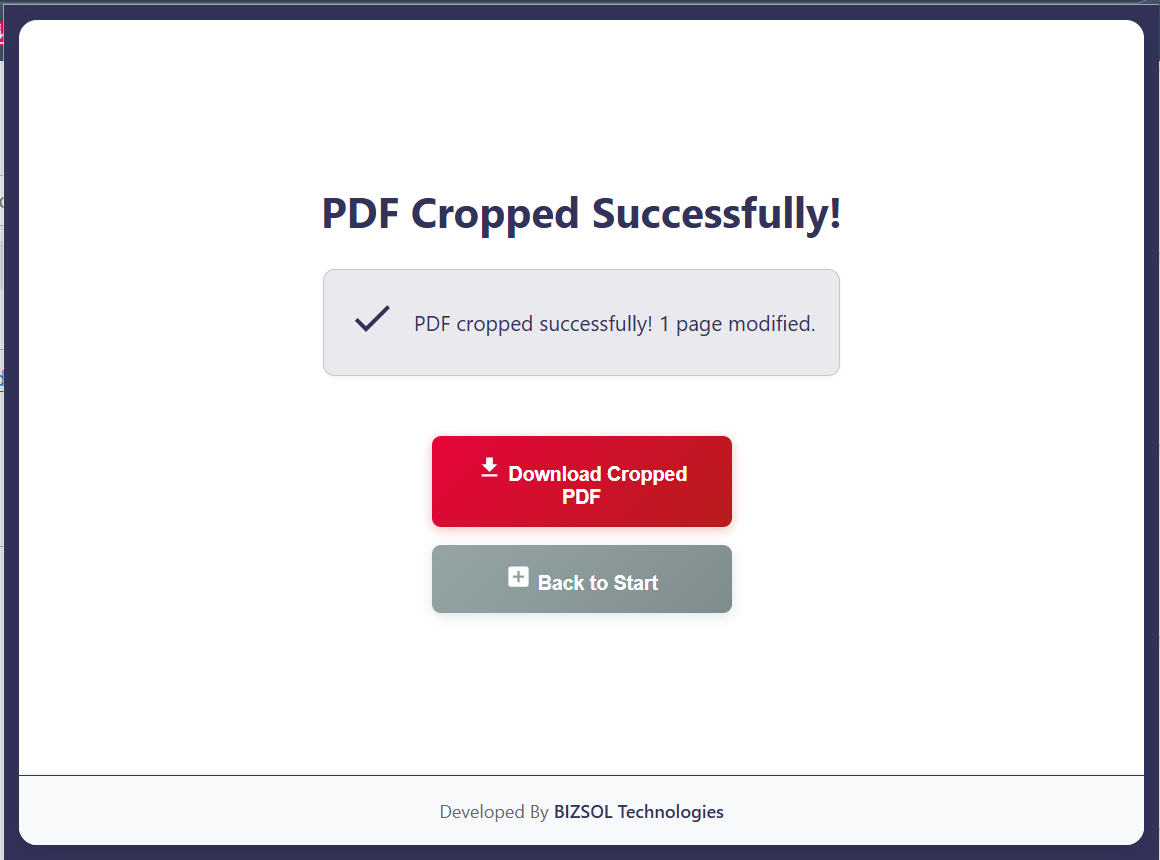
Common situations where quick cropping makes a real difference.
Remove white margins for a more premium, polished look.
Crop scanned PDFs to eliminate uneven borders and clutter.
Trim edges so content fits better and wastes less space.
One clear plan for individuals and single users.
One-time purchase for one user, with lifetime updates.
If it doesn’t fit your workflow, email support and we’ll refund within the guarantee window.
Support: support@bizsoltech.com · Docs: bizsoltech.com/plugins/crop-pdf/
Built for practical workflows and backed by responsive help.
Designed to avoid uploading PDFs to unknown online tools. For strict compliance, follow your organization’s policies.
Email: support@bizsoltech.com
Docs: bizsoltech.com/plugins/crop-pdf/
Typical response time: within 1 business day.
Short answers to the most common questions before you buy.
Yes. The workflow is designed to run locally in your browser so you can avoid web upload tools.
Yes—this is one of the most common use cases. You can apply the same crop to all pages for consistent scans.
No—$9 one-time per seat, with lifetime updates.
14-day money-back guarantee. Email support with your order details to request a refund.
Chrome v120+ on Windows/macOS/Linux.
No—cropping exports a new PDF copy. Your original file remains unchanged.
One seat is for one user. You can use it on your own devices where you’re the primary user.
Visit bizsoltech.com/plugins/crop-pdf/.
Trim margins, fix scan borders, export a polished copy—without leaving Chrome.